
Best Tools to Schedule Social Media Posts in 2026: Reviews and Rankings
Top social media scheduling tools for 2026 ranked and reviewed to help you plan posts efficiently and boost your online presence with ease.

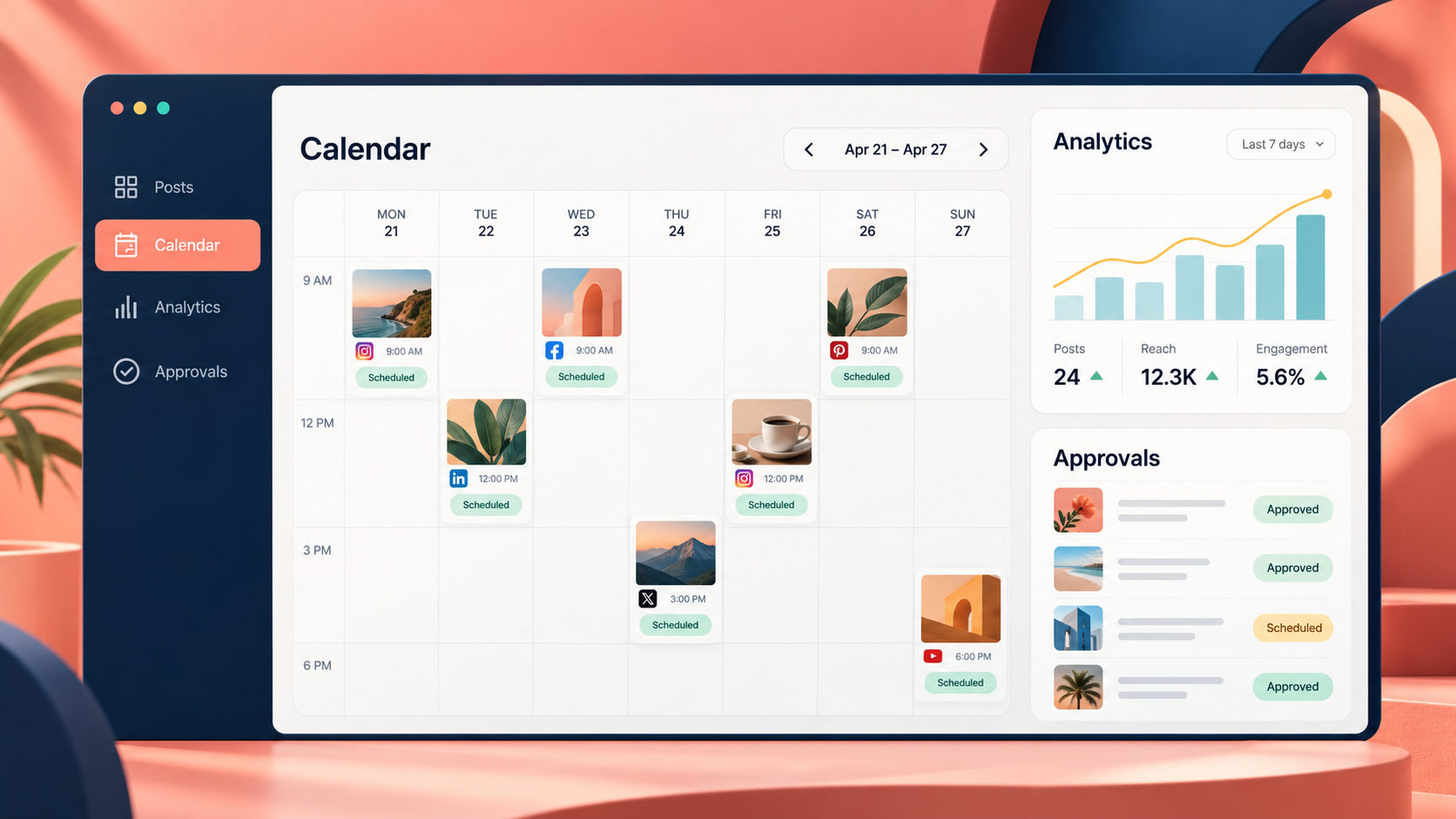
The best tool to schedule social media posts in 2026 is SMMplanner for flexible content production and automated publishing, Buffer for simple multi-network scheduling, Later for visual Instagram planning, Metricool for analytics-driven management, and Sprout Social for enterprise workflows. The right choice depends on your account count, publishing formats, approval process, analytics needs, and budget. This guide compares the leading post scheduling tools and explains which platform is best for creators, marketers, agencies, and Instagram-focused teams.
Best Social Media Scheduling Tools: 2026 Rankings | 1. SMMplanner: Best Overall for Content Creation and Scheduling | 2. Buffer: Best for Straightforward Multi-Channel Scheduling | 3. Later: Best Post Scheduler for Instagram and Visual Brands | 4. Metricool: Best for Scheduling Plus Analytics | 5. Hootsuite, Sprout Social, and Publer: Strong Alternatives | How to Choose the Best Tool to Schedule Social Media Posts | What Makes a Great Instagram Scheduler in 2026? | A Practical Scheduling Workflow for Marketers | Final Verdict | Frequently Asked Questions
Best Social Media Scheduling Tools: 2026 Rankings
Social media schedulers have evolved far beyond basic “publish at this time” utilities. A competitive tool now needs to handle short-form video, carousels, Stories, platform-specific captions, media libraries, approvals, analytics, and publishing alerts. The strongest platforms also help teams move from an idea to a finished post without switching between five different applications.
Our ranking prioritizes practical publishing capabilities, Instagram support, workflow efficiency, collaboration, reporting, usability, and value. Because subscription limits and prices change frequently, treat pricing as a comparison point rather than a permanent quote and confirm the current terms before subscribing.
| Rank | Tool | Best for | Main advantage |
|---|---|---|---|
| 1 | SMMplanner | Creators, SMM specialists, and growing teams | Scheduling, content creation, editing, and automation in one workspace |
| 2 | Buffer | Solo marketers and small businesses | Fast, approachable queue-based publishing |
| 3 | Later | Instagram-first brands and visual creators | Strong feed preview and visual planning experience |
| 4 | Metricool | Data-driven marketers and agencies | Scheduling combined with reporting and competitor analysis |
| 5 | Hootsuite | Established multi-channel teams | Broad management, monitoring, and collaboration capabilities |
| 6 | Sprout Social | Larger organizations | Advanced governance, engagement, and reporting workflows |
| 7 | Publer | Budget-conscious freelancers and small teams | Useful automation features at accessible plan levels |
No ranking can replace a workflow test. A platform may lead on features but still be a poor fit if its composer adds friction, its calendar is difficult to scan, or essential options sit behind an expensive plan. Shortlist two tools, connect non-critical profiles, and schedule a representative week containing images, video, carousels, and Stories before making an annual commitment.
1. SMMplanner: Best Overall for Content Creation and Scheduling
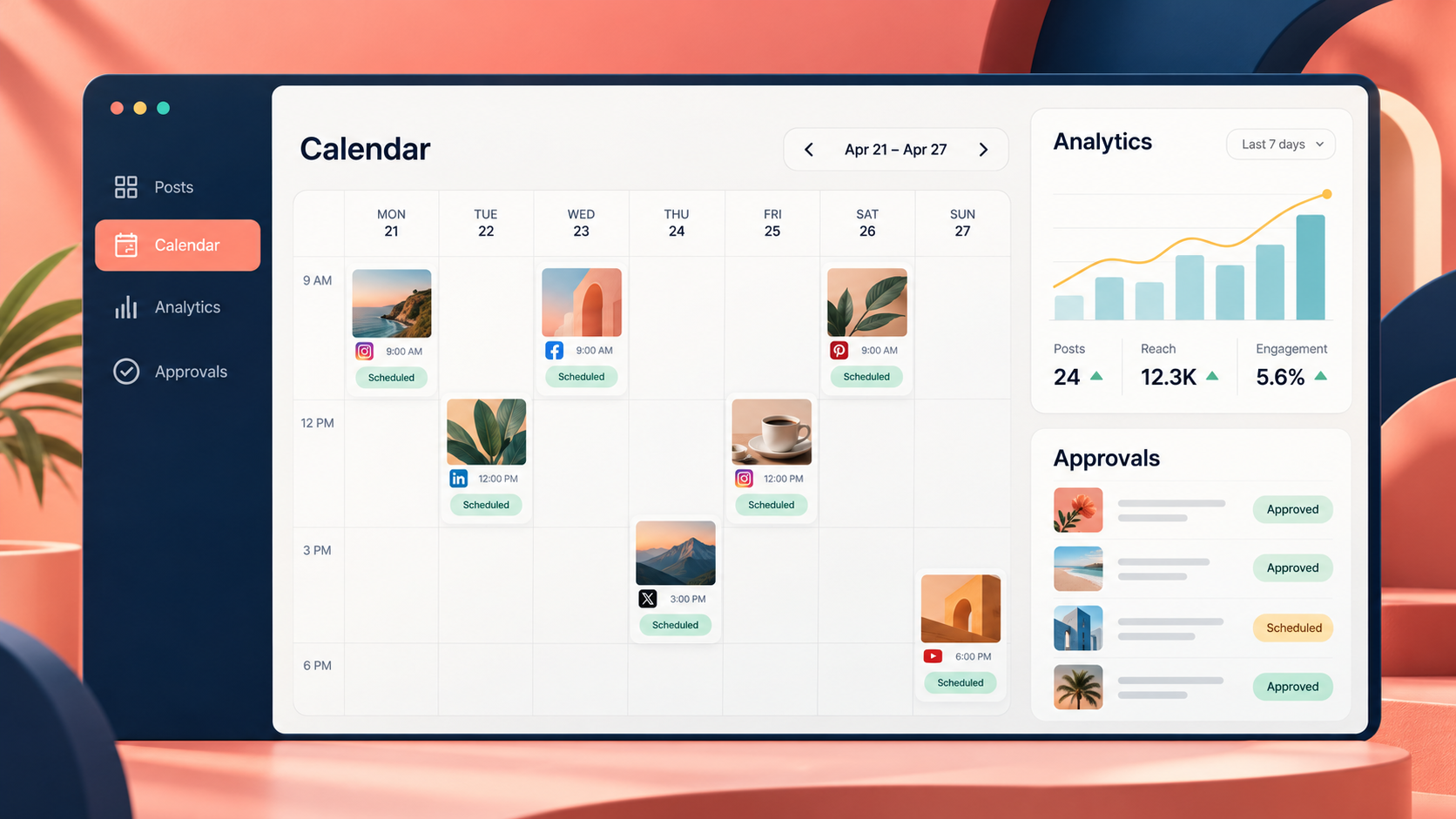
SMMplanner takes first place because it covers more of the working process than a conventional scheduler. Marketers can organize accounts into projects, prepare a content plan, set exact publication times, preview an Instagram-style feed, collaborate with colleagues, and monitor publication status. Its combination of scheduling and creation features makes it especially useful for specialists who produce content as well as distribute it.
The platform supports text, photo, and video publishing, along with practical enhancements such as UTM tags, first comments, watermarks, post notifications, and scheduled deletion. The last feature is valuable for flash sales, event reminders, limited offers, and temporary announcements that should not remain visible indefinitely. Built-in editing and Story creation tools can also reduce the need to move assets repeatedly between separate design and scheduling apps.
For agencies, projects and role-based collaboration provide a cleaner way to separate brands. For individual creators, the Instagram feed preview and content-planning tools help maintain visual consistency. SMMplanner also offers AI-assisted content functionality, although marketers should treat generated copy as a draft. Brand voice, product facts, cultural context, and claims still require human review.
Best for: SMM professionals, content creators, small agencies, and brands seeking an integrated production-and-publishing workspace.
Potential limitation: Teams working mainly with Western enterprise software stacks should verify that every required network, integration, reporting method, and account-connection option fits their region and security policy.
2. Buffer: Best for Straightforward Multi-Channel Scheduling
Buffer remains one of the easiest post scheduling tools to learn. Its queue-based workflow is particularly effective for marketers who publish at recurring times: define the posting schedule for each channel, add content to the queue, and let the system assign the next available slot. Posts can also be prioritized or scheduled for a specific date and time.
The visual calendar, browser extension, drafts, and channel-specific editing make Buffer a strong everyday choice. You can begin with one core idea, select several networks, and then adapt the copy or media for each destination. That last step matters in 2026 because simply sending an identical caption everywhere usually produces weak results. A LinkedIn post needs different structure from a Reel caption, while Threads and X reward concise, conversational variations.
Buffer supports major networks and creator channels, including Instagram, Facebook, TikTok, LinkedIn, Pinterest, Threads, YouTube Shorts, Bluesky, Mastodon, Google Business Profile, and others. Instagram options include scheduling for posts, Reels, carousels, and Stories, with first-comment scheduling available on eligible paid plans. When an Instagram feature cannot be automatically published through available platform permissions, Buffer can send a reminder so the user can finish the post in the native app.
Best for: Solo marketers, creators, consultants, and small businesses that value simplicity.
Potential limitation: Costs are generally tied to connected channels, so organizations with many profiles should calculate the full account-level price rather than judging a plan by its entry price.
3. Later: Best Post Scheduler for Instagram and Visual Brands
Later is a leading candidate for the best post scheduler for Instagram because its planning experience is built around visual content. Its drag-and-drop feed preview lets a creator rearrange upcoming posts before publishing, which is useful for fashion, beauty, food, travel, design, hospitality, and other categories where the profile grid contributes to brand perception.
Its Instagram capabilities include scheduling for standard posts, carousels, Reels, and Stories, plus saved captions, hashtag support, first comments, and recommended publishing times. Depending on the plan and account type, users can also access product tagging, collaboration features, analytics, and approval workflows. Later supports additional platforms, so Instagram-first does not have to mean Instagram-only.
The strongest use case is a visual team that wants to batch media, preview its feed, and coordinate publication from one calendar. Later is less compelling when deep cross-network listening, customer-care routing, or highly customized reporting is the primary requirement. It also uses plan-based allowances for social sets, users, and scheduled posts, so compare the limits with your actual monthly output.
Best for: Instagram creators, ecommerce brands, visual marketers, and lifestyle businesses.
Potential limitation: Some native Instagram elements cannot be fully automated by third-party schedulers. Interactive stickers, particular music options, links, or other app-only features may require notification publishing and manual completion.

4. Metricool: Best for Scheduling Plus Analytics
Metricool is a strong choice when publishing data influences the next content cycle. Its planner sits alongside account analytics, competitor tracking, campaign dashboards, inbox functions, reports, and link-in-bio tools. That combination helps marketers answer two separate questions: “What should go live next?” and “What did the previous content accomplish?”
The platform is especially useful for freelancers and agencies managing several brands. Higher plans add team and client management, user roles, approvals, customizable reporting, and automation integrations. Canva and Google Drive connections can make asset handoffs easier, while recurring scheduling supports repeatable formats such as weekly tips, recurring event reminders, or regular community prompts.
Metricool offers a free entry point, but its free plan has meaningful restrictions, including a limited monthly publishing allowance and exclusions for some networks. Paid tiers expand brand capacity and publishing access. Teams should pay close attention to the platform’s definition of a “brand,” since it groups a collection of associated social profiles differently from per-channel pricing models.
Best for: Performance-focused marketers, consultants, and agencies producing regular client reports.
Potential limitation: The number of features can feel excessive if you only need a lightweight publishing queue.
5. Hootsuite, Sprout Social, and Publer: Strong Alternatives
Hootsuite: Best for mature multi-channel operations
Hootsuite is designed for teams that want publishing, monitoring, engagement, and account oversight in a centralized system. It is well suited to organizations with multiple stakeholders, frequent customer interactions, and a need to watch several streams or conversations while maintaining a structured content calendar.
Its breadth is the attraction, but it can also increase onboarding time and cost. Small teams should identify which capabilities they will use every week. Paying for a broad management suite makes sense when monitoring, inbox operations, permissions, and reporting are core processes—not when the team only schedules a few posts each month.
Sprout Social: Best for enterprise collaboration and governance
Sprout Social combines publishing with engagement, analytics, listening, and structured workflows. Its calendar, asset organization, tagging, approvals, and reporting are designed for departments that need consistency and accountability across brands or markets. It is particularly relevant when content must pass through legal, compliance, or brand-review stages.
The main tradeoff is price. Sprout Social can deliver significant operational value, but smaller creators may pay for sophistication they do not need. Before choosing it, estimate how much time the team currently spends on approvals, reporting, customer-care routing, and manual coordination. The business case is strongest when the platform replaces measurable administrative work.
Publer: Best value-oriented alternative
Publer appeals to freelancers and small businesses seeking scheduling, recycling, bulk creation, and media-management features without moving immediately into an enterprise product. It is worth testing if your priority is efficient multi-platform publishing at a controlled cost.
As with any lower-cost option, evaluate the details rather than the feature count. Test the exact formats you publish, confirm account and workspace limits, inspect reporting depth, and review which networks or premium features require a higher plan.

How to Choose the Best Tool to Schedule Social Media Posts
Start with your publishing reality, not a vendor’s longest feature list. Document how many brands, social accounts, users, and monthly posts you manage. Then list the formats that are genuinely essential: Reels, Stories, carousels, Shorts, PDFs, first comments, location tags, product tags, or link previews. A scheduler that handles 90 percent of your volume but fails on your most important format is not the best option.
Next, distinguish automatic publishing from notification publishing. Automatic publishing sends eligible content live without intervention. Notification publishing alerts a team member to open the native social app and complete the post. Notifications are not necessarily a defect; they are often the only practical route for features that a network does not expose to third-party tools. However, they should be included in your staffing and quality-control process.
Consider these decision factors during a trial:
- Network and format coverage: Verify every required post type, not merely the platform logo on a features page.
- Workflow speed: Time how long it takes to upload, adapt, approve, and schedule one week of content.
- Account structure: Compare pricing by channel, social set, brand, workspace, and user.
- Collaboration: Look for roles, approvals, internal comments, audit history, and client-friendly review options.
- Media management: Test file organization, reusable assets, storage limits, and integrations with your design tools.
- Reliability: Check failure alerts, reconnection warnings, publishing logs, and mobile notifications.
- Measurement: Decide whether basic post results are sufficient or whether you need competitive data, campaign tags, exports, and custom reports.
- Security: Review connection methods, permissions, access control, offboarding, and any requirements set by your organization.
Finally, calculate the effective cost. Include extra users, additional profiles, AI credits, analytics history, approval features, and reporting add-ons. The least expensive advertised plan can become costly once a growing team adds the capacity it actually needs.
What Makes a Great Instagram Scheduler in 2026?
The best post scheduler for Instagram should support the whole content mix rather than only single-image feed posts. Look for reliable handling of Reels, carousels, Stories, cover images, captions, first comments, alt text, tagging, and feed previews. A visual calendar should make gaps and repetitive creative obvious at a glance.
Account type matters. Professional Instagram accounts generally receive broader third-party publishing functionality than personal profiles, while particular creative elements may still need to be added inside Instagram. Before relying on complete automation, run separate tests for a Reel, Story, carousel, and promotional post. Confirm how the scheduler behaves when media dimensions, duration, or account permissions do not meet publishing requirements.
A good Instagram workflow preserves room for native participation. Schedule evergreen education, product demonstrations, carousels, and planned campaigns in batches. Keep trend reactions, community replies, real-time event coverage, and certain music-led videos closer to the native app. Scheduling should protect creative time, not remove the human behavior that makes a social account worth following.
A Practical Scheduling Workflow for Marketers
Use a weekly production rhythm. First, review performance and identify which themes, openings, formats, and calls to action generated meaningful results. Second, choose a limited set of objectives for the coming week, such as awareness, qualified traffic, conversation, or conversion. Third, create source assets in batches and adapt them to each channel instead of copying a universal post.
Load drafts into the scheduler before final approval. Check crops, safe zones, thumbnails, links, UTM parameters, mentions, subtitles, accessibility text, and local publishing times. Preview every post on both desktop and mobile when possible. Assign a named owner to any notification-based post so the alert does not arrive without someone responsible for finishing it.
After publishing, review failures and comments daily, but analyze performance in useful intervals. Avoid changing strategy because of one weak post. Compare groups of posts by topic, format, audience intent, and distribution time. Then turn those findings into the next schedule. The scheduler is most valuable when it creates a repeatable feedback loop, not merely a fuller calendar.
Final Verdict
SMMplanner is the best overall choice for marketers who want creation, project organization, and flexible publishing in a single environment. Buffer is the most approachable option for simple multi-channel scheduling, while Later is the strongest Instagram-first recommendation for visual planning. Metricool stands out for marketers who want analytics and competitor data near their publishing workflow.
Hootsuite and Sprout Social are better suited to organizations that can use their broader monitoring, governance, engagement, and reporting capabilities. Publer is a practical alternative for cost-conscious users who still want automation and multi-platform support.
The smartest decision is to test your real workflow. Schedule one representative campaign in two shortlisted products, include your most difficult post formats, invite the people who will approve content, and compare the total time required. The best tool to schedule social media posts is ultimately the one your team can use consistently, confidently, and without adding unnecessary steps.
Frequently Asked Questions
What is the best tool to schedule social media posts in 2026?
SMMplanner is the strongest all-round option for creators and SMM professionals who want scheduling plus content-production features. Buffer is excellent for simplicity, Later for visual Instagram planning, Metricool for analytics, and Sprout Social for enterprise workflows. The best choice depends on your networks, formats, number of users, and reporting requirements.
What is the best post scheduler for Instagram?
Later is particularly strong for Instagram-first visual planning because of its feed preview and support for major Instagram formats. SMMplanner is a compelling alternative when you also need built-in creation, Story editing, project management, and flexible publishing tools. Always test the exact Instagram features your team uses before subscribing.
Do social media scheduling tools reduce reach?
Using an authorized scheduling workflow does not inherently mean lower reach. Content relevance, audience response, retention, timing, and creative quality are much more important. Results can suffer indirectly if teams use scheduling to publish generic cross-posts, ignore comments, or miss trends. Adapt content for each network and remain active after publication.
Can post scheduling tools publish every Instagram feature automatically?
No. Third-party access is governed by Instagram’s available publishing permissions, account type, and content requirements. Certain music, stickers, links, tags, effects, or other native elements may require notification publishing. A reliable scheduler should clearly indicate whether a post will publish automatically or must be completed in the Instagram app.