
Facebook Content Planner: Planning Your Social Posts Efficiently
Effective Facebook content planning helps you schedule posts strategically to boost engagement and maintain a consistent social media presence.


A Facebook content planner helps marketers organize ideas, prepare assets, schedule posts, and maintain a consistent publishing rhythm without managing every update manually. By combining a clear content strategy with a reliable Facebook post scheduler, you can plan campaigns in advance, coordinate contributors, publish at appropriate times, and improve performance using real data. This guide explains how to build an efficient planning workflow and choose the right tools for your brand.
Why You Need a Facebook Content Planner | Build a Facebook Content Strategy Before Scheduling Posts | How to Create an Efficient Facebook Content Calendar | How to Choose the Right Facebook Post Scheduler | A Step-by-Step Facebook Scheduling Workflow | Organizing Campaigns, Assets, and Approvals | Measuring Results and Improving Your Plan | Common Facebook Content Planning Mistakes | Frequently Asked Questions
Why You Need a Facebook Content Planner
Effective Facebook marketing requires more than posting whenever inspiration appears. A business page may need to support product launches, seasonal campaigns, educational content, community conversations, customer stories, and promotional offers at the same time. Without a planning system, these priorities compete for attention and create an inconsistent feed.
A Facebook content planner provides one place to see what will be published, when it will go live, and how each post contributes to a broader marketing objective. It turns scattered ideas into an intentional schedule. Instead of asking, “What should we post today?” your team can focus on producing better creative, responding to comments, and learning from results.
Planning also protects content quality. When posts are prepared in advance, there is more time to check links, improve copy, resize visuals, confirm campaign details, and obtain approvals. This reduces last-minute errors such as outdated prices, missing calls to action, inconsistent branding, or posts scheduled for the wrong time zone.
Consistency is another major advantage. A dependable publishing cadence keeps the page active and gives followers regular opportunities to interact with the brand. Consistency does not mean publishing every day. It means selecting a realistic frequency and maintaining it while balancing promotional, educational, entertaining, and community-focused content.
For teams, a planner creates visibility and accountability. Writers can see upcoming briefs, designers can anticipate asset requests, and managers can review posts before deadlines. Even a solo creator benefits because ideas, drafts, media files, and publication dates remain connected instead of being distributed across notes, chats, and folders.

Build a Facebook Content Strategy Before Scheduling Posts
A scheduling tool cannot compensate for an unclear strategy. Before filling a calendar, define what your Facebook presence is expected to achieve. Common objectives include increasing brand awareness, generating qualified website visits, nurturing an existing community, collecting leads, supporting sales, or improving customer retention.
Connect every planned post to one primary objective. For example, a short tutorial may build authority, a customer testimonial may reduce purchase hesitation, and a limited-time offer may drive conversions. Assigning a purpose prevents the calendar from becoming a random collection of attractive but disconnected posts.
Next, define several content pillars. These are repeatable themes that reflect audience needs and business priorities. A fitness brand might use workout education, member success stories, nutrition tips, product guidance, and community challenges. A software company might focus on practical tutorials, industry insights, customer use cases, product updates, and company culture.
Content pillars make idea generation easier because the team starts with useful categories instead of a blank page. They also reveal imbalances. If nearly every post is promotional, the calendar will show that immediately. A healthier mix usually delivers value before asking for attention, clicks, or purchases.
Create a simple posting cadence based on available resources. A smaller brand may publish three strong posts per week, while a media company may need several daily updates. Choose a pace your team can maintain without sacrificing relevance or creative quality. Then assign recurring slots, such as an educational carousel on Tuesday, a community question on Thursday, and a customer story on Saturday.
Finally, document your audience assumptions. Record the problems followers want to solve, the language they use, the formats they prefer, and the reasons they might engage. Review these assumptions against page analytics, customer interviews, sales conversations, and comment threads. A useful Facebook social media planner should reflect actual audience behavior rather than generic posting advice.
How to Create an Efficient Facebook Content Calendar
Begin with a monthly overview. Add fixed dates first, including launches, events, holidays, webinars, promotions, and important company announcements. These dates form the structure of the calendar and reveal when production must begin. A campaign scheduled for the final week of the month may require photography, copy, approvals, and landing-page preparation several weeks earlier.
For each post, track at least the publication date, time, content pillar, format, objective, copy, asset location, destination link, owner, and approval status. Campaign tags and tracking parameters are also useful when posts drive traffic. Avoid creating so many fields that updating the planner becomes more difficult than publishing the content.
Use clear workflow stages such as Idea, Briefing, In Production, Review, Approved, Scheduled, Published, and Repurpose. These labels make bottlenecks visible. If several posts remain in review shortly before their publication dates, the problem may be the approval process rather than content production.
Plan in batches wherever possible. One focused session can generate a month of campaign themes. Another can produce multiple briefs, while a separate session handles copywriting or visual creation. Batch work reduces context switching and helps maintain a consistent voice across related posts.
Leave room for timely content. A fully packed calendar may look efficient, but it limits your ability to respond to relevant news, customer conversations, or unexpected opportunities. Consider reserving 10% to 20% of publishing capacity for reactive posts. Evergreen content can be moved if an important development deserves attention.
Review the calendar weekly, even when the entire month has already been scheduled. Confirm that offers remain valid, links work, assets use the correct dimensions, and posts still fit the surrounding context. Scheduled content should reduce repetitive work, not remove human judgment from the publishing process.
How to Choose the Right Facebook Post Scheduler
The best scheduler is not necessarily the tool with the longest feature list. It is the one that supports your actual publishing workflow. A solo creator may prioritize speed and simplicity, while an agency may need client workspaces, permissions, approval trails, and detailed reporting.
Start by checking format support. Your Facebook post scheduler should handle the content types you publish regularly, including images, videos, links, and other supported page formats. Verify whether the tool publishes content directly or sends a reminder requiring manual completion. Direct publishing is usually more efficient, but some formats or platform limitations may still require intervention.
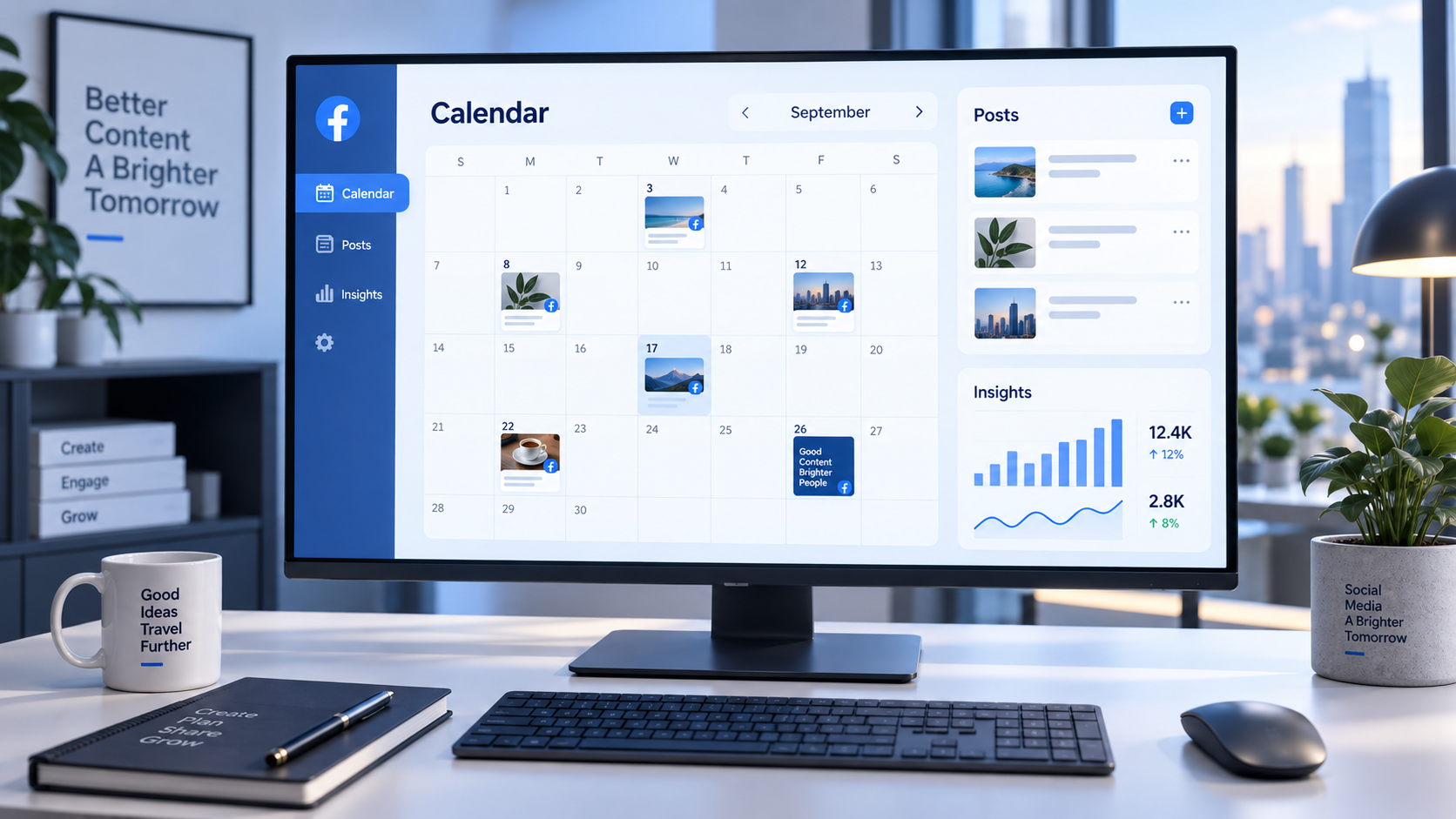
Look closely at calendar usability. You should be able to understand the publishing schedule at a glance, move posts without rebuilding them, filter content by campaign or status, and identify empty periods. A drag-and-drop calendar is valuable when plans change frequently.
Collaboration features matter when several people contribute. Useful capabilities include draft assignments, approval stages, internal comments, version history, role-based access, and clear notifications. These tools reduce long message threads and prevent unapproved drafts from reaching the public page.
Media management is equally important. A centralized asset library makes it easier to locate approved images, videos, logos, and templates. Search, tags, folders, and previews can save significant time, especially when one asset supports several channels or campaign variations.
Evaluate analytics beyond surface-level reporting. The tool should help you compare formats, publishing times, topics, and calls to action. Useful metrics may include reach, engagement, link clicks, video retention, and conversion data. However, reports only become valuable when they support decisions. A simpler report that reveals which content pillars perform best may be more actionable than a crowded dashboard.
Finally, consider reliability, pricing, time-zone controls, customer support, mobile access, and integration with the rest of your workflow. Test the scheduler with real content before committing. Build several posts, request an approval, reschedule an item, preview the result, and inspect a report. A short practical trial will expose friction that feature comparison pages often hide.


A Step-by-Step Facebook Scheduling Workflow
Start each planning cycle by reviewing recent performance. Identify posts that generated meaningful results, not merely the highest number of reactions. If your objective is website traffic, prioritize click-through rate and relevant conversions. If community growth is the goal, examine comments, shares, repeat engagement, and the quality of conversations.
Next, collect ideas from multiple sources. Useful inputs include customer questions, search queries, sales objections, competitor positioning, product updates, industry discussions, previous high-performing posts, and recurring seasonal needs. Store ideas in an accessible backlog and tag them by content pillar, funnel stage, format, and effort level.
Select ideas for the next planning period and turn them into briefs. Each brief should identify the audience, objective, key message, supporting evidence, desired format, and call to action. Clear briefs reduce revision cycles and help creative contributors understand why the post exists.
Produce the copy and assets, then preview them together. Strong copy cannot rescue a confusing visual, and a beautiful image cannot compensate for a vague message. The opening line should earn attention, the body should deliver value, and the call to action should tell readers what to do next. Keep mobile viewing in mind because lengthy introductions and small visual text can weaken performance.
Run an editorial and operational review before scheduling. Check facts, names, dates, links, tracking parameters, spelling, accessibility, brand voice, and visual rights. Add useful alt text when supported. Confirm that the post does not conflict with another campaign or repeat a recent message too closely.
Schedule approved posts at times supported by your audience data. Generic “best time to post” studies can provide a starting point, but your own insights are more relevant. Test several time windows while keeping other variables reasonably consistent, then compare results over multiple weeks.
After publication, monitor comments and questions. Scheduling is only the distribution stage; community management is where the brand becomes responsive and human. Assign responsibility for replies, define escalation rules for sensitive issues, and avoid publishing high-stakes posts when nobody is available to monitor the response.
Organizing Campaigns, Assets, and Approvals
A Facebook content planner becomes especially useful when several posts support one campaign. Group related content under a shared campaign name and connect every post to the same objective, audience, offer, and landing page. This creates continuity while still allowing each post to approach the message from a different angle.
For example, a product launch sequence might include an early teaser, a problem-focused educational post, a behind-the-scenes video, a feature demonstration, a customer quotation, a launch announcement, and a follow-up FAQ. Scheduling these pieces as a sequence prevents repetitive messaging and guides the audience from awareness toward action.
Use consistent file names and asset versions. A practical naming structure can include the campaign, channel, publication date, format, and version number. Mark final assets clearly and archive outdated versions. This simple discipline prevents the wrong graphic or expired offer from being published.
Build approval deadlines into the calendar rather than treating approval as a final-minute task. If a post must go live on Friday, the reviewer may need it by Wednesday. Regulated industries, partner campaigns, and paid promotions may require additional time for legal or stakeholder review.
Define who can draft, edit, approve, schedule, and publish. Small teams may combine these responsibilities, but ownership should still be explicit. A lightweight approval process might involve one content owner and one final reviewer. More complex organizations may require brand, product, legal, and regional approval.
Prepare a contingency plan for outdated or sensitive scheduled content. Know who can pause the queue during a crisis, major news event, technical outage, or sudden change in an offer. Automation provides leverage, but the team must retain control over what appears and when.
Measuring Results and Improving Your Plan
Evaluate content against the objective assigned during planning. Awareness posts may be assessed through reach, impressions, video views, or audience growth. Consideration content may focus on engaged sessions, saves, comments, and link clicks. Conversion-oriented posts should be connected to leads, purchases, registrations, or another meaningful business outcome.
Compare content pillars and formats over a useful period, such as four to eight weeks. A single post can be affected by timing, news, distribution, or creative execution. Repeated patterns provide stronger evidence. If tutorials consistently generate saves and qualified clicks, increase their share of the calendar or adapt them into a recurring series.
Review weak posts with curiosity instead of immediately abandoning the topic. The idea may have been valuable but packaged poorly. Test a clearer opening, a more specific visual, a shorter caption, a stronger proof point, or a different call to action. Change one important variable at a time when possible so the result is easier to interpret.
Create a short monthly report that answers practical questions: What worked? What underperformed? Which audience needs appeared in comments? Which formats were efficient to produce? What should be repeated, revised, or stopped? Add these conclusions to the next planning cycle.
Efficiency should also be measured. Track production time, missed deadlines, revision volume, and the percentage of posts scheduled in advance. A successful Facebook social media planner improves both content performance and operational clarity. If maintaining the planning system consumes excessive time, simplify fields, templates, or approval steps.
Common Facebook Content Planning Mistakes
One common mistake is scheduling too far ahead without reviewing the queue. Long-range planning is useful for campaigns and evergreen topics, but details can change. Establish a weekly quality check so scheduled posts remain accurate and contextually appropriate.
Another mistake is using the same format repeatedly because it is easy to produce. A calendar filled with similar link posts may become predictable. Experiment with video, useful graphics, questions, customer stories, and behind-the-scenes material while maintaining a recognizable brand identity.
Overpromotion is also damaging. If nearly every post asks followers to buy, register, or book a call, engagement may decline. Use the calendar to maintain a deliberate value exchange. Teach, entertain, inform, or invite participation regularly, then introduce promotional messages when they are relevant.
Teams also lose efficiency when feedback arrives through several channels. Comments in email, chat, documents, and design tools can conflict. Choose one location for final feedback and make one person responsible for consolidating changes.
Finally, do not treat scheduled publication as the end of the workflow. Reserve time for moderation, measurement, and repurposing. A strong Facebook post can become a short video, an updated graphic, an email section, or a follow-up post based on audience questions. The most efficient planners help successful ideas travel further.
Frequently Asked Questions
What is a Facebook content planner?
A Facebook content planner is a system or tool used to organize post ideas, campaigns, copy, media, publication dates, responsibilities, approvals, and results. It may be a dedicated social media platform, a project-management calendar, or a structured spreadsheet. The best option is the one that gives your team clear visibility from idea to performance review.
How far in advance should Facebook posts be planned?
Most brands benefit from planning core content two to four weeks ahead while reviewing scheduled posts weekly. Major campaigns may require several months of preparation. Leave open space for timely topics, community responses, and business changes so the calendar remains flexible.
Can a Facebook post scheduler improve engagement?
A scheduler does not guarantee engagement, but it can improve the conditions that support it. Consistent publishing, better preparation, audience-based timing, balanced content, and reliable follow-up all make strong performance more likely. The creative idea and its relevance to the audience remain the most important factors.
What should I look for in a Facebook social media planner?
Prioritize reliable publishing, an intuitive calendar, support for your main content formats, previews, media organization, approval controls, analytics, time-zone management, and pricing that fits your workflow. Test the complete process—from drafting through reporting—before selecting a tool for long-term use.