
Facebook Instagram Scheduler: Tools and How to Use Them
Effective Facebook and Instagram scheduling tools help streamline social media management and boost engagement with timely, consistent posts.


A Facebook Instagram scheduler lets you plan, create, approve and automatically publish content across both platforms from one place. The right tool can save hours of manual work, keep campaigns consistent and help your team publish when audiences are most active. This guide compares the best scheduling options and explains how to schedule Facebook and Instagram posts efficiently without sacrificing quality, engagement or platform-specific strategy.
Why Schedule Facebook and Instagram Posts Together? | Best Facebook Instagram Scheduler Tools | How to Schedule Facebook and Instagram Posts Step by Step | Build a Practical Scheduling Strategy | Optimize Posts for Each Platform | Choose the Best Times to Publish | Common Scheduling Mistakes to Avoid | A Weekly Workflow for Social Media Teams | Frequently Asked Questions
Why Schedule Facebook and Instagram Posts Together?
Facebook and Instagram share Meta’s advertising infrastructure and many publishing features, but managing them separately still creates unnecessary work. Marketers must switch between accounts, remember publishing times, resize creative assets and check whether every campaign message went live correctly. A combined scheduler turns these disconnected activities into a repeatable content workflow.
The most obvious benefit is consistency. Scheduling allows you to maintain a reliable presence even during busy periods, weekends, product launches or staff absences. Instead of rushing to publish something every day, you can prepare a balanced content calendar in advance. This makes it easier to alternate promotional posts with educational content, community stories, customer testimonials and entertaining formats.
A social media scheduler for Facebook and Instagram also improves campaign coordination. A brand can announce a product on Facebook, publish a supporting Instagram carousel and schedule a Reel for later in the day. Every asset remains connected to the same campaign, while captions and calls to action can be adapted for each audience.
Scheduling also supports better quality control. When posts are created in batches, marketers have time to check spelling, links, tags, disclosures, brand language and visual consistency. Teams can review content before publication rather than fixing mistakes after followers have already seen them.
- Save time: Create and schedule a week or month of posts in focused sessions.
- Publish consistently: Maintain an active presence without relying on daily reminders.
- Coordinate campaigns: Align launches, promotions and recurring content across both networks.
- Improve collaboration: Give writers, designers and approvers visibility into upcoming posts.
- Use performance data: Publish at proven times and refine the calendar using analytics.

Best Facebook Instagram Scheduler Tools
The best tool depends on the number of accounts you manage, the formats you publish and the people involved in approval. A solo creator may need a fast calendar and reliable automatic publishing. An agency may prioritize client workspaces, permissions, approval links and detailed reporting. Before subscribing, confirm that the tool supports your required post types; support for Stories, Reels, carousels, first comments and location tags can vary.
Meta Business Suite
Meta Business Suite is the most direct free option for businesses managing connected Facebook Pages and Instagram professional accounts. Its Planner shows scheduled and published content across both platforms. Users can create posts, Stories and supported short-form video content, choose publication dates and review basic performance data.
Business Suite is a strong choice when you only manage Meta channels and want native functionality without another subscription. Because it is operated by Meta, new publishing features often appear there early. Its limitations become more noticeable when you need to coordinate several brands, manage complex approvals or combine Meta content with networks such as LinkedIn, TikTok or Pinterest.
SMMplanner
SMMplanner is designed for structured content planning and scheduled social publishing. It is useful for creators, social media managers and agencies that want to organize posts ahead of time, manage multiple profiles and reduce repetitive manual publishing. A calendar-based workflow helps teams see content gaps, prepare campaigns in batches and maintain a steady cadence.
For a Facebook Instagram scheduler workflow, use SMMplanner to centralize content preparation while preserving platform-specific captions and formats. Create campaign groups or categories, upload approved visuals, set publication times and conduct a final review before posts enter the queue. This approach is especially valuable when one specialist manages several projects.
Buffer
Buffer is known for a straightforward interface and accessible scheduling workflow. It works well for individual creators and small teams that want to add posts to a queue, view upcoming content and publish across multiple social networks. Its simplicity reduces onboarding time, although advanced collaboration and analytics features may require a higher-tier plan.
Later
Later began with a strong focus on visual planning and remains useful for Instagram-led brands. Its calendar and feed-preview features help marketers evaluate how upcoming posts will look together. It can also support Facebook publishing, making it suitable for fashion, food, travel, beauty and lifestyle teams whose workflows begin with visual assets.
Hootsuite and Sprout Social
Hootsuite and Sprout Social target teams that need broader social media management capabilities. Beyond scheduling, they offer combinations of engagement inboxes, monitoring, analytics, permissions and approval processes. These platforms may be more expensive than a basic scheduler, but their governance and reporting features can be worthwhile for larger organizations and agencies.
Do not choose an Instagram and Facebook post scheduler from its feature list alone. Test the actual workflow: connect a non-critical account, create several formats, invite a colleague, revise an approved post and inspect the analytics. The best platform is the one your team can use accurately every week.
How to Schedule Facebook and Instagram Posts Step by Step
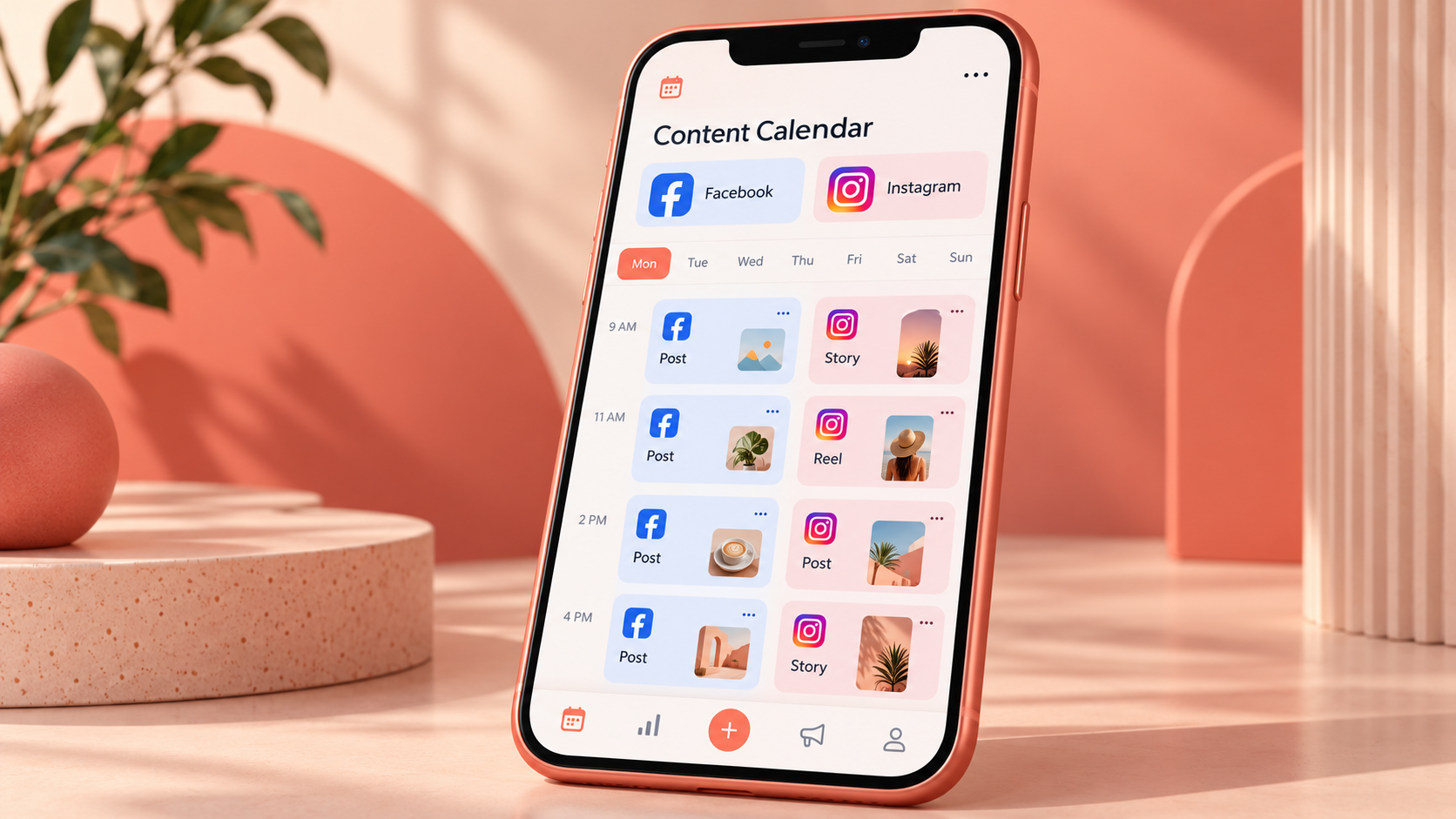
Most scheduling tools follow the same fundamental process. The names of buttons may differ, but the workflow involves connecting authorized accounts, preparing platform-ready content, choosing publication settings and monitoring the final result.
- Prepare professional accounts. Use a Facebook Page rather than a personal profile for business publishing. Your Instagram account should be configured as a professional account when required by the scheduler. Connect the Facebook Page and Instagram profile through Meta’s account settings, and confirm that you have sufficient administrative permissions.
- Connect accounts securely. Sign in to your scheduler and authorize access through the official Meta login flow. Review the permissions carefully. Avoid sharing personal passwords with colleagues; use platform roles, business access and scheduler permissions instead.
- Create the post. Upload the image, carousel or video, then add the caption, link, hashtags and other supported metadata. Check the preview for each destination. A vertical asset that looks excellent in the Instagram feed may be cropped awkwardly in a Facebook preview.
- Customize by platform. Avoid publishing an identical caption by default. Instagram captions often use a more visual, community-oriented style, while Facebook posts can accommodate contextual copy and link-led discussion. Keep the campaign message consistent, but adapt the presentation.
- Select the date and time. Start with audience activity data from your analytics, then test different time slots. Consider the audience’s local time rather than the location of the person scheduling the post.
- Review publishing details. Verify the destination accounts, time zone, creative file, links, tags and call to action. If content is regulated, sponsored or time-sensitive, add the necessary disclosure and request formal approval.
- Schedule and monitor. Place the post in the queue, but do not treat scheduling as the end of the process. Check that it publishes successfully, respond to early comments and record any technical failure or unexpected formatting.
Create a pre-publishing checklist inside your workflow. It should cover brand voice, accessibility, link tracking, image rights, subtitles, spelling, offer dates and account selection. A short checklist prevents the most common errors when teams schedule Facebook and Instagram posts at scale.

Build a Practical Scheduling Strategy
A scheduler improves execution, but it cannot decide what your audience needs. Begin with a small number of content pillars tied to business goals. A software company might use education, product guidance, customer outcomes and company culture. A local restaurant might use menu highlights, behind-the-scenes preparation, customer stories and seasonal offers.
Assign a purpose to every scheduled post. Awareness content should earn attention or reach new people. Consideration content should answer questions, demonstrate expertise or show the product in use. Conversion content should present a clear next step. Retention content should help existing customers receive more value or feel connected to the brand.
Next, define a sustainable cadence. Publishing five rushed posts every week is not automatically better than publishing three useful ones. Start with a frequency your team can maintain for at least two months. Reserve capacity for spontaneous posts, timely responses and community-led content rather than filling every calendar slot weeks in advance.
Batching makes the process more efficient. Plan themes first, write captions in one session, produce visual assets together and schedule approved posts in a separate quality-control session. This reduces context switching and makes inconsistencies easier to spot. However, review the queue at least weekly so outdated promotions or tone-deaf messages do not publish during unexpected events.
Use recurring slots carefully. A weekly tip or monthly recap can build audience expectations, but automated repetition should never feel careless. Refresh examples, opening lines and creative treatments. If a recurring format consistently underperforms, revise it instead of allowing the queue to run indefinitely.

Optimize Posts for Each Platform
Cross-platform scheduling is efficient when it distributes one idea in two appropriate forms. It becomes ineffective when it copies a post without considering user behavior. Facebook and Instagram overlap, but they are not interchangeable.
On Instagram, prioritize strong visual openings, mobile-friendly composition and clear on-screen context. Assume many people encounter the post while moving quickly through the feed. Reels should establish their subject early, and videos should include captions for sound-off viewing. Carousel posts should give users a reason to swipe, such as a process, checklist or narrative progression.
On Facebook, provide enough context for the post to make sense when shared. Link posts should clearly explain why the destination is useful. Questions can encourage conversation, but they should be specific enough to generate meaningful answers. For local businesses, community updates, events and customer stories often deserve a prominent place in the calendar.
Adapt calls to action as well. “Save this checklist” may suit an Instagram carousel, while “Read the full guide” may be more natural for a Facebook link post. Track links with consistent campaign parameters so analytics can distinguish traffic by network, campaign and creative variation.
Accessibility should be part of scheduling rather than an afterthought. Add accurate video captions, write useful alternative text where supported and maintain readable contrast. Avoid placing critical text close to the edges of vertical videos, where interface elements may cover it.
Choose the Best Times to Publish
Generic “best time to post” studies are useful starting points, not universal rules. The ideal schedule depends on audience location, age, routines, content category and the action you want people to take. A business-to-business audience may engage during work breaks, while entertainment content may perform better in the evening.
Use native platform insights or scheduler analytics to identify when followers are active. Compare several time slots over four to eight weeks while keeping content quality reasonably consistent. Look beyond likes: measure reach, saves, comments, shares, link clicks, leads or sales according to the post’s purpose.
Early engagement can help distribution, so schedule posts when someone is available to respond. If a post goes live at an optimal statistical time but comments remain unanswered for twelve hours, the team may lose valuable conversation and customer-service opportunities.
Account for time zones explicitly. For regional audiences, use the dominant local zone. For global audiences, rotate publication times or create region-specific posts. Always confirm the time zone displayed by your Facebook Instagram scheduler, particularly around daylight-saving changes.
Common Scheduling Mistakes to Avoid
The first mistake is over-automation. Scheduling should remove repetitive work, not remove the human presence behind the account. Leave space for timely updates, answer comments naturally and pause scheduled promotions when circumstances make them inappropriate.
Another frequent problem is using the same creative everywhere. Check aspect ratios, cropping and text placement in each platform preview. Maintain editable templates for major formats so designers can adapt assets without rebuilding every graphic.
Teams also overlook expired authorization. Password changes, security reviews and updated permissions can disconnect accounts. Check account connections regularly and assign someone to respond to failed-post notifications. For critical launches, verify publication manually immediately after the scheduled time.
Other preventable errors include publishing to the wrong brand profile, forgetting tracked links, scheduling offers after their expiration date and including unsupported tags or features. Clear naming conventions and approval states reduce these risks. Label drafts, revisions, approved posts and published assets consistently.
Finally, do not measure scheduler success only by time saved. A useful system should also improve consistency, reduce errors and produce better decisions. Review performance monthly, identify the formats that support business goals and feed those lessons back into the next content calendar.
A Weekly Workflow for Social Media Teams
A simple weekly rhythm makes a social media scheduler for Facebook and Instagram more valuable. At the start of the week, review campaign priorities, recent performance and upcoming business events. Confirm which ideas need original production and which can be adapted from existing content.
Draft captions and creative briefs next. Give each post an objective, platform, format, owner, due date and call to action. Once assets are ready, conduct a single editorial review that checks both strategy and execution. Schedule only approved content.
During the week, monitor publication status and community responses. Record frequently asked questions, objections and audience language; these insights can become future posts. At the end of the week, review a small set of meaningful metrics and note what should change in the next scheduling cycle.
This workflow creates a feedback loop: audience behavior informs planning, planning guides production, scheduling ensures delivery and performance analysis improves the next round. The tool supports the system, but disciplined review is what turns a content calendar into a marketing asset.
Frequently Asked Questions
Can I schedule Facebook and Instagram posts at the same time?
Yes. Meta Business Suite and many third-party tools let you select both destinations and schedule content from one interface. Review each platform’s preview and customize captions, links, hashtags and creative assets when necessary rather than automatically using identical versions.
What is the best free Facebook Instagram scheduler?
Meta Business Suite is a practical free option for businesses focused exclusively on Facebook and Instagram. It supports core planning and publishing tasks without a separate subscription. A third-party tool may be more suitable if you manage multiple brands, need advanced approvals or publish to additional social networks.
Can schedulers automatically publish Instagram Stories and Reels?
Many schedulers support automatic publishing for eligible professional accounts, but available features can depend on the content format, account configuration and current Meta API capabilities. Some elements, such as certain interactive stickers, music or effects, may require a mobile notification and manual completion. Confirm current format support before building your workflow around it.
How far in advance should I schedule content?
For most brands, scheduling one to four weeks ahead provides a useful balance between efficiency and relevance. Evergreen educational content can be prepared further in advance, while news, trends and community posts should remain flexible. Review the queue weekly and pause or update anything that is no longer timely, accurate or appropriate.