
Facebook Scheduling Apps: Best Tools to Streamline Your Posting
Top Facebook scheduling apps help you streamline your posting process, save time, and maintain a consistent social media presence with ease.

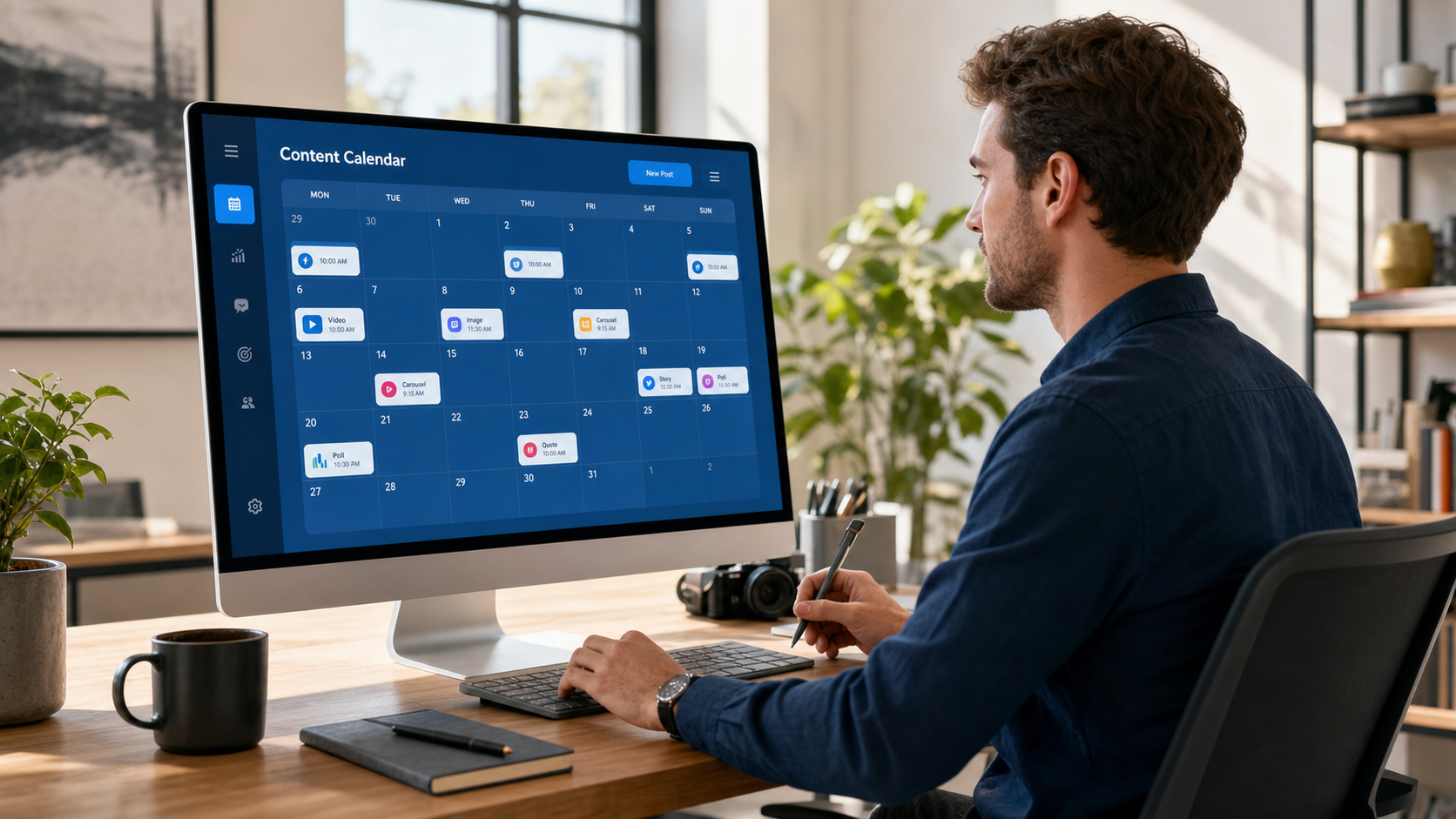
A Facebook scheduling app helps marketers plan content in advance, publish posts at consistent times, coordinate campaigns, and manage engagement without being tied to Facebook throughout the day. Meta Business Suite is the strongest free option for Facebook-first workflows, while third-party tools such as SMMplanner, Buffer, Hootsuite, Sprout Social, and Later provide broader calendars, collaboration features, analytics, and multi-platform publishing. The best choice depends on how many accounts you manage, which content formats you publish, and whether you work independently or as part of a marketing team.
Why Scheduling Facebook Posts Is Worth the Effort | What to Look for in a Facebook Scheduling App | Best Facebook Scheduling Apps for Different Workflows | How to Choose the Right Tool for Your Business | Build a Smarter Facebook Scheduling Workflow | How to Optimize Posting Times and Content Performance | Common Facebook Scheduling Mistakes to Avoid | Frequently Asked Questions
Why Scheduling Facebook Posts Is Worth the Effort
Posting manually may work when you manage one small page and publish occasionally. It becomes inefficient as soon as you introduce a regular content calendar, multiple clients, approval processes, or campaigns spanning several social networks. A post scheduling app turns publishing from a recurring interruption into a planned marketing workflow.
Consistency is the most immediate advantage. When posts are prepared and scheduled in batches, gaps caused by meetings, travel, holidays, or busy production days are less likely to disrupt your presence. Audiences receive content at a predictable rhythm, and your team can devote more attention to creative quality and community management.
Scheduling also makes timing more deliberate. Rather than publishing whenever a post happens to be ready, you can use Facebook Insights or third-party analytics to identify periods when followers are most likely to be active. This does not guarantee reach, but it gives every post a better starting opportunity to earn early reactions, comments, clicks, and shares.
A visual calendar provides another important benefit: perspective. Seeing several weeks of content in one place makes it easier to spot repetitive topics, missing campaign stages, competing calls to action, and an unhealthy mix of promotional posts. A balanced Facebook plan normally includes educational content, conversation starters, brand stories, offers, social proof, and timely updates.
Finally, advance scheduling creates room for engagement. Publishing is only one part of Facebook marketing. By reducing the time spent uploading posts individually, marketers can spend more time answering comments, reviewing performance, testing ideas, and participating in relevant conversations.
What to Look for in a Facebook Scheduling App
The right tool should support the Facebook content formats you actually use. Basic text, link, photo, and video scheduling is widely available, but support for Reels, Stories, first comments, location data, tagging, thumbnails, and other publishing details may vary. Confirm current capabilities before adopting a platform, especially if short-form video is central to your strategy.
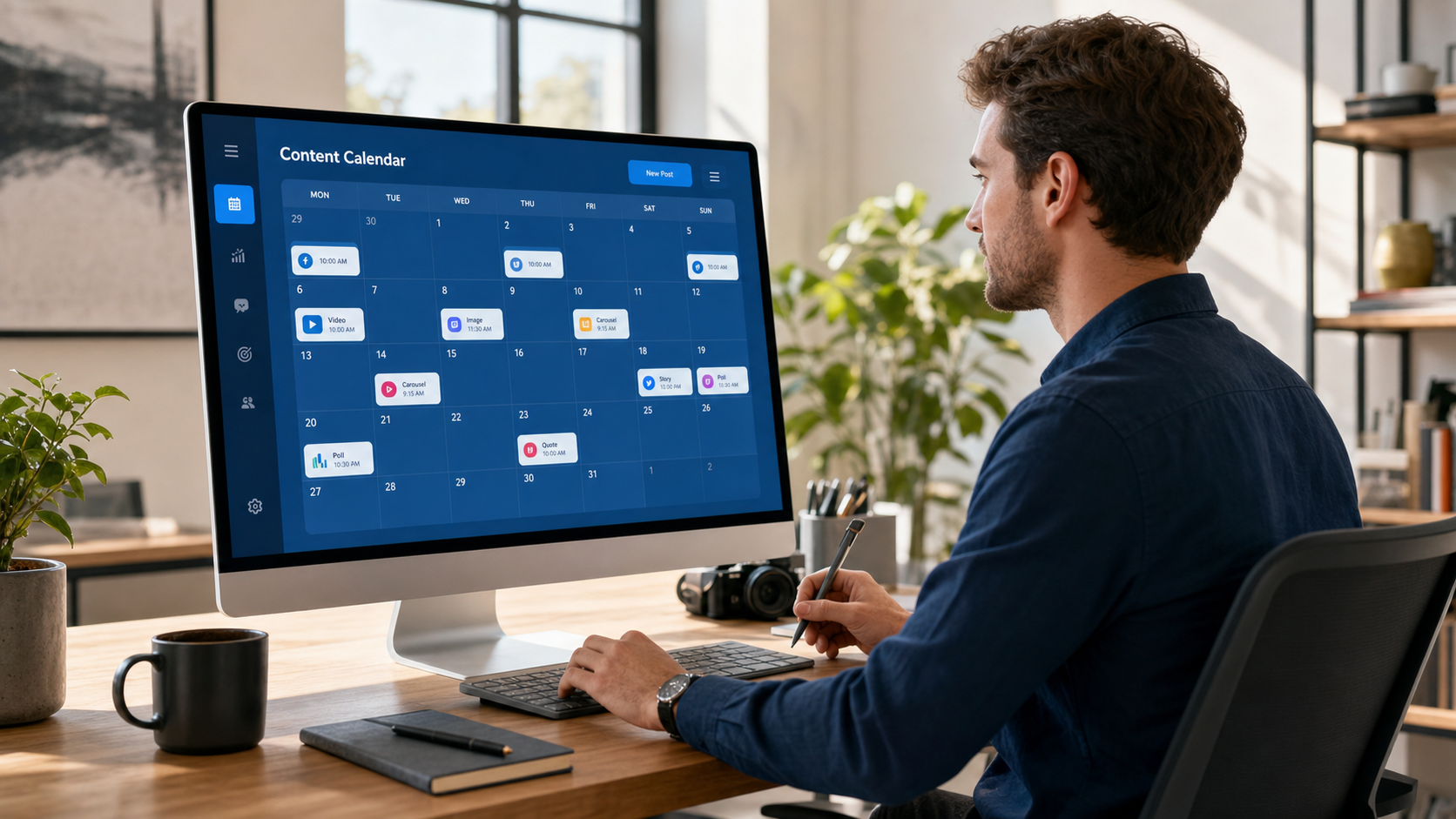
Look closely at the calendar experience. A useful calendar should let you move posts easily, distinguish between channels, identify empty periods, preview content, and understand a campaign at a glance. Bulk uploading and reusable queues can save significant time for teams publishing at high frequency.
Collaboration features matter when more than one person touches a post. Useful capabilities include drafts, internal notes, approval stages, role-based permissions, version history, and client-facing review links. These controls reduce the risk of publishing unfinished copy, outdated offers, or content that has not received brand or legal approval.
Analytics should go beyond attractive charts. A strong platform helps you compare post formats, topics, publishing times, and campaign results. At minimum, assess whether the tool reports reach, engagement, clicks, video performance, follower trends, and useful post-level comparisons. The purpose is not simply to collect data, but to make the next content cycle better.
Also evaluate reliability, notification systems, account limits, and cost at the scale you expect to reach. Some social media scheduling tools appear inexpensive until you add more users, brands, or analytics features. Test the complete workflow during a trial: connect a real page, create several post types, request approval, publish, and examine the resulting reports.
Best Facebook Scheduling Apps for Different Workflows
No single platform is ideal for every marketer. A local business posting only to Facebook has different needs from an agency managing dozens of client profiles. The following tools are strong candidates because each addresses a recognizable publishing workflow.
Meta Business Suite: Best Free Native Option
Meta Business Suite is the logical starting point for businesses focused primarily on Facebook and Instagram. It offers native post creation, scheduling, calendar planning, insights, and inbox management without requiring a separate paid subscription. Because it is built by Meta, it often provides direct access to platform-specific publishing options.
The main limitation is scope. Teams managing LinkedIn, TikTok, Pinterest, X, and other networks may find it inconvenient to operate a separate Meta-only workflow. Its collaboration and reporting may also feel limited compared with advanced agency or enterprise platforms. Nevertheless, it is a practical benchmark: test whether the native tool already covers your requirements before paying for additional software.
SMMplanner: Best for Flexible Multi-Platform Planning
SMMplanner is designed for marketers, creators, and social media specialists who need to organize scheduled content across multiple accounts. Its planning-oriented workflow makes it useful for preparing campaigns in batches, maintaining a consistent posting cadence, and reducing repetitive manual publishing.
It is particularly relevant when Facebook is part of a broader content system rather than an isolated channel. Teams can plan platform-specific variations while keeping the overall campaign coordinated. Before committing, compare the plan limits and supported publishing options with your exact mix of pages, formats, and team members.
Buffer: Best for Simplicity and Small Teams
Buffer is known for a clean interface and an approachable queue-based workflow. It suits solo creators, consultants, startups, and small marketing teams that want to schedule content without navigating an overly complex enterprise system. Its straightforward calendar makes it easy to understand what is scheduled and where gaps remain.
Buffer is most compelling when usability is more important than elaborate approval chains or highly customized reporting. Growing agencies should examine account, user, and feature limits carefully, as needs can change quickly when new clients are added.
Hootsuite: Best for Broad Social Media Management
Hootsuite combines scheduling with monitoring, engagement, analytics, and team management. It is well suited to organizations running several social profiles and needing a centralized operating environment. Streams and inbox features can help marketers watch conversations while the calendar keeps campaigns moving.
Its breadth can be more than a small business needs, and both the interface and pricing should be evaluated against actual usage. For an established team seeking a comprehensive social media management platform, however, Hootsuite is a serious option.
Sprout Social: Best for Analytics and Structured Collaboration
Sprout Social is positioned toward professional teams that value reporting, social listening, customer care, and governed workflows. It can help larger marketing departments connect publishing activity with audience response and provide stakeholders with polished performance reports.
The platform’s extensive capabilities come at a premium, so it may not be economical for creators who only need basic scheduling. Agencies and brands should assess whether its analytics, inbox, approval, and reporting efficiencies justify the investment.
Later: Best for Visual Content Planning
Later is a natural candidate for visually led brands and creators. Its calendar and media-library approach supports teams that plan campaigns around photos, videos, and short-form creative assets. It is useful when Facebook content is adapted from a larger visual strategy that also includes Instagram and other channels.
As with every third-party Facebook scheduling app, verify support for the specific content formats and metadata your workflow requires. A polished visual planner is valuable only if it can reliably publish the posts that matter to your campaign.

How to Choose the Right Tool for Your Business
Begin by documenting your publishing process rather than comparing long feature lists. Record how many Facebook Pages and other profiles you manage, how often you publish, which formats you use, who creates and approves posts, and what performance data stakeholders expect. This turns a vague software search into a practical requirements checklist.
Solo creators should prioritize speed, affordability, and a low learning curve. A simple queue, clear calendar, and dependable notifications may be more valuable than advanced social listening. Small businesses may also benefit from an integrated inbox so that scheduled publishing does not come at the expense of customer replies.
Agencies need a different set of controls. Separate workspaces, account permissions, approval links, client reports, and safeguards against publishing to the wrong brand are essential. Calculate cost per client or managed profile rather than looking only at the advertised entry price.
In-house marketing teams should consider how the scheduler fits with existing processes. Ask whether it can support campaign approvals, asset organization, reporting routines, and secure access for employees or contractors. If the platform creates a disconnected content silo, any time saved during publishing may be lost elsewhere.
Use a trial to perform real work. Schedule a photo post, a link post, and a video; revise a draft; move content in the calendar; invite an approver; respond to a comment; and export a report. Check the live Facebook posts after publication to ensure formatting, links, thumbnails, and media appear as expected.
Build a Smarter Facebook Scheduling Workflow
A tool improves execution, but it cannot replace a coherent strategy. Start with campaign objectives and content pillars. For example, a software company might organize posts around practical education, product use cases, customer proof, company culture, and industry discussion. These pillars make ideation faster while preventing the feed from becoming a stream of sales messages.
Plan content in monthly or campaign-based blocks, then produce and schedule it in weekly batches. Monthly planning establishes direction; weekly review preserves flexibility. This combination is more resilient than filling a calendar months ahead and forgetting it. Facebook trends, customer questions, stock availability, and business priorities can change quickly.
Create a simple status system such as idea, drafting, design, review, approved, scheduled, and published. Assign an owner and deadline at each stage. Even a small team benefits from knowing whether a missing post is waiting on copy, artwork, approval, or scheduling.
Customize content for Facebook rather than blindly duplicating every post from another network. Adjust the opening line, length, media dimensions, link treatment, and call to action for the audience and format. Cross-platform tools should make adaptation easier, not encourage identical publishing everywhere.
Leave intentional space for timely content. A fully packed calendar can become a liability when an important announcement, trending conversation, or customer issue emerges. Keep some flexible slots and be prepared to pause scheduled posts during sensitive events or operational problems.
Finally, assign responsibility for checking publication. API interruptions, expired permissions, rejected media, and platform changes can cause failures. Enable alerts and review the live feed regularly, particularly for launches, limited-time offers, and sponsored partnerships.

How to Optimize Posting Times and Content Performance
Generic studies about the “best time to post” are useful only as starting hypotheses. Your ideal timing depends on audience location, daily routines, content type, and the behavior you want to encourage. A business targeting office managers may perform well during weekday working hours, while an entertainment creator may see stronger evening engagement.
Use page insights to identify active audience periods, then test several publishing windows systematically. Keep the topic and format reasonably comparable so timing is the main variable. Run the test over several weeks; one unusually strong or weak post is not enough to establish a reliable pattern.
Measure the result that matches the post’s job. Reach and reactions may matter for awareness content, while link clicks, leads, purchases, video completion, or meaningful comments may be more important elsewhere. A time slot that produces many lightweight reactions is not automatically better than one generating fewer but more valuable actions.
Review results by content category and format. Tutorials may perform well during lunch breaks, discussion prompts in the evening, and event reminders shortly before registration closes. A sophisticated scheduling strategy can use different time windows for different audience behaviors instead of forcing every post into one supposedly perfect slot.
When a post performs well, study more than its publication time. Examine the hook, subject, creative format, emotional angle, relevance, and call to action. Timing helps distribution, but strong content gives people a reason to stop, engage, and share.
Common Facebook Scheduling Mistakes to Avoid
The first mistake is treating automation as abandonment. Scheduled posts still require human oversight. Monitor comments, answer questions, hide genuine spam where appropriate, and escalate customer problems. An active response can turn a routine scheduled post into a useful community touchpoint.
Another mistake is scheduling evergreen content without expiration checks. Prices, product details, event dates, staff information, and external links can become outdated. Add review dates to reusable posts and inspect queues after major business changes.
Avoid excessive repetition. Recycling strong content is sensible because not every follower sees the original, but repeated copy and visuals can make a page feel mechanical. Refresh the opening, example, creative treatment, or call to action before republishing an idea.
Do not ignore post previews. Long copy may truncate awkwardly, image crops may hide important text, and link previews can display the wrong image. Review mobile and desktop presentation whenever the tool provides previews, then confirm the live result for important campaigns.
Finally, do not evaluate social media scheduling tools by feature count alone. The most effective platform is the one your team can use consistently and safely. A complicated system with dozens of unused functions may produce worse results than a focused tool aligned with your daily workflow.
Frequently Asked Questions
What is the best free Facebook scheduling app?
Meta Business Suite is generally the best free starting point for Facebook Page scheduling because it is Meta’s native management platform and also supports Instagram workflows. It is especially suitable for individual businesses and creators. Teams requiring additional social networks, deeper reporting, or more structured approvals may benefit from a paid third-party tool.
Can I schedule Facebook posts from my phone?
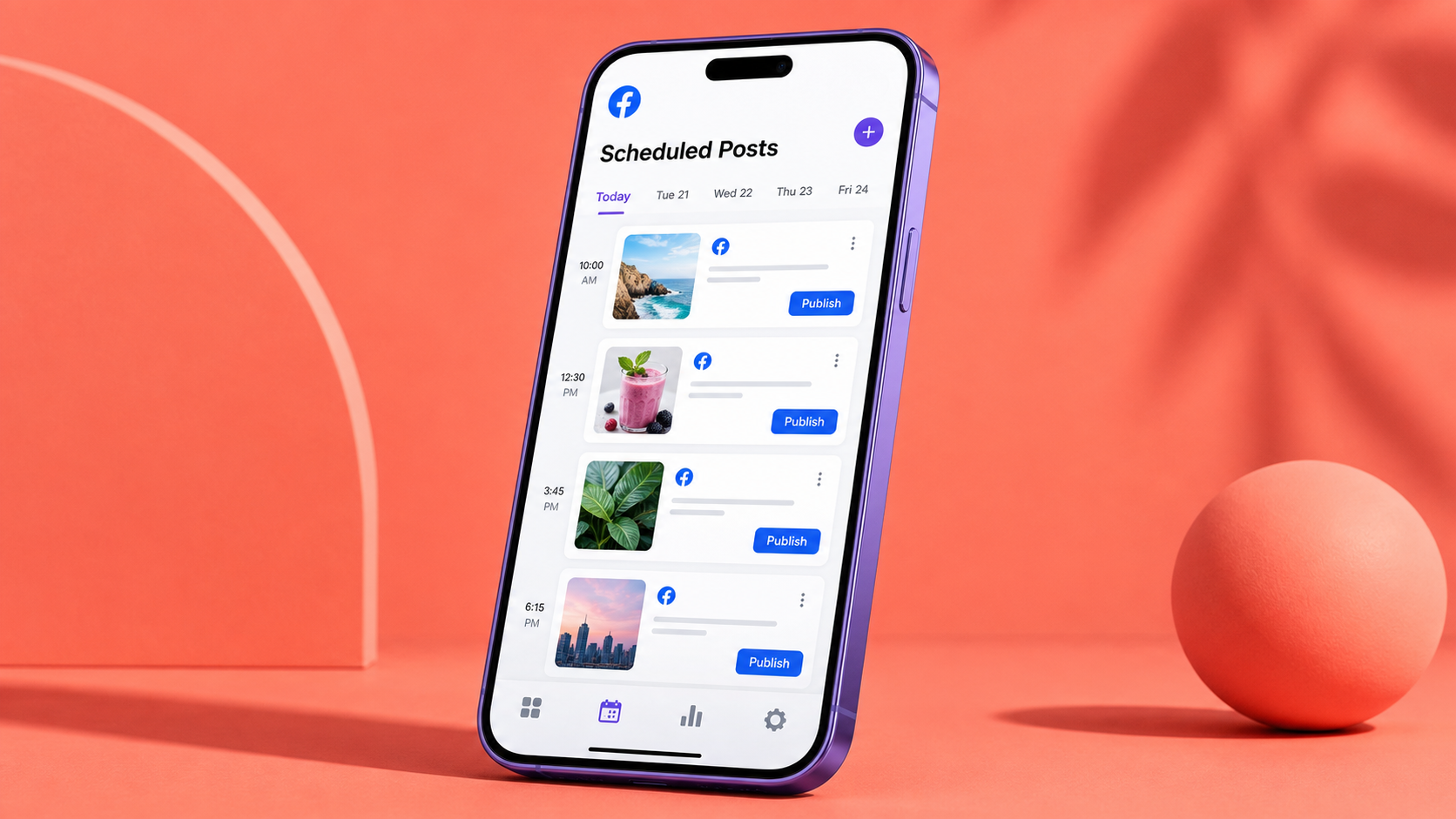
Yes. Meta Business Suite and many third-party scheduling platforms offer mobile apps or mobile-friendly interfaces. Mobile scheduling is convenient for quick changes and content captured on a phone, while desktop tools are usually more efficient for bulk planning, detailed copy editing, asset management, and calendar review.
Do scheduled Facebook posts get less reach?
Scheduling itself is not a reason to expect lower reach. Performance depends more heavily on content relevance, creative quality, audience response, format, and timing. Problems arise when automation leads to stale posts or slow engagement. Review scheduled content regularly and remain available to respond after it goes live.
How far in advance should Facebook posts be scheduled?
For most organizations, scheduling one to four weeks ahead provides a useful balance between consistency and flexibility. Evergreen campaigns can be planned further in advance, while news, trends, inventory updates, and culturally sensitive content should be reviewed closer to publication. Conduct a weekly calendar check even when posts were prepared months earlier.