
Hootsuite Social Media Scheduler: Features & Benefits
Hootsuite Social Media Scheduler streamlines content planning and posting across platforms, boosting efficiency and engagement for your brand.


The Hootsuite social media scheduler is an all-in-one publishing tool for planning, creating, approving, and automatically posting content across multiple social networks. Its strongest benefits are a unified content calendar, network-specific post customization, recommended publishing times, bulk scheduling, team approval workflows, and integrated analytics. For marketers managing several profiles or collaborating with a team, scheduling with Hootsuite can replace a collection of disconnected calendars, spreadsheets, and native publishing tools with one structured workflow.
What Is the Hootsuite Social Media Scheduler? | Core Scheduling and Publishing Features | How to Schedule Posts with Hootsuite | Content Calendar, Collaboration, and Approval Workflows | Analytics and Optimization Benefits | Hootsuite Pricing and Plan Considerations | Hootsuite Scheduler Review: Strengths and Limitations | Best Practices for Better Results | Frequently Asked Questions
What Is the Hootsuite Social Media Scheduler?
Hootsuite is a social media management platform that combines publishing, engagement, monitoring, analytics, and collaboration. Its scheduler—part of Hootsuite’s publishing workspace—allows users to prepare posts in advance and publish them automatically at selected times. Instead of logging in to every social network throughout the week, a marketer can build a campaign in batches and manage it from one calendar.
The platform supports major networks such as Facebook, Instagram, LinkedIn, TikTok, Pinterest, YouTube, Threads, Bluesky, and X, although available formats and publishing options vary by network and account type. Users can connect multiple profiles, choose one or more destinations, upload creative assets, write captions, and set publishing dates without leaving the dashboard.
The scheduler is more than a queue of posts. It provides calendar views, draft management, content recommendations, approval tools, AI-assisted creation, analytics, and visibility into paid and organic activity. That breadth is a defining point in any Hootsuite scheduler review: the product is designed as an operating system for social media work, not simply a lightweight posting utility.
This makes Hootsuite particularly relevant to agencies, in-house marketing teams, multi-location businesses, and creators with several active channels. A solo creator who only publishes to one or two profiles may not need every feature, but a marketer coordinating campaigns across brands can gain substantial operational value.
Core Scheduling and Publishing Features
The central publishing tool lets you create a post, select its social accounts, attach media, and choose when it should go live. You can publish immediately, choose an exact date and time, save the content as a draft, or use a recommended publishing time. The composer previews content so you can catch obvious formatting problems before scheduling.
Hootsuite schedule posts workflows also support per-network customization. This is important because copying one identical post everywhere is rarely an effective strategy. A concise LinkedIn introduction, an Instagram caption with relevant hashtags, and a short X post may promote the same campaign while serving different audience expectations. Hootsuite lets you adjust the copy and creative treatment for each destination within the same publishing workflow.
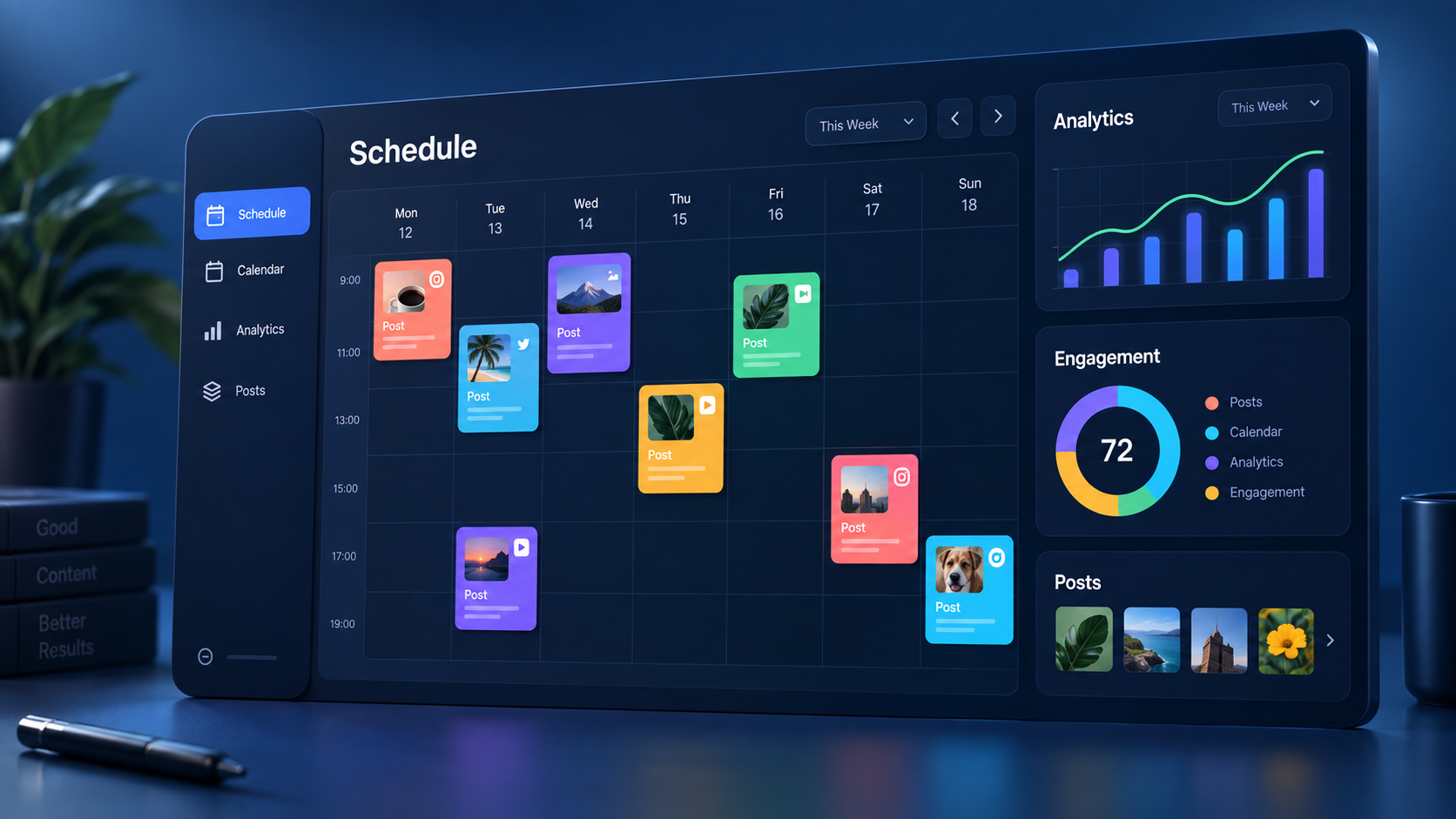
The content calendar provides a visual overview of scheduled, published, drafted, and approval-pending content. Marketers can switch between calendar and list-style views, filter the schedule, and inspect individual posts. Drag-and-drop planning makes it easier to rebalance a crowded day, fill an empty period, or move campaign content when priorities change.
Recommended publishing times add a useful decision layer. Rather than treating every audience as identical, Hootsuite can recommend times based on historical activity and the selected objective, such as engagement, awareness, or traffic. These recommendations should be treated as informed starting points rather than guarantees. Content quality, relevance, competition, and distribution signals still affect performance.
Bulk Composer is valuable for high-volume campaigns. Teams can prepare content in a CSV file, upload many posts, review detected errors, and schedule selected items or the complete batch. Supported options depend on the network, and some settings may still need to be adjusted after upload. Even with those limitations, bulk scheduling can dramatically reduce repetitive data entry for evergreen campaigns, event programs, franchise accounts, or large editorial calendars.
Hootsuite also supports visual assets, videos, link previews, content libraries, and AI-assisted caption or image creation. These capabilities help move a post from an idea to a scheduled asset without constant switching between tools. However, marketers should still review AI-generated material for factual accuracy, brand voice, originality, and platform suitability.

How to Schedule Posts with Hootsuite
Start by connecting the social profiles you are authorized to manage. Use business or professional accounts where required, and confirm that Hootsuite has the publishing permissions it needs. A connection can expire after a password change, security event, or platform update, so checking account health should be part of your regular publishing routine.
- Open the publishing composer. Start a new post and select the profiles that should receive it.
- Add the core message. Write the caption, insert a destination URL if needed, and upload the appropriate images or video.
- Customize each network. Adjust wording, hashtags, mentions, media dimensions, and calls to action for the selected channels.
- Review the previews and warnings. Resolve character-limit, media-format, or account-permission issues before proceeding.
- Choose a publishing time. Select a precise time or use a recommended slot when one is available.
- Submit for approval or schedule. Teams can route the content to a reviewer; authorized users can place it directly on the calendar.
- Verify the scheduled post. Check its status in the calendar and confirm the correct timezone, profile, creative, and date.
Timezone mistakes are among the most common scheduling errors. Before building a calendar, confirm the account timezone and decide whether campaign times should follow headquarters, the audience’s region, or each local market. Global teams should document this decision in the campaign brief rather than relying on individual interpretation.
For recurring content, create reusable templates for common structures such as product tips, webinar reminders, employee spotlights, or weekly reports. Templates save time, but they should not produce an obviously repetitive feed. Rotate hooks, formats, examples, and creative assets so the schedule remains coherent without feeling automated.
When scheduling with Hootsuite, leave deliberate gaps for responsive content. A calendar filled to maximum capacity can prevent a brand from reacting naturally to news, customer conversations, or emerging trends. A practical approach is to schedule dependable campaign and evergreen content while reserving part of the weekly output for timely posts.
Finally, inspect the calendar before each week begins. Look for competing calls to action, repeated topics, inconsistent visual treatments, missing campaign stages, and posts that no longer fit the context. Scheduling creates efficiency, but editorial judgment protects the brand.
Content Calendar, Collaboration, and Approval Workflows
Hootsuite’s calendar becomes especially useful when several people contribute to one publishing operation. Writers can prepare drafts, designers can provide media, reviewers can check claims and brand standards, and managers can see the complete campaign sequence. This reduces the risk of separate spreadsheets becoming outdated or stakeholders reviewing the wrong version.
Advanced plans add structured approval capabilities for teams that need more control. Administrators can define permissions, route content to designated reviewers, and keep a record of decisions. Approvers can review, edit, approve, or reject content before it is eligible for publication. For regulated organizations or brands with strict governance, this is more reliable than collecting scattered approvals in email or chat.
A strong workflow should assign responsibility at each stage. For example, a social media specialist owns copy and scheduling, a designer owns visual quality, a product expert verifies technical claims, and a marketing lead gives final approval. Hootsuite can support that process, but the software cannot compensate for unclear ownership or reviewers who do not have deadlines.
Teams should establish service-level expectations for approvals. Routine posts might require review within one business day, while sensitive campaigns may need legal or compliance review several days ahead. Calendar filters and status visibility help managers identify bottlenecks, but escalation rules should also be written into the team’s operating procedure.
Another valuable safety feature is the ability to pause or suspend scheduled content on applicable plans. If a crisis, major news event, or brand issue changes the context, teams can prevent queued posts from publishing at an inappropriate moment. Every organization using automated publishing should define who has authority to activate this pause.
For agencies, the combined calendar and approval trail can improve client communication. Clients can review content in context instead of interpreting isolated rows in a spreadsheet. The agency also gains a clearer record of what was submitted, changed, and approved, reducing ambiguity when multiple campaigns are moving at once.


Analytics and Optimization Benefits
Scheduling is only useful if it supports measurable marketing outcomes. Hootsuite connects publishing with analytics so marketers can compare post performance, examine engagement, evaluate reach, and identify content patterns. Instead of treating reporting as a separate monthly task, teams can use recent results to improve the next scheduled cycle.
Recommended times are one example of this connection. Hootsuite can use recent performance information to suggest when an audience may be more receptive. Marketers can then test those slots against a control schedule. After several weeks, compare reach, engagement rate, link clicks, video completion, or conversions depending on the campaign objective.
A useful optimization process is to tag or categorize content by theme, format, funnel stage, and campaign. Compare educational posts against promotional posts, short-form video against static graphics, or customer stories against product demonstrations. Looking only at total likes can hide the formats that actually generate qualified traffic or leads.
Integrated reporting also helps teams explain the business value of consistent publishing. Stakeholders can see not only how much content was released but what it accomplished. That distinction matters: a full calendar is an output, while awareness, engagement, site visits, leads, and revenue are outcomes.
Do not let automation encourage quantity for its own sake. If analytics show that a smaller number of stronger posts consistently outperforms a high-frequency schedule, adjust the plan. The best benefit of a scheduler is not publishing more at any cost; it is creating enough operational space to publish better content and learn from it.
Hootsuite Pricing and Plan Considerations
Hootsuite is a paid platform with Standard, Professional, Advanced, and Enterprise options. At the time of writing, published starting prices are approximately $99 per user per month for Standard, $199 for Professional, and up to $399 for Advanced, with lower effective monthly rates typically associated with annual billing. Enterprise pricing is customized. Prices, limits, promotions, and included features can change, so confirm the current plan page before purchasing.
The Standard plan is positioned for individuals and growing brands. It includes management for up to 10 social accounts, unlimited scheduled posts, a unified calendar, AI-assisted creation, inbox capabilities, monitoring, and analytics. This can be enough for a marketer who needs broad functionality but does not require sophisticated team governance.
Professional expands account capacity and automation, while Advanced is aimed at teams that need formal approvals, collaboration, and stronger operational controls. Enterprise is designed for larger organizations requiring custom permissions, security, integrations, service arrangements, and multi-team administration.
Evaluate cost against the entire workflow, not just the scheduling function. If Hootsuite replaces a scheduler, reporting tool, social inbox, listening product, approval system, and manual coordination time, its price may be easier to justify. If you only need to publish a few posts to two profiles, a simpler tool or the networks’ native schedulers may offer better value.
Before subscribing, document the number of users, profiles, brands, approval stages, monthly posts, and reports you actually need. Test the complete process during any available trial: connect real accounts, build a week of content, request an approval, publish multiple formats, and export a report. A feature list cannot reveal whether the daily user experience fits your team.
Hootsuite Scheduler Review: Strengths and Limitations
The main strength of the Hootsuite social media scheduler is consolidation. A marketer can move from planning to creation, scheduling, approvals, engagement, and measurement in one environment. The broad network support and calendar visibility are particularly valuable for teams responsible for many active profiles.
Its collaboration features are another major advantage. Permissions and formal review stages provide accountability that basic publishing tools often lack. Bulk scheduling, asset libraries, recommended times, and network-specific editing can also save many hours when used within a disciplined content operation.
The principal limitation is cost. Hootsuite may be difficult to justify for freelancers, early-stage businesses, or creators with a small number of profiles. Many social networks now include free native scheduling, so buyers need to value the cross-channel workflow and associated management features—not scheduling alone.
The platform’s breadth can also create a learning curve. New users must understand profile connections, permissions, calendar states, network restrictions, and reporting terminology. A short onboarding process, clear naming conventions, and documented approval rules will make adoption smoother.
Publishing capabilities are ultimately constrained by social network APIs. Certain formats, tags, music options, collaboration features, or privacy settings may require extra steps or native completion. These constraints can change as networks update their policies. Teams should test every critical format rather than assume identical behavior across channels.
Overall, this Hootsuite scheduler review finds the platform strongest for established marketers who need centralized control and measurable workflow improvements. It is less compelling as a single-purpose scheduler for a very small operation. The decision should depend on how much complexity the tool removes from your current process.
Best Practices for Better Results
Build the calendar around campaign goals rather than filling slots at random. Each post should have a role: attracting attention, educating the audience, providing proof, encouraging consideration, generating a conversion, or retaining customers. When every item has a purpose, reporting becomes more useful.
Create content in batches, but review it in context. Drafting several posts at once improves efficiency and consistency, while calendar review reveals repetition and pacing problems. Use campaign labels and naming conventions so anyone can understand what a post belongs to without opening it.
Customize content for each network. Preserve the core message while adjusting the hook, length, media, hashtags, and call to action. A professional LinkedIn audience may respond to analysis, while TikTok or Instagram audiences may need an immediate visual payoff.
Use recommended times as hypotheses. Run controlled tests, record the result, and refine your publishing windows. Avoid changing timing, format, topic, and call to action simultaneously, because you will not know which variable affected performance.
Maintain a pre-publishing checklist covering spelling, links, tracking parameters, accessibility text, image crops, video captions, permissions, dates, and timezone. Automation magnifies both good systems and preventable mistakes. One broken link duplicated across multiple profiles can waste an entire campaign window.
Finally, conduct a short weekly retrospective. Identify the best-performing post, the weakest post, one operational problem, and one experiment for the next week. This turns the scheduler into a learning system rather than a storage area for queued content.
Frequently Asked Questions
Can Hootsuite schedule posts to multiple social networks?
Yes. Hootsuite can schedule content across major networks, including Facebook, Instagram, LinkedIn, TikTok, Pinterest, YouTube, Threads, Bluesky, and X. Exact publishing options depend on the network, profile type, format, API access, and Hootsuite plan. Customize each version instead of automatically sending identical copy everywhere.
Can Hootsuite schedule posts in bulk?
Yes. Bulk Composer can import prepared posts from a CSV file for supported networks. Users can review errors, edit individual items, add media, and schedule all or selected posts. Some network-specific settings may need to be completed later in the calendar or native app.
Is Hootsuite worth paying for?
Hootsuite is most likely to be worth the cost when you manage several profiles, publish frequently, need approvals, or want scheduling, engagement, monitoring, and analytics in one platform. A solo user managing one or two accounts may find native scheduling or a simpler tool more economical.
Does Hootsuite choose the best time to publish?
Hootsuite can recommend publishing times using account performance data and selected goals such as engagement, awareness, or traffic. These recommendations are helpful starting points, but marketers should test them against actual business metrics and continue adjusting the schedule as audience behavior changes.