
Instagram Scheduling Without Facebook: Independent Scheduler Options
Manage your Instagram posts efficiently with independent scheduling tools that dont require Facebook integration for seamless social media planning.

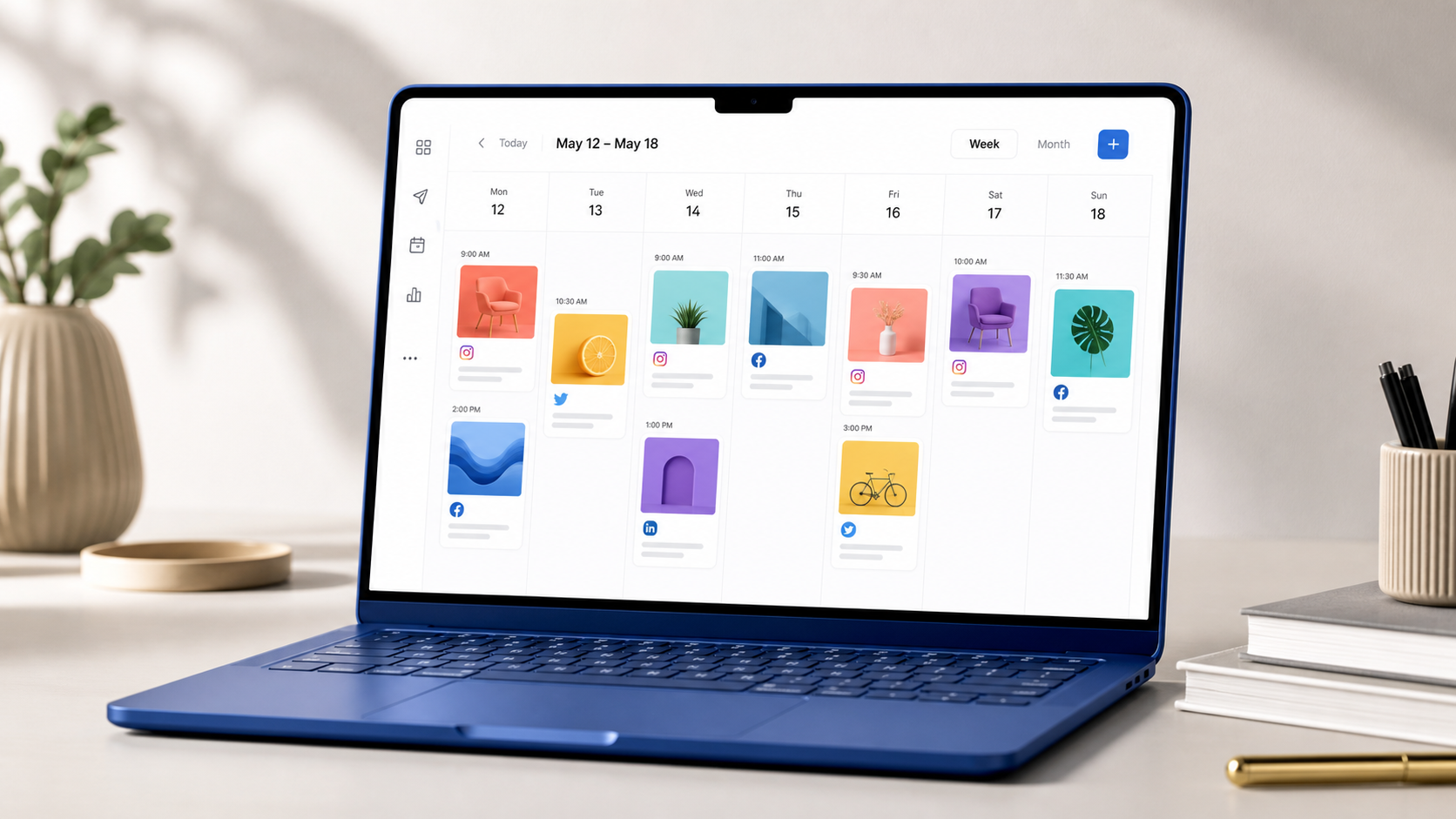
You can schedule Instagram content without connecting a Facebook Page by using an independent scheduler that supports direct Instagram authentication, mobile notification publishing, or a standalone planning workflow. The right option depends on your account type, the formats you publish, and whether you need fully automatic posting or simply a reliable way to plan content in advance. This guide explains how to choose an Instagram scheduler without Facebook, what limitations to expect, and how to build an efficient publishing system without relying on Meta’s broader business ecosystem.
Why Schedule Instagram Without Facebook Integration? | How Instagram Scheduling Works Without a Facebook Page | Independent Instagram Scheduler Options to Consider | Essential Features to Compare Before Choosing a Tool | A Practical Workflow for Standalone Instagram Scheduling | Security, Compliance, and Common Scheduling Risks | How to Choose the Best Option for Your Needs | Frequently Asked Questions
Why Schedule Instagram Without Facebook Integration?
Many Instagram scheduling workflows historically depended on a linked Facebook Page. That arrangement made sense for brands already using Meta Business Suite, but it was inconvenient for creators, freelancers, and small businesses that wanted to manage Instagram as a separate channel. Some users did not have a relevant Facebook presence; others wanted fewer connected accounts, simpler permissions, or clearer separation between client profiles.
An independent scheduling setup can reduce administrative friction. You do not need to create a placeholder Facebook Page, give team members access to an unrelated business asset, or troubleshoot connections between multiple Meta properties. For agencies, this can also make onboarding easier: clients can grant access to the Instagram workflow without exposing their entire Facebook business structure.
Privacy and account governance are additional considerations. Every connected service introduces permissions, users, and potential failure points. A standalone approach does not eliminate security responsibilities, but it can make them easier to understand. The account owner can see which scheduler is involved, what it can publish, and who has access to the content calendar.
There is also a practical creative benefit. Independent planning tools often focus on content production rather than advertising infrastructure. Features such as visual feed previews, reusable captions, approval stages, media libraries, and post reminders may fit a creator’s daily work better than a platform designed to coordinate both organic publishing and paid campaigns.
However, “without Facebook” can mean several different things. It may mean no Facebook Page connection, no Facebook login, no Meta Business Suite, or no Meta account infrastructure at all. Before subscribing to a tool, verify exactly which condition matters to you. A scheduler might let you sign in directly with Instagram while still using Meta’s official publishing interfaces behind the scenes.
How Instagram Scheduling Works Without a Facebook Page
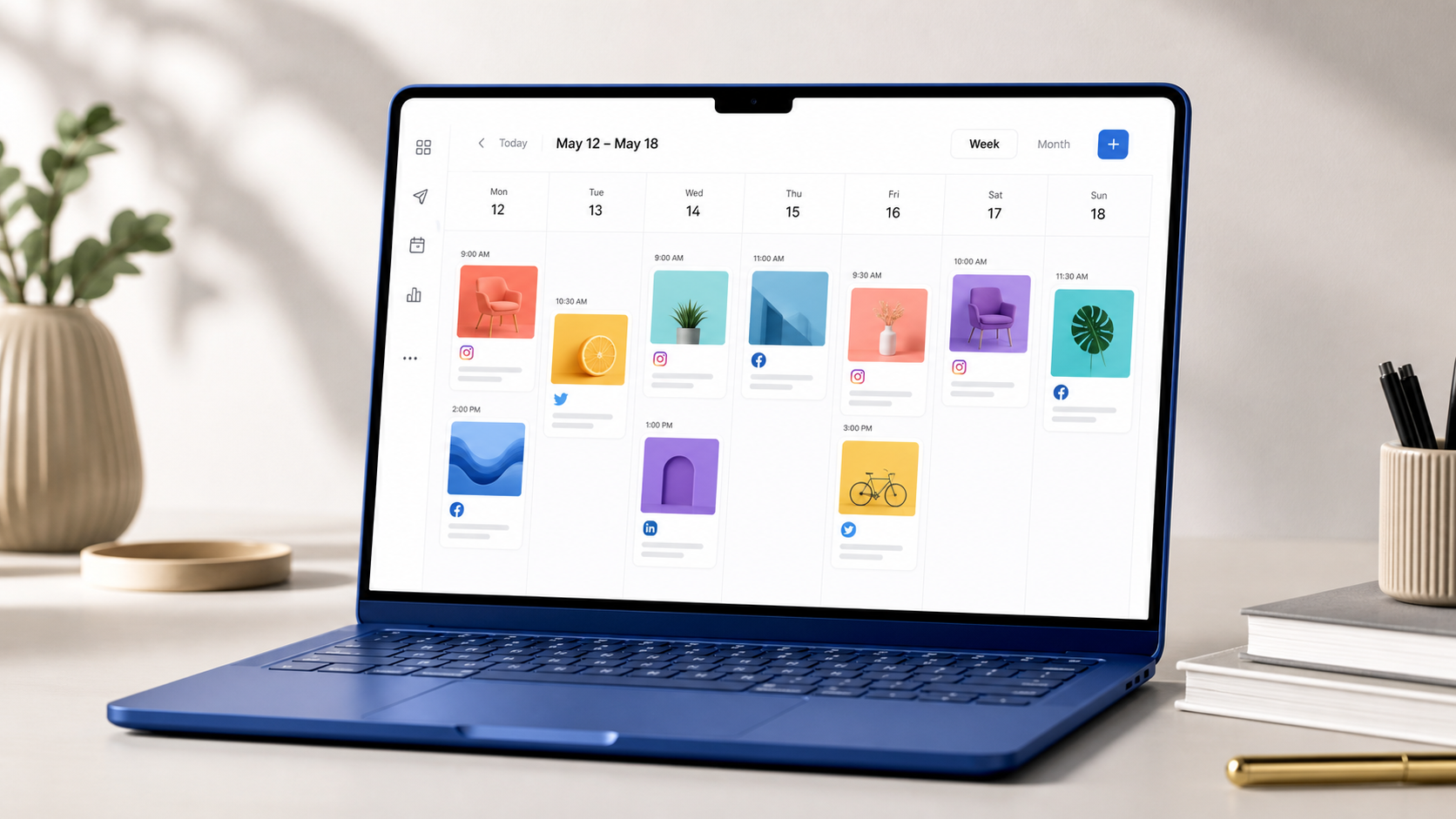
Independent scheduling generally follows one of three publishing models: direct publishing, notification-based publishing, or planning-only scheduling. Understanding these models will prevent unpleasant surprises after you have built a month-long content calendar.
Direct publishing is the most automated option. You upload the media, write the caption, select a date and time, and authorize the scheduler to publish the post when the deadline arrives. Availability depends on Instagram account eligibility, the scheduler’s current integration, and the content format. Standard images may be supported more consistently than Stories, collaborative posts, or posts using interactive elements.
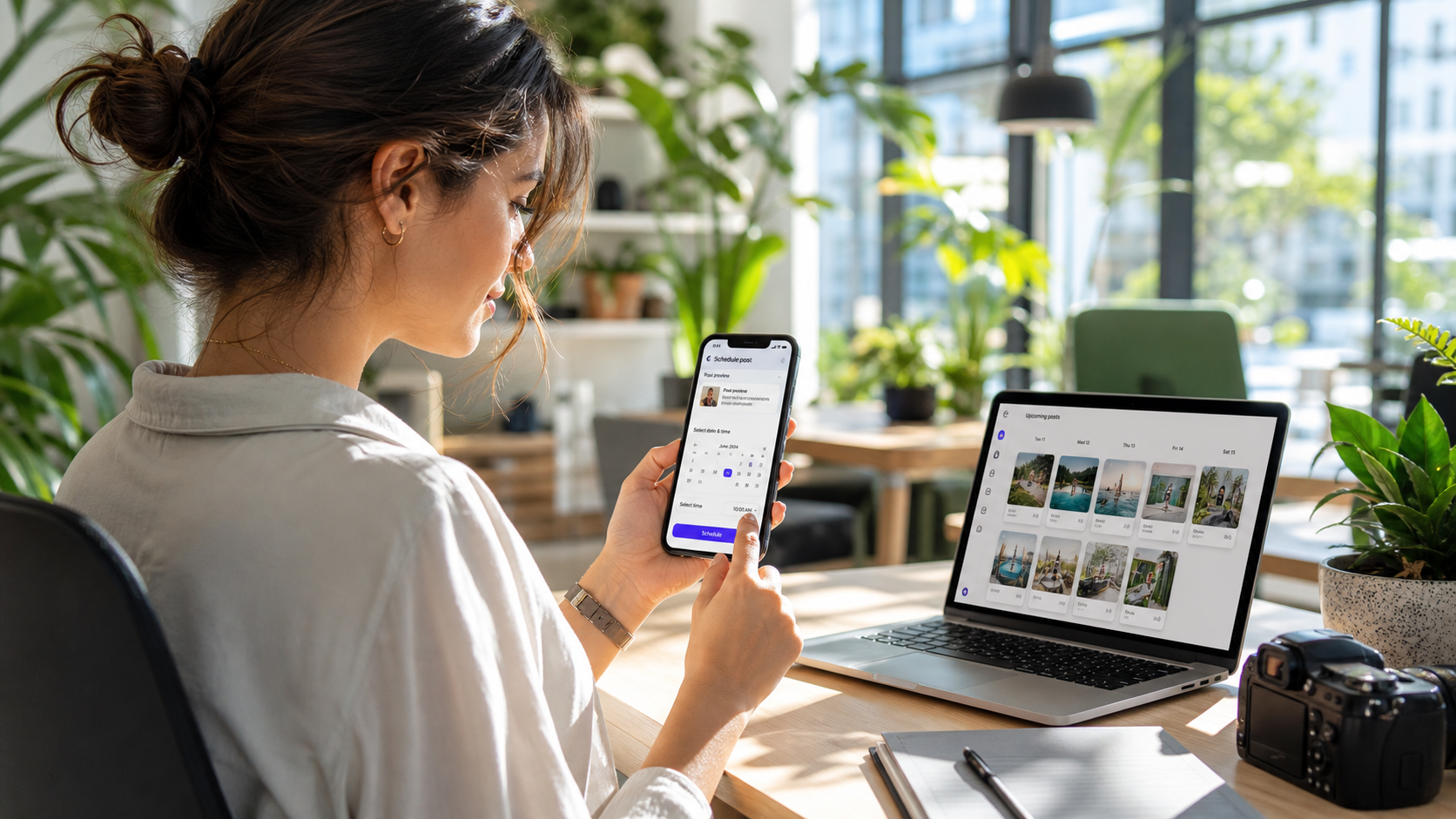
Notification-based publishing is a useful alternative when direct posting is unavailable. At the scheduled time, the tool sends a mobile alert. Opening it transfers the prepared image or video and caption into your publishing workflow. You then complete the post manually in Instagram. This is not fully automatic, but it preserves most of the time-saving benefits: the content has already been selected, edited, approved, and assigned a publishing time.
A planning-only tool provides a calendar and production system without attempting to publish. This can be enough for creators who prefer to add music, stickers, product tags, location details, or final edits inside the Instagram app. The calendar acts as the operational source of truth, while Instagram remains the last-mile publishing interface.
The best model is not necessarily the one with the most automation. A Reel that depends on trending audio may perform better when finished manually. A routine product image, meanwhile, is a strong candidate for automatic publishing. Many efficient teams use a hybrid workflow: automate predictable feed posts and receive reminders for content requiring native Instagram features.
Account type matters as well. Professional accounts usually receive broader access to publishing and analytics features than personal accounts. If a scheduler claims to work without Facebook, check whether it supports your specific account category. Do not assume that support for a Business account automatically includes Creator or personal profiles.
Independent Instagram Scheduler Options to Consider
The market includes several categories of social media scheduling tools, and the most suitable choice depends on how independent you want the workflow to be. Product requirements and platform permissions change regularly, so confirm current connection rules with each provider before committing to an annual plan.
A dedicated Instagram planner is often the strongest choice for visual creators. These tools typically provide a drag-and-drop feed preview, caption storage, hashtag organization, media management, and reminders. They are ideal when visual consistency is more important than coordinating ten different networks. Look for support for multiple image ratios, carousel ordering, Reel covers, and a realistic preview of the profile grid.
A mobile-first scheduler works well for solo creators who shoot, edit, and publish from a phone. Instead of recreating a desktop-oriented campaign management system, it keeps the process close to the Instagram app. A good mobile scheduler should make it easy to import camera-roll media, copy captions, receive dependable alerts, and identify which native elements still need to be added.
Content calendar platforms are better suited to marketing teams. They may not offer the deepest Instagram-specific features, but they provide assignments, due dates, approval stages, comments, campaign labels, and shared asset libraries. These tools can manage the entire journey from idea to approved post, with direct publishing or mobile handoff used only at the final stage.
Automation platforms can also create a customized scheduling workflow. For example, an approved database item can trigger a reminder, move media into a publishing queue, or notify a team channel. This option offers flexibility but requires careful maintenance. It should not rely on unofficial bots that imitate human activity, store passwords insecurely, or violate Instagram’s rules.
Finally, some multi-network schedulers support direct Instagram authentication without requiring users to actively manage a Facebook presence. These are useful when Instagram is the priority but LinkedIn, Pinterest, TikTok, or other channels are also part of the content plan. Evaluate these platforms by their Instagram capabilities rather than by the total number of networks displayed on the pricing page.

Essential Features to Compare Before Choosing a Tool
Start with connection requirements. The provider should clearly explain whether it needs a Facebook Page, a Facebook login, a professional Instagram account, or direct authorization through Instagram. Vague language such as “quick social connection” is not enough. Review the setup documentation or test the onboarding flow before importing your entire media library.
Next, compare support by format. Create a checklist for single-image posts, carousels, Reels, Stories, first comments, location tags, user tags, product tags, cover images, and collaboration features. Mark each item as direct publishing, reminder publishing, or unsupported. This exposes meaningful differences that a general feature comparison can hide.
Reliability is more important than an attractive calendar. Look for a visible publishing history, failed-post alerts, timezone controls, duplicate-post protection, and clear error messages. A scheduler should tell you when authorization expires or a post cannot be published. Silent failure is especially costly when a time-sensitive launch or sponsored campaign is involved.
For team use, examine permissions and approvals. Contributors should be able to prepare drafts without automatically gaining authority to publish or change account settings. Useful controls include editor and approver roles, audit history, internal comments, version tracking, and an approval lock that prevents accidental changes after sign-off.
Media handling also deserves scrutiny. Confirm maximum upload sizes, supported video formats, automatic compression behavior, cloud storage limits, and how the tool treats original files. Poor compression can damage carefully produced visuals, while missing crop previews can result in awkward framing on the profile grid.
Finally, consider portability. You should be able to export captions, download media, and retain a record of the calendar if you leave the service. Avoid building an irreplaceable archive inside a closed platform. The best Instagram scheduler without Facebook should simplify your workflow without making the business dependent on a single vendor.
A Practical Workflow for Standalone Instagram Scheduling
Begin with a simple content structure. Choose three to five recurring pillars, such as education, product demonstrations, customer stories, behind-the-scenes content, and community prompts. Assign a realistic weekly frequency to each pillar. This gives your schedule variety without requiring a new strategy for every post.
Plan in weekly or biweekly batches. Start by selecting topics and intended outcomes, then match each idea to the appropriate format. A short tutorial might become a Reel, a step-by-step explanation might suit a carousel, and a timely conversation could work best as a Story. Scheduling should follow the content’s purpose rather than forcing every idea into the easiest automated format.
Create the media and captions together. Store the final asset, caption, call to action, cover image, required tags, and approval status in one calendar entry. If the post requires native music, a poll, or another Instagram-only enhancement, add a prominent publishing note. The person receiving the reminder should not have to search through messages to understand what remains unfinished.
Separate the content deadline from the publishing deadline. For example, require a Tuesday post to be approved by Monday afternoon. This creates time for corrections, exports, and account-access issues. A scheduler cannot compensate for content that arrives two minutes before it is supposed to go live.
Use automatic publishing for stable, repeatable content. Reserve notification publishing for posts requiring judgment at the final moment. Before the first scheduled week, run a controlled test with a low-risk post. Confirm image quality, line breaks, mentions, timezone, notification delivery, and the account receiving the content.
Review the process every month. Track not only reach and engagement but also operational measures: missed deadlines, failed posts, late approvals, and time spent completing manual steps. If every Reel requires substantial rework in Instagram, adjust the workflow instead of blaming the scheduler. A good system reflects how the platform is actually used.

Security, Compliance, and Common Scheduling Risks
Use tools that rely on official authorization wherever possible. A reputable scheduler should not need your Instagram password in an ordinary form field or ask you to disable security protections. Be cautious with services promising unrestricted automation, automated engagement, mass following, or behavior that seems designed to imitate a human user.
Enable multi-factor authentication on the Instagram account and use unique credentials. Keep recovery information current, especially for client or company profiles. When staff members leave, remove their scheduler access promptly rather than changing shared passwords as the only security measure.
Review permissions at regular intervals. Remove abandoned apps, inactive users, and old agency connections. For teams, maintain a short record of who owns the account, who approves content, who can publish, and who can respond if access is lost. This basic governance prevents many avoidable emergencies.
Be aware that platform changes can temporarily affect publishing. Even established social media scheduling tools can experience authorization failures or reduced feature availability when Instagram updates its systems. Maintain a fallback process: final assets should be accessible outside the scheduler, captions should be recoverable, and a designated person should know how to publish manually.
Content accuracy remains a human responsibility. Automation can publish an outdated offer, an incorrect date, or a message that has become inappropriate because of breaking events. Add a final review step for scheduled content, especially during launches, sensitive news cycles, and regulated campaigns.
How to Choose the Best Option for Your Needs
Solo creators should prioritize speed, mobile usability, visual previews, and dependable reminders. A lightweight planner may provide more value than a complex enterprise dashboard. If you publish spontaneous Reels or use native effects heavily, a polished notification workflow may be more useful than incomplete automatic posting.
Small businesses should focus on reliability, access control, location and product support, reusable content libraries, and straightforward reporting. Choose a tool that another employee can understand quickly. A scheduling system should continue functioning when the person who originally configured it is unavailable.
Agencies need scalable account separation. Look for individual client workspaces, granular permissions, approval links, audit trails, and transparent pricing for additional profiles or users. Confirm that one client’s authorization problem will not disrupt other accounts.
Start with a trial and reproduce a normal publishing week. Test every important format, invite the people who will approve content, and intentionally make a revision after approval to see how the system handles it. Schedule at least one direct post and one notification-based post. Then evaluate how much manual effort remained.
Do not choose solely by the length of the feature list. Score each candidate on connection independence, format coverage, reliability, workflow fit, security, support, and total cost. The strongest solution is the one that removes recurring friction while preserving access to the Instagram features your content strategy actually uses.
Frequently Asked Questions
Can I schedule Instagram posts without having a Facebook Page?
Yes. Some schedulers offer direct Instagram authorization, while others provide planning and mobile reminders that do not depend on a Facebook Page. The available publishing features may vary by account type and content format, so verify the provider’s current requirements before subscribing.
Can a personal Instagram account use an independent scheduler?
Often, but personal accounts may have fewer direct-publishing options than professional accounts. A notification-based scheduler can still prepare the media, caption, and publishing time, then alert you to complete the post manually in Instagram. Check whether the tool explicitly supports personal accounts rather than assuming universal compatibility.
Is notification scheduling as effective as automatic publishing?
It can be, particularly for Stories and Reels requiring music, stickers, interactive elements, or last-minute adjustments. Automatic publishing saves more time for routine content, but notification scheduling gives you greater control over native features. A hybrid system is often the most practical choice.
What should I avoid when selecting an Instagram scheduler without Facebook?
Avoid tools that request passwords insecurely, promise prohibited engagement automation, hide their connection requirements, or provide no publishing-failure alerts. Also avoid committing to a long contract before testing your most important content formats. Choose a transparent provider with secure authorization, accessible support, and a clear fallback workflow.