
Social Media Content Calendar Tools and Planning
Effective social media content calendar tools streamline planning and scheduling, helping businesses maintain consistent and engaging online presence.


A social media content calendar is a system for deciding what to publish, where to publish it, and when each post should go live. The right calendar turns scattered ideas into an organized workflow, helping marketers, creators, and small teams plan campaigns, maintain a consistent presence, and produce stronger content without last-minute stress. Whether you use a spreadsheet, a dedicated planning app, or a publishing platform such as SMMplanner, your calendar should provide one reliable view of upcoming posts, responsibilities, deadlines, and results.
Why a Social Media Content Calendar Matters | How to Create a Social Media Content Calendar | What Your Content Planning Calendar Should Include | Choosing the Right Social Media Calendar Tool | Calendar Views for Different Planning Needs | A Repeatable Monthly Planning Workflow | Best Practices for Small Teams and Businesses | Common Content Calendar Mistakes to Avoid | Frequently Asked Questions
Why a Social Media Content Calendar Matters
Social media management becomes difficult when ideas, drafts, approvals, and publication dates live in different places. A campaign brief may be stored in a document, a video draft may sit in a messaging app, and the final caption may exist only in a team member’s notes. This fragmentation creates missed deadlines, duplicated work, inconsistent messaging, and rushed posts.
A social media posts calendar solves this problem by creating a central source of truth. It shows which channels are active, what content is scheduled, who owns each task, and how individual posts support broader marketing goals. Instead of asking, “What should we publish today?” the team can focus on improving creative quality, engaging with the audience, and learning from performance data.
Planning also makes consistency more achievable. Consistency does not mean posting the same format every day or publishing simply to fill a gap. It means delivering a recognizable mix of useful, relevant content at a pace your team can sustain. A calendar reveals whether your plan includes enough educational posts, customer stories, product messages, community content, and timely campaigns.
For businesses, a shared calendar improves coordination across marketing, sales, customer support, design, and leadership. Product launches can be aligned with announcements, promotional periods can be checked for overlap, and sensitive posts can receive approval before publication. For solo creators, the same system protects creative energy by separating idea generation from daily publishing pressure.

How to Create a Social Media Content Calendar
Creating a social media content calendar starts with strategy rather than dates. Before filling empty calendar cells, define what social media should accomplish. Typical objectives include increasing brand awareness, generating qualified leads, driving store visits, supporting a product launch, building a community, or strengthening customer retention. Each objective should influence the topics, formats, calls to action, and metrics included in the plan.
Next, audit your current accounts. Record which channels you use, who has access, how frequently you publish, and which posts have performed best. Look beyond reach alone. Saves may indicate useful educational content, shares can signal relevance, comments can reveal community interest, and clicks may demonstrate commercial intent. Note weak points as well, such as long publishing gaps, repetitive formats, or channels that consume time without supporting a clear goal.
Choose three to six content pillars based on your audience’s needs and your business expertise. A software brand might use education, product workflows, customer success, industry commentary, and company culture. A fitness creator might organize content around training, nutrition, recovery, motivation, and personal stories. Pillars reduce decision fatigue while keeping the feed varied.
Then establish a realistic publishing rhythm for each platform. Base frequency on production capacity and audience behavior, not on an arbitrary rule. Three thoughtful posts per week are usually more valuable than seven rushed posts that add little to the conversation. Reserve enough time for community management, because publishing is only one part of social media work.
Finally, map campaigns and recurring themes onto a monthly social media calendar. Add launches, seasonal events, sales periods, webinars, collaborations, and important industry dates first. Fill the remaining space with evergreen content and community-focused posts. Keep several flexible slots available so the brand can respond to relevant trends, customer questions, or unexpected developments without disrupting the entire plan.
What Your Content Planning Calendar Should Include
A useful social media content planning calendar contains enough information to guide production and publication without becoming an administrative burden. At minimum, each entry should include the publication date, time, platform, content pillar, format, working title, caption status, asset link, owner, approval status, and publishing status.
Add a campaign name or strategic objective when multiple posts support the same initiative. This makes it easier to filter related content and evaluate the campaign as a complete sequence. Include a target audience or funnel stage if your brand serves several customer segments. A post designed for new prospects should not be evaluated in the same way as a tutorial intended for existing customers.
Every calendar entry should also identify the intended action. The call to action might invite users to save the post, share an opinion, visit a landing page, watch a full video, register for an event, or buy a product. Defining this before production helps the caption, visual, and landing experience work together.
For video and multi-step content, include production milestones such as script deadline, filming date, editing deadline, review date, and final upload. A single publication date is not enough when several people contribute to an asset. Working backward from the scheduled post date protects review time and prevents editing from becoming an emergency.
After publication, add performance fields relevant to the goal. These may include reach, watch time, engagement rate, saves, shares, clicks, leads, or conversions. The calendar then becomes more than a schedule: it becomes a record of what was tested and what the team learned.
Choosing the Right Social Media Calendar Tool
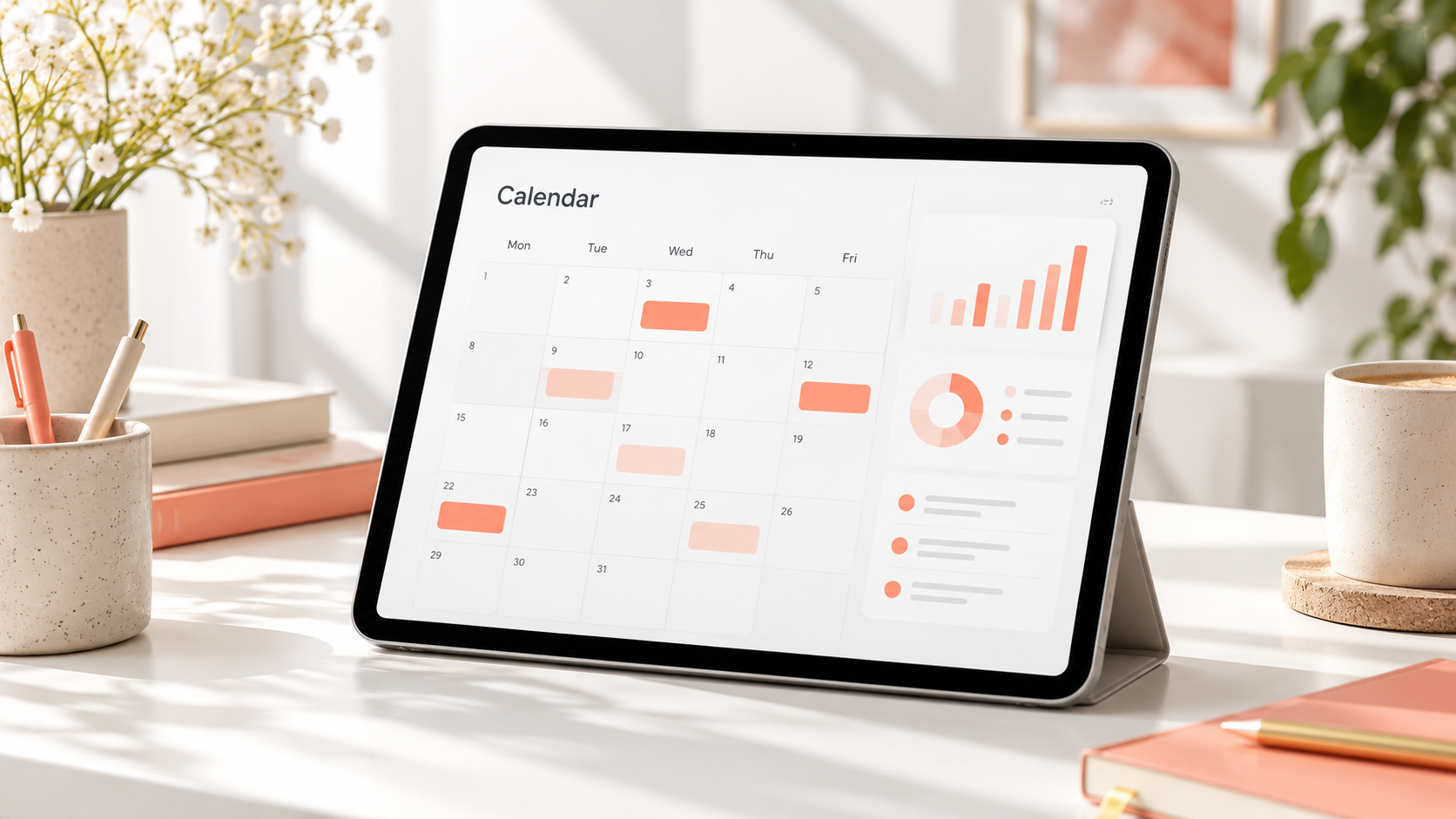
The best tool is the one your team will maintain consistently. A simple social media calendar spreadsheet may be ideal for a solo marketer or a small business developing its first structured process. Spreadsheets are flexible, inexpensive, easy to duplicate, and familiar to most collaborators. They can include dropdown menus for status, color coding for platforms, filters for campaigns, and separate tabs for ideas and performance data.
However, spreadsheets require manual updates and do not usually provide native previews, automatic publishing, or platform-specific validation. As content volume grows, rows become harder to scan and asset management becomes cumbersome. Teams may accidentally edit the wrong version, overlook a status change, or schedule content separately in several platform dashboards.
A dedicated social media calendar app is better when planning, approval, and publication need to happen in one workflow. Look for multi-platform scheduling, visual previews, reusable post templates, approval controls, notifications, role-based access, and a clear history of edits. If short-form video is central to your strategy, check how the tool handles video files, cover images, captions, first comments, and platform-specific publishing requirements.
An online social media content calendar is especially useful for distributed teams. Everyone can see current information without downloading files or requesting updates. Designers can attach finished assets, editors can revise copy, managers can approve posts, and publishers can schedule content from the same shared workspace.
SMMplanner can reduce the gap between planning and execution by allowing teams to prepare and schedule social media posts in advance. This matters because every additional handoff creates an opportunity for errors. A connected workflow makes it easier to preserve approved copy, publish at the intended time, and maintain a reliable cadence across accounts.
When comparing tools, test them with a real campaign rather than relying only on feature lists. Create several posts, request a revision, replace an asset, approve the content, and schedule it. The experience should remain clear at every stage. A sophisticated platform is not useful if routine actions feel confusing or collaborators avoid logging in.

Calendar Views for Different Planning Needs
No single calendar view answers every question. A monthly view is best for checking campaign balance, publishing frequency, seasonal timing, and gaps. It helps managers understand the overall narrative: whether product promotion is too concentrated, whether educational content appears regularly, and whether major announcements compete for attention.
A weekly view is more useful for production. It can show which captions need editing, which videos must be filmed, and which posts are waiting for approval. Daily or list views help publishers manage final checks and confirm that every scheduled asset is ready.
A visual social media feed planner serves a different purpose. It previews how posts may look beside one another, which is valuable for Instagram and other visually led channels. Use it to assess color balance, repeated compositions, campaign transitions, and the distribution of promotional graphics. Visual coherence can strengthen brand recognition, but it should not override relevance or force the team to publish weak content simply to preserve a pattern.
Consider maintaining an idea backlog alongside the active calendar. The backlog holds potential hooks, customer questions, trend observations, testimonials, and unfinished concepts without assigning them premature publication dates. During planning sessions, the strongest ideas can be moved into available calendar slots and developed into briefs.
Different stakeholders may also need filtered views. A designer might need only posts awaiting assets, while a manager needs items awaiting approval. A social media post organizer should make these views easy to create so people can focus on their responsibilities without navigating irrelevant details.
A Repeatable Monthly Planning Workflow
Begin each monthly planning cycle by reviewing the previous period. Identify posts that exceeded expectations, posts that underperformed, and topics that generated meaningful audience responses. Ask why the results occurred. A video may have succeeded because of its opening hook rather than its topic, while a carousel may have earned saves because it provided a practical checklist.
Next, confirm business priorities for the coming month. Collect launch dates, promotions, events, partnership commitments, and supporting resources. Assign each priority an appropriate number of posts instead of allowing one campaign to dominate every channel. Audiences need value between promotional messages.
Build the first draft at the theme level. Assign a pillar, purpose, platform, and format to each slot before writing complete captions. This makes structural problems visible early. If the month contains ten promotional posts and only two educational posts, rebalance the plan before investing in production.
Develop briefs for approved ideas. Each brief should define the audience insight, key message, hook, format, call to action, reference material, and production requirements. Batch similar work when practical: write several scripts together, film multiple videos during one session, or design related graphics as a set. Batching reduces setup time while maintaining a consistent standard.
Schedule a formal review before the publication week. Check claims, links, spelling, brand voice, visual accessibility, subtitles, image descriptions, tags, and platform-specific formatting. Confirm that time-sensitive posts are still accurate. Then schedule approved content while retaining space for responsive posts.
At the end of the month, archive results and decisions. Document what should be repeated, adapted, or discontinued. Over time, this simple habit turns the calendar into institutional knowledge rather than a collection of expired posts.
Best Practices for Small Teams and Businesses
Small teams benefit from clear ownership more than complicated processes. Assign one accountable owner to every post, even when several people contribute. Shared responsibility without a named owner often leads to missed handoffs. Define who drafts, designs, reviews, approves, schedules, and responds after publication.
Use a limited set of statuses such as Idea, Briefed, In Production, In Review, Approved, Scheduled, and Published. Too many status options create uncertainty. Document what each status means, particularly what must be complete before a post moves to the next stage.
Create reusable templates for recurring formats. A customer testimonial, weekly tip, product demonstration, or event reminder should not require a new workflow every time. Templates can specify dimensions, caption structure, brand elements, approval needs, and default deadlines. They accelerate production while leaving room for creative variation.
Keep the calendar editable without making it unstable. An editable social media calendar should allow authorized contributors to update dates, assets, and statuses while preserving visibility into important changes. Establish a cut-off point after which publication dates or approved claims cannot be changed without notifying the owner.
Build contingency options into the plan. Maintain a small library of evergreen posts that can replace delayed campaign assets. Also define situations in which scheduled publishing should pause, such as a crisis, major breaking news, or an event that makes promotional content inappropriate. Planning should increase responsiveness, not automate judgment.
Common Content Calendar Mistakes to Avoid
One common mistake is treating the calendar as a storage grid rather than a strategic tool. Filling every date does not guarantee useful content. Each post should connect to an audience need, business goal, or deliberate experiment.
Another mistake is planning too far ahead at the caption level. Major campaigns may require months of preparation, but detailed everyday content often benefits from a shorter horizon. Plan strategic themes well in advance, then finalize individual posts closer to publication so they remain timely.
Teams also overload calendars with fields that nobody maintains. Start with essential information and add fields only when they support a recurring decision. An incomplete, overly complex calendar creates less clarity than a simple, consistently updated one.
Ignoring platform differences is equally risky. Copying one post unchanged across every network can produce awkward formatting and weak results. The central idea may remain consistent, but hooks, captions, aspect ratios, calls to action, and publishing times should reflect how people use each platform.
Finally, do not separate planning from measurement. If results are never reviewed, the calendar repeats assumptions instead of improving the strategy. Schedule a regular performance review and convert findings into specific changes for the next planning cycle.
Frequently Asked Questions
What is the best format for a social media content calendar?
The best format depends on content volume and collaboration needs. A spreadsheet is usually sufficient for a solo creator or a small team with a modest publishing schedule. A dedicated calendar and scheduling platform is more effective when multiple people produce, approve, and publish content across several accounts.
How far in advance should social media content be planned?
Plan campaigns, launches, and seasonal themes one to three months ahead, but finalize most individual posts two to four weeks before publication. This provides enough production time while preserving flexibility for trends, audience feedback, and changing business priorities.
What should be included in a monthly social media calendar?
Include publication dates, platforms, content pillars, formats, post topics, captions or caption links, asset links, owners, calls to action, approval statuses, and scheduling statuses. Add campaign labels and performance metrics when they support your reporting process.
How often should a social media calendar be updated?
Update statuses whenever work changes, review upcoming content at least once a week, and conduct a broader planning and performance review every month. Teams publishing at high volume may need brief daily checks to manage approvals, timely posts, and production delays.