
Social Media Scheduling Pricing and Plans: Insights and Comparisons
Social media scheduling pricing and plans vary widely, offering options to fit different needs and budgets for efficient content management.


Social media scheduling tool pricing ranges from free plans for solo creators to $100–$200 per month for agencies managing dozens of accounts. SocialPilot generally offers the strongest account-to-price ratio, CoSchedule combines publishing with broader marketing workflows, and the Adobe social media scheduler is most attractive for creators who want design and scheduling in one subscription. The best choice depends on your number of social profiles, users, clients, approval steps, and reporting requirements—not simply the lowest advertised monthly fee.
How to Compare Social Media Scheduler Pricing Accurately | SocialPilot Pricing: A Detailed Plan Breakdown | CoSchedule Social Media Plans and Their True Cost | Adobe Social Media Scheduler Pricing and Value | SocialPilot vs. CoSchedule vs. Adobe Express | How to Find the Best Pricing for Social Media Schedulers | Recommended Plans by Marketing Scenario | Frequently Asked Questions
How to Compare Social Media Scheduler Pricing Accurately
Headline prices rarely tell the whole story. One provider may charge per workspace, another per user, and another according to the number of connected social profiles. A $20 plan can therefore cost less than a $10 plan once several teammates and client accounts are added. Before comparing vendors, document how many profiles you need today and how many you expect to manage during the next 12 months.
Start by separating social profiles from social networks. A company with Instagram, Facebook, LinkedIn, TikTok, and Pinterest has five profiles. An agency serving ten similar clients may need 50 profiles, even though it works with only five networks. Check whether the plan counts each page, brand, location, or channel separately.
User seats are another major cost driver. Solo marketers can usually work with one seat, but a small team may need separate access for a strategist, content creator, community manager, and approver. Sharing one login may violate account terms, weaken security, and make it difficult to identify who approved or changed a post. Client approval seats, guest access, and read-only links can reduce the need for full paid users.
Evaluate the operational features attached to each tier as well. Bulk scheduling, reusable content libraries, approval workflows, social inboxes, white-label reports, advanced analytics, and role-based permissions often appear only on higher plans. The best pricing for social media schedulers is the price that removes expensive manual work without forcing you to buy capacity you will not use.
Finally, compare monthly and annual commitments on the same basis. Annual billing often lowers the effective monthly rate, but it also reduces flexibility. Calculate the full annual payment, potential taxes, add-ons, and the cost of exceeding account limits. Prices and plan structures change, so confirm the final amount on each provider’s official checkout page before purchasing.
SocialPilot Pricing: A Detailed Plan Breakdown
SocialPilot pricing is structured around a combination of social accounts, user seats, and agency-oriented features. At the time of this comparison, annual billing provides a 15% discount, while monthly billing offers greater flexibility. Every tier includes the core calendar and publishing experience, but collaboration, reporting, approvals, and white-label capabilities expand substantially as the plans increase.
| Plan | Annual-billing rate | Monthly rate | Included social accounts | Included users | Best suited to |
|---|---|---|---|---|---|
| Essentials | $17 per month | $20 per month | 5 | 1 | Freelancers and independent professionals |
| Standard | $34 per month | $40 per month | 10 | 3 | Small businesses and compact marketing teams |
| Premium | $85 per month | $100 per month | 20 | 6 | Growing agencies with client approval needs |
| Ultimate | $170 per month | $200 per month | 40 | Unlimited | Established agencies and multi-location brands |
Essentials is a practical entry point when one marketer manages up to five accounts. It includes scheduling, a content library, tags, analytics, and 500 AI credits. However, it does not include bulk scheduling, and the single-user limit makes it unsuitable for collaborative production. Additional accounts are listed at $4 per month, so upgrading may become better value if both capacity and teamwork are needed.
Standard is often the most balanced SocialPilot plan for an in-house team. It increases capacity to ten accounts and three users, adds bulk scheduling, team collaboration, the social inbox, and 1,000 AI credits. Extra users cost $5 per month, while extra accounts cost $4 per month. A four-person team with twelve profiles should therefore compare the upgraded Standard total against Premium rather than relying on the base price.
Premium targets agencies that need client-facing processes. Its 20 accounts, six users, advanced analytics, client approvals, and white-label reports justify the higher price when reporting and review cycles are billable services. It also includes unlimited client seats, helping agencies collect feedback without purchasing a full internal seat for every customer.
Ultimate doubles profile capacity to 40 and removes user and AI-credit limits. Advanced security, advanced white labeling, onboarding, migration assistance, and a dedicated account manager make it appropriate for larger operations. Its value improves as more employees use the platform; for a small agency, Premium plus a few add-ons may remain more economical.
SocialPilot offers a 14-day trial without requiring a credit card. Use that period to import a representative content batch, connect multiple network types, test approvals with an actual client, and export a real report. That produces a more useful buying signal than exploring the dashboard with sample posts.

CoSchedule Social Media Plans and Their True Cost
CoSchedule social media pricing should be viewed through the product’s broader purpose. It is not only a publishing utility; its paid tiers connect social scheduling with campaigns, marketing projects, automation, approvals, and reporting. That makes CoSchedule compelling when the social calendar must fit into a wider content operation, but potentially excessive for a creator who only needs a posting queue.
| Plan | Annual-billing rate | Monthly rate | Included profiles | Notable limitation or advantage |
|---|---|---|---|---|
| Free Calendar | $0 | $0 | 1 | One user and up to 15 scheduled messages |
| Social Calendar | $19 per user per month | $29 per user per month | 3 | Unlimited publishing and up to three users |
| Agency Calendar | $59 per user per month | $69 per user per month | 5 | Client calendars, approvals, white labeling, and broader inbox coverage |
| Content Calendar | Custom quote | Custom quote | 5 initially | Advanced project, campaign, Kanban, and reporting tools |
| Marketing Suite | Custom quote | Custom quote | 5 initially | Enterprise workflows, permissions, intake forms, and asset management |
The Free Calendar is useful for learning the workflow or organizing a very small personal presence. Its allowance of one profile and 15 scheduled social messages is restrictive for consistent multi-network publishing, but the drag-and-drop calendar, limited AI tools, and best-time publishing provide genuine value at no cost.
Social Calendar is the most relevant plan for many small marketing teams. The annual price is $19 per user per month, while monthly billing is $29. Three profiles are included, and additional profiles are listed at $5 per month. The plan adds unlimited social publishing, analytics, reports, ReQueue automation, bulk imports, and a Facebook and Instagram social inbox.
Per-user pricing can change the comparison quickly. Three annual-plan users cost $57 per month before profile add-ons. A team that needs ten profiles would add seven profiles at $5 each, bringing the working estimate to $92 per month. Twitter/X is also treated separately: on Social Calendar and Agency Calendar, each X profile is listed at an additional $8 per month. Include these charges in any CoSchedule social media budget.
Agency Calendar costs $59 per user per month with annual billing or $69 monthly. It includes five profiles, unlimited client calendars, profile groups, social approvals, read-only calendar sharing, white-label features, and inbox support across networks. The tier makes sense when those client-management capabilities replace separate review, reporting, and communication tools.
Content Calendar and Marketing Suite use custom pricing. They are designed for organizations coordinating social media with articles, email campaigns, events, assets, tasks, and departmental workflows. Request a quote only after mapping required seats, profiles, integrations, permissions, onboarding, and support. This prevents an attractive demonstration from turning into a contract filled with unused enterprise functionality.

Adobe Social Media Scheduler Pricing and Value
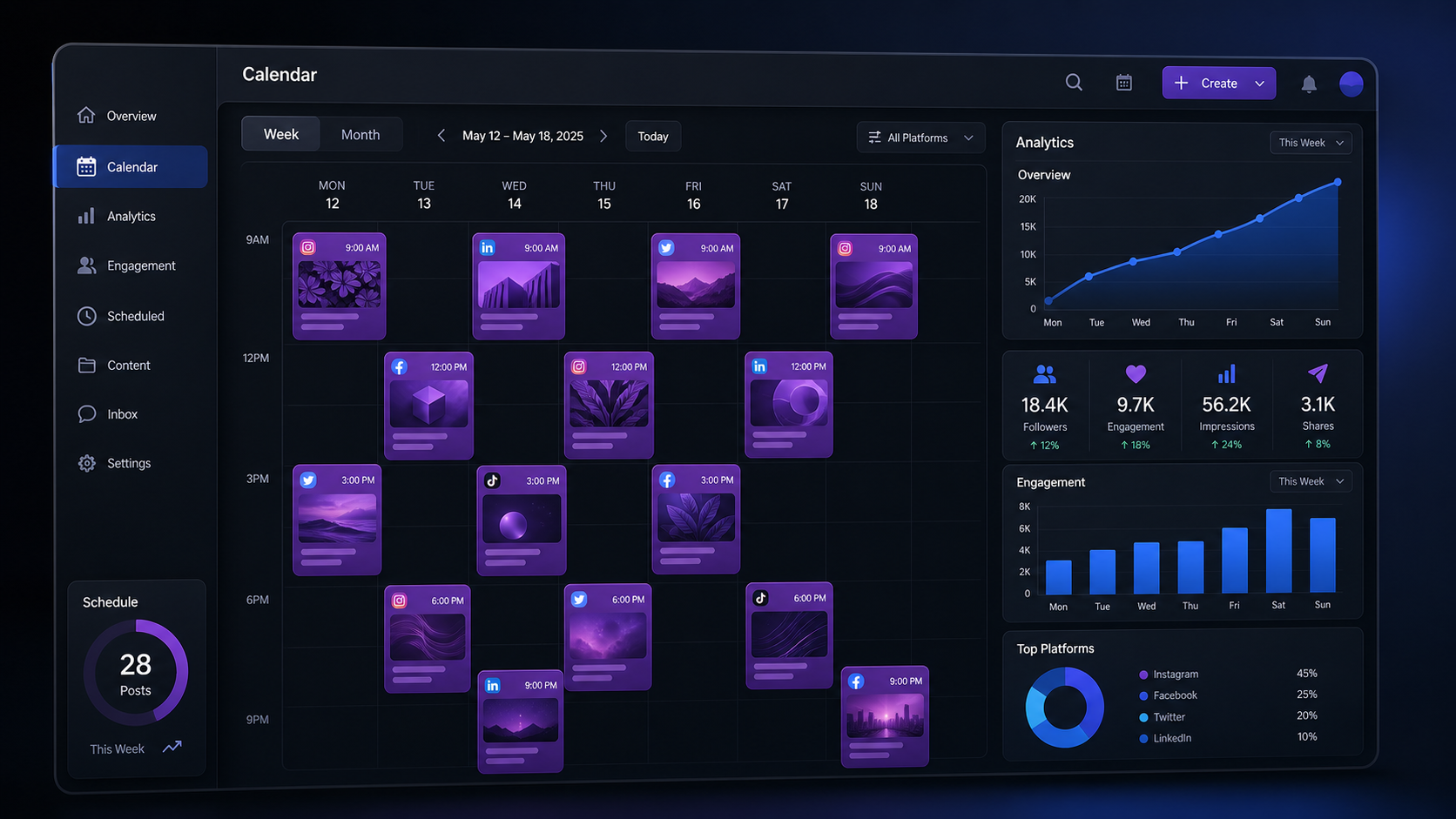
The Adobe social media scheduler is the Content Scheduler inside Adobe Express. Its central advantage is workflow consolidation: marketers can design, resize, caption, approve, and schedule creative work without repeatedly exporting and uploading files. It is less focused on agency-grade engagement management than SocialPilot or CoSchedule, but it can be exceptionally cost-effective for visual creators and small brands.
Adobe Express Free costs $0 and allows users to plan and schedule content to one account per supported social network. It also includes basic image, video, and document editing, more than 100,000 templates, a limited stock library, 5GB of storage, and ten days of version history. For a solo brand with one Instagram account, one TikTok account, and one LinkedIn presence, that network-based allowance can be more generous than a plan capped by total profiles.
Adobe Express Premium is listed at $9.99 per month for individuals in the United States. It expands scheduling to three accounts per social network and provides three shared social calendars. Premium also unlocks a much larger collection of templates and assets, one-click resizing, premium editing tools, brand kits, additional fonts, 250 monthly generative credits, and 100GB of storage.
The strongest financial case for Adobe appears when content production is the main bottleneck. If a marketer already pays for a design platform, stock assets, background removal, resizing, and a basic scheduler, Adobe Express Premium may replace several small subscriptions. The scheduler is effectively part of a creative production bundle rather than a standalone social management purchase.
There are trade-offs. Teams requiring advanced social listening, a unified engagement inbox, detailed competitor analysis, white-label client reports, complex permissions, or large-scale approval routing may need a dedicated management platform. Adobe’s optional Metricool integration can extend analytics, but buyers should price and evaluate the entire workflow rather than assume that every advanced reporting function is included in the base subscription.
Adobe pricing also varies by country, customer type, promotion, and business package. Organizations that already license Creative Cloud should check whether Adobe Express Premium functionality is included. Paying separately for the scheduler when it already exists inside another Adobe entitlement is an easy budgeting mistake.

SocialPilot vs. CoSchedule vs. Adobe Express
These tools overlap, but each is optimized around a different center of gravity. SocialPilot centers on managing many social accounts efficiently. CoSchedule centers on coordinating social publishing with the rest of the marketing calendar. Adobe Express centers on creating visual content and moving it directly into a publishing schedule.
| Decision factor | SocialPilot | CoSchedule | Adobe Express |
|---|---|---|---|
| Lowest practical paid entry | $17 per month with annual billing | $19 per user per month with annual billing | $9.99 per month for Premium |
| Best strength | High profile capacity and agency features | Marketing calendar and workflow coordination | Integrated design and publishing |
| Best buyer | SMBs, agencies, and multi-location brands | Content-led marketing teams and agencies | Creators and visually focused small businesses |
| Primary pricing risk | Extra accounts and users | Per-user, extra-profile, and X charges | Needing separate engagement or analytics tools |
For a solo creator, Adobe Express Premium is usually the strongest all-in-one value when production and scheduling matter more than sophisticated analytics. SocialPilot Essentials is preferable when five-profile management, reporting, tags, and a dedicated social workflow matter more than premium design tools. CoSchedule Free can work for a single low-volume channel, but its 15-message limit is easy to outgrow.
For a three-person in-house team managing eight to ten profiles, SocialPilot Standard is a compelling baseline at $34 per month annually. CoSchedule Social Calendar offers deeper calendar automation and broader marketing context, but three seats and extra profiles produce a higher total. Choose CoSchedule when ReQueue, campaign planning, and marketing-calendar visibility will save enough time to justify that difference.
For agencies, compare SocialPilot Premium with CoSchedule Agency Calendar. SocialPilot provides more included accounts and users for the base price, making it attractive for scalable publishing and reporting. CoSchedule may deliver more value when every client needs a separate calendar, read-only visibility, structured approvals, and close alignment between social work and other marketing projects.
How to Find the Best Pricing for Social Media Schedulers
Create a short cost model before starting trials. List required profiles, users, client reviewers, monthly post volume, X accounts, and essential capabilities. Then calculate each platform’s total monthly cost under both monthly and annual billing. Include add-ons, taxes, onboarding charges, analytics extensions, and any separate tool that would still be required.
Next, assign a monetary value to saved labor. If bulk scheduling saves four hours per month and a marketer’s loaded hourly cost is $40, that feature is worth up to $160 monthly before considering other benefits. Approval workflows may prevent missed deadlines and revision errors, while reusable content libraries can reduce repeated production work. A more expensive plan can have a lower total operating cost.
Avoid paying for speculative scale. Select a plan that supports current needs plus a realistic growth margin of approximately 20–30%. Buying 40 profiles for a business that manages eight does not create value. At the same time, operating at the exact account limit may cause disruptive upgrades whenever a new location or client is added.
Run the same practical test in every shortlisted platform. Schedule one week of real content, customize posts for different networks, request approval, respond to an audience interaction, and create a stakeholder report. Record completion time and friction. The resulting comparison will be more reliable than feature checklists because it reflects your team’s actual process.
Review the subscription every quarter. Remove inactive profiles, reclaim unused seats, compare add-ons with higher tiers, and verify whether annual billing still makes sense. Social media scheduling tool pricing should be treated as an operating budget that evolves with the account portfolio—not as a permanent, set-and-forget expense.
Recommended Plans by Marketing Scenario
A freelancer managing up to five profiles should begin with SocialPilot Essentials if analytics and account management are priorities. A visual creator who needs templates, resizing, editing, and publishing should start with Adobe Express Free, then upgrade to Premium when brand tools or multiple accounts per network become necessary.
A small business with two or three marketers should evaluate SocialPilot Standard first. It bundles ten accounts, three users, bulk scheduling, collaboration, analytics, and an inbox at a predictable annual-billing rate. If the team runs a content-heavy operation in which blog posts, campaigns, tasks, and social promotion must live on one calendar, CoSchedule Social Calendar deserves the stronger trial.
A growing agency should shortlist SocialPilot Premium and CoSchedule Agency Calendar. SocialPilot is likely to win on profile and seat economics; CoSchedule may win on client-specific calendars and integrated campaign organization. Ask both vendors to demonstrate the exact approval and reporting journey your clients will use.
Large agencies and multi-location companies should model SocialPilot Ultimate against CoSchedule’s custom offerings and other enterprise platforms. Security, migration, permissions, asset governance, account management, and support response times become as important as publishing volume. At that level, the best plan is the one that reduces operational risk while preserving clear ownership across teams.
Frequently Asked Questions
What is the cheapest SocialPilot plan?
SocialPilot Essentials is the lowest-priced plan, listed at $17 per month when billed annually or $20 with monthly billing. It includes five social accounts and one user. Additional accounts are available for a fee, but teams needing collaboration should compare Standard before adding capacity to Essentials.
Does CoSchedule offer a free social media scheduler?
Yes. CoSchedule’s Free Calendar supports one user, one social profile, and up to 15 scheduled social messages. It is suitable for testing the interface or managing a low-volume personal channel. Unlimited publishing, multiple profiles, analytics, automation, and collaboration require a paid plan.
Is the Adobe social media scheduler free?
Adobe Express Free includes Content Scheduler access for one account per social network. Adobe Express Premium, listed at $9.99 per month in the United States, increases the allowance to three accounts per network and adds premium templates, brand tools, resizing, creative assets, storage, and additional editing capabilities.
Should I choose annual or monthly billing?
Choose annual billing when the platform has passed a realistic trial, the account portfolio is stable, and the discount outweighs the loss of flexibility. Choose monthly billing during experimentation, rapid team changes, or seasonal client work. Always compare the full annual commitment—including users, profiles, add-ons, and taxes—rather than comparing advertised monthly figures alone.