
Top Apps for Scheduling Instagram Posts Efficiently
Efficiently schedule Instagram posts with top apps designed to save time and boost your social media management. Find the best tools for seamless planning.


The best apps for scheduling Instagram posts help marketers plan content in advance, preview how a profile will look, publish automatically, and measure performance without constantly switching between spreadsheets, cloud folders, and Instagram itself. The right choice depends on your publishing volume, content formats, approval process, analytics needs, and budget. For most creators and small businesses, a focused visual planner or affordable multi-network scheduler is sufficient. Agencies and larger marketing teams may benefit from advanced collaboration, reporting, and governance features.
Why Use an Instagram Scheduling App? | How to Choose the Best Instagram Scheduler | Best Apps for Scheduling Instagram Posts | Instagram Scheduler Comparison by Use Case | A More Efficient Instagram Scheduling Workflow | Common Scheduling Mistakes to Avoid | How to Test an Instagram Scheduling App Before Paying | Frequently Asked Questions
Why Use an Instagram Scheduling App?
Scheduling Instagram posts is no longer simply a convenience. It is a practical way to maintain a consistent publishing rhythm while protecting time for strategy, community management, and content production. Instead of interrupting the workday whenever a post is due, marketers can organize a week or month of content in focused planning sessions.
A reliable Instagram post scheduler app also reduces avoidable mistakes. Captions, hashtags, links, media files, publishing dates, and campaign notes can be reviewed before anything goes live. When several people contribute to an account, having one shared calendar is far safer than passing final assets through email or chat threads.
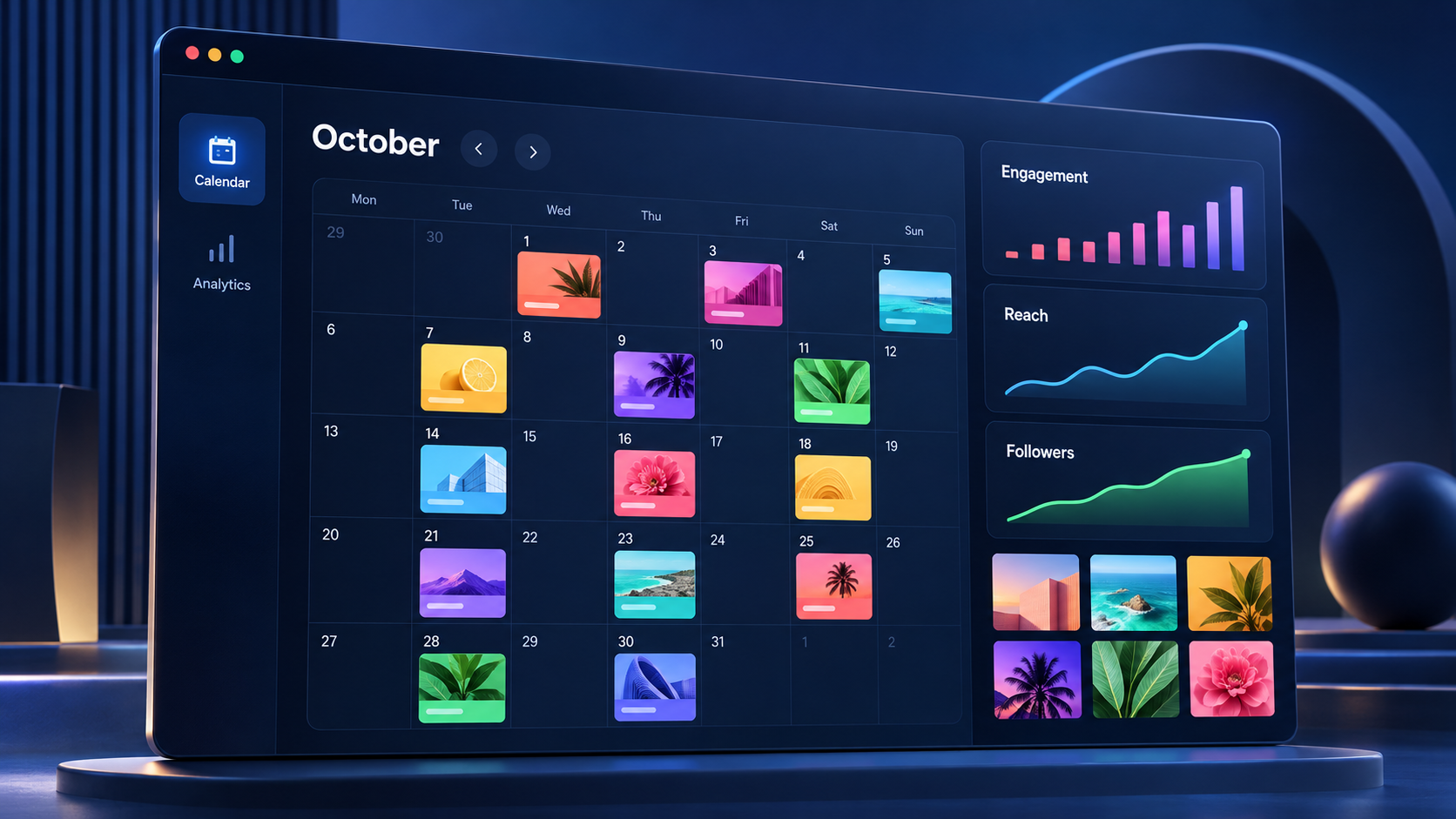
Visual planning is especially valuable on Instagram. A post may work well by itself but clash with adjacent content in the profile grid. Many Instagram scheduling apps provide feed previews, allowing marketers to balance product photography, educational graphics, creator-led videos, testimonials, and promotional content before publishing.
Scheduling also supports better measurement. When content is planned in advance, marketers can tag campaigns, compare content pillars, and evaluate results over a meaningful period. The goal is not to automate every interaction. It is to automate repetitive publishing work so that more attention can go toward conversations, creative experimentation, and audience research.
How to Choose the Best Instagram Scheduler
Start by identifying the formats you publish most often. Some tools handle single-image posts and carousels exceptionally well but provide fewer options for Reels or Stories. Others support a broad range of formats but may require a mobile reminder for posts that include unsupported effects, stickers, music, or interactive elements. Confirm which posts can be published automatically and which require a final step in the Instagram app.
Next, examine the planning experience. A good calendar should make it easy to reschedule content, identify empty publishing slots, and distinguish drafts from approved posts. If profile appearance matters to your brand, prioritize drag-and-drop grid previews. If campaigns run across several platforms, look for a scheduler that can adapt one core idea for Instagram, Facebook, LinkedIn, TikTok, and other channels without forcing every version to use identical copy.
Collaboration features become important as soon as more than one person is involved. Useful capabilities include roles and permissions, internal comments, approval stages, revision history, and client-facing review links. An inexpensive tool can become costly if your team still needs separate documents and messaging channels to manage approvals.
Analytics should match the decisions you actually make. A creator may only need reach, engagement, follower growth, and top-performing posts. A social media team may need comparisons by content type, campaign tags, publishing time, or account. Agencies should also assess branded reports, export options, and whether reports can combine multiple client profiles.
Finally, compare pricing according to your real setup. Some services charge per social channel, while others charge per user, workspace, brand, or group of profiles. Free plans can be useful for testing, but they often limit queued posts, analytics history, or collaboration. Prices and plan limits change, so verify the current offer before committing to an annual subscription.

Best Apps for Scheduling Instagram Posts
1. SMMplanner
SMMplanner is a practical option for creators, entrepreneurs, agencies, and social media managers who want to organize publishing from one workspace. Its core value is straightforward: users can prepare content in batches, establish a dependable schedule, and manage social publishing without returning to each platform throughout the day.
The service is especially relevant for marketers balancing multiple projects or accounts. Scheduled publishing makes it easier to coordinate recurring series, promotional launches, seasonal campaigns, and client content. Users can prepare captions and media when the creative materials are ready rather than waiting until the exact publishing time.
SMMplanner is worth considering when efficiency and centralized planning are the priorities. Before selecting a plan, estimate the number of accounts, monthly posts, and team members you expect to manage. This prevents both underbuying and paying for capacity that will remain unused.
2. Meta Business Suite
Meta Business Suite is the natural starting point for businesses that primarily publish to Instagram and Facebook. Because it is Meta’s own management environment, it provides direct scheduling, inbox, notification, and performance tools for connected professional accounts. Its main advantage is cost: the core publishing features are generally available without a separate scheduler subscription.
The interface supports calendar-based planning and is suitable for relatively simple workflows. Small businesses can schedule posts, review basic insights, and respond to activity from one place. It is particularly useful for teams that do not need extensive support for networks outside the Meta ecosystem.
The tradeoff is that its workflow, reporting, and approval capabilities may feel limited for agencies or sophisticated content operations. It is a strong baseline, however, and testing it helps clarify which premium features are genuinely necessary.
3. Later
Later is one of the most recognizable Instagram scheduling apps because of its visual-first planning experience. Its calendar and feed-planning tools are well suited to brands that care about profile aesthetics, campaign sequencing, and a clear overview of upcoming media.
Creators and ecommerce teams may also appreciate tools connected to link-in-bio experiences, content organization, and performance analysis. The platform can support other social networks, but Instagram remains central to its appeal. This makes Later a good fit for fashion, food, travel, beauty, design, and lifestyle accounts with a strong visual identity.
Evaluate its plan limits carefully. The most useful analytics, collaboration, and content-management capabilities may sit above the entry-level tier. A visually polished planner is valuable, but only if its publishing allowances match your monthly output.
4. Buffer
Buffer is known for a clean interface and a relatively gentle learning curve. It works well for solo creators and small marketing teams that want to create a posting queue without navigating an oversized enterprise platform. Publishing calendars, cross-channel support, and accessible analytics make it a flexible everyday option.
Its channel-based model can be economical for a small number of profiles, while costs may increase as more accounts are connected. Buffer is particularly useful when the priority is consistent execution rather than a highly customized approval process.
For marketers comparing the best apps for scheduling Instagram posts, Buffer is a sensible candidate for a short trial. Build a real week of content, test the mobile workflow, and check whether its reporting answers your recurring questions before upgrading.
5. Metricool
Metricool combines scheduling with analytics, competitor tracking, advertising insights, and reporting. This broader measurement layer makes it attractive to performance-oriented marketers who want publishing and analysis in the same system.
The planning calendar provides a useful cross-network view, while reporting can help teams identify which formats, subjects, and posting times deserve further investment. Metricool can be especially effective for freelancers or agencies that need to monitor several brands without purchasing a heavier enterprise suite.
When evaluating it, pay attention to the number of brands included in each plan, available historical data, and reporting options. Its breadth is a major advantage, although creators who only want a simple Instagram queue may not need every feature.
6. Planable
Planable is built around content collaboration and approval. Posts appear in a visual workspace where teammates and clients can leave contextual feedback, request revisions, and approve content. This can replace scattered feedback across slide decks, spreadsheets, email, and messaging apps.
It is a strong choice for agencies, regulated organizations, and internal teams with formal review processes. Different viewing modes help stakeholders assess individual posts, calendar timing, and overall feed presentation. The benefit is not merely faster scheduling; it is a clearer record of what was approved and why.
Teams should compare workflow features and publishing allowances across plans. Planable delivers the most value when approvals are a genuine operational bottleneck. A solo creator with no reviewers may find a simpler scheduler more economical.
7. Hootsuite
Hootsuite is a mature social media management platform designed for teams that need publishing, monitoring, engagement, and analytics across multiple networks. Its calendar can coordinate larger content programs, while inbox and listening capabilities help teams manage activity beyond scheduled posts.
The platform is better suited to established businesses than to budget-conscious beginners. Its range of features may be excessive for a creator managing one Instagram account, but useful for organizations that require permissions, governance, team assignments, and broader reporting.
Assess Hootsuite according to the total workflow it can replace. A higher subscription can still be reasonable if it consolidates publishing, social inbox management, monitoring, and reporting that would otherwise require several tools.
8. Sprout Social
Sprout Social is a premium option for organizations that treat social media as a significant customer, brand, and revenue channel. It combines scheduling with analytics, engagement management, listening, and team workflows. Reporting is one of its strongest areas, particularly for teams that need to communicate performance to executives or clients.
The platform can help larger teams standardize publishing and measure results across multiple profiles. Approval controls and shared workflows also reduce risk when many employees or partners contribute content.
Its pricing generally places it outside the needs of most individual creators. Businesses should judge it on operational value rather than scheduling alone. If advanced reporting, response management, and governance are essential, the investment may be easier to justify.

Instagram Scheduler Comparison by Use Case
There is no universal winner because different workflows create different priorities. A solo creator should favor speed, affordability, and an intuitive mobile experience. Buffer, Later, SMMplanner, or a native option may cover the essential workflow without adding unnecessary complexity.
Visual brands should place feed previews and media organization near the top of the checklist. Later is particularly associated with visual planning, while other platforms increasingly provide similar calendar and preview features. Test previews using your actual mix of square images, portraits, carousels, and Reel covers rather than relying on promotional screenshots.
For an agency, approval time can cost more than the software. Planable is compelling when multiple clients must review content, while Metricool can be useful when reporting and multi-brand oversight are equally important. Hootsuite and Sprout Social become stronger candidates when the agency also provides monitoring, engagement, or enterprise reporting.
Businesses operating mostly on Instagram and Facebook should test Meta Business Suite before purchasing another tool. It may handle the required publishing volume at no additional software cost. If the team later needs a better visual workflow, reusable approval system, or cross-network reporting, it can move to a specialized platform with a clearer understanding of the missing features.
For larger organizations, security and governance deserve the same weight as convenience. Look for defined user roles, account-level permissions, approval rules, audit visibility, and reliable offboarding. The cheapest scheduler is not economical if former contractors retain access or unapproved posts can bypass review.
A More Efficient Instagram Scheduling Workflow
A scheduling tool produces the best results when it supports a clear process. Begin with monthly campaign priorities and divide them into content pillars, such as education, product value, customer proof, community, and brand personality. This prevents the calendar from becoming a random collection of attractive posts.
Next, batch similar tasks. Draft several briefs together, film multiple short videos in one session, edit related assets at once, and write captions in a focused block. Task batching reduces setup time and makes it easier to maintain consistent visual and editorial standards.
Upload approved media into a predictable asset structure. Use filenames that include the campaign, format, and intended publication date. Inside the scheduler, add complete captions, accessibility-focused alt text where supported, location details when relevant, and carefully selected hashtags. Avoid adding hashtags simply to fill space; prioritize terms that accurately describe the subject and audience.
Build a review checkpoint at least one or two business days before publication. Confirm the creative, hook, claims, offer details, tags, and destination links. Review Reel cover crops and the opening slide of every carousel. Those elements heavily influence whether someone pauses long enough to engage.
After scheduling, do not treat the calendar as finished. Check upcoming posts regularly for news, cultural events, inventory changes, or campaign updates that could make the content inappropriate or inaccurate. Automation should improve responsiveness, not remove human judgment.
Finally, reserve time after publication for engagement. Respond to thoughtful comments, answer questions, and record recurring audience language that can inform future posts. Scheduling Instagram posts efficiently creates this time; community interaction is where much of its value is realized.

Common Scheduling Mistakes to Avoid
The first mistake is selecting an app based on its feature list without testing the actual publishing workflow. A platform may advertise support for Instagram but handle certain formats through reminders rather than automatic publication. Run a controlled test with an image post, carousel, Reel, and Story before moving the full calendar.
Another mistake is scheduling identical content across every network. Repurposing is efficient, but each platform has different audience expectations, dimensions, caption conventions, and discovery patterns. Keep the campaign idea consistent while adapting the execution for Instagram.
Marketers also tend to overfill their calendars. Consistency matters, but frequency should not come at the expense of relevance. It is better to publish three strong posts with a clear purpose than seven rushed posts that repeat the same message.
Ignoring mobile previews is another avoidable problem. Desktop calendar views may not reveal awkward caption breaks, cropped cover text, or graphics that are difficult to read on a phone. Review every scheduled post at mobile size, particularly carousels and short-form video covers.
Finally, do not depend on automation without monitoring failures. Account permissions can expire, platform connections can disconnect, and media may fail technical checks. Turn on failure notifications, maintain clear ownership of the publishing calendar, and perform a quick live-profile check after important posts are due.
How to Test an Instagram Scheduling App Before Paying
Use a representative trial rather than casually exploring the interface. Add the number of profiles you normally manage, invite the people who participate in reviews, and schedule at least one week of real content. Include every important format so that limitations appear before you purchase an annual plan.
Measure how long it takes to prepare, review, revise, and schedule each post. Note how many external tools are still required. If approvals continue in email and reporting still requires manual spreadsheets, the app may not be solving the workflow you intended to improve.
Check the quality of support documentation and customer service as well. Scheduling tools connect to platforms that change frequently, so occasional publishing issues are inevitable. Clear status updates, practical troubleshooting guidance, and responsive support can be as important as an attractive interface.
At the end of the trial, calculate value in hours saved per month. Include publishing time, reporting time, approval follow-ups, and corrections prevented. This gives you a stronger basis for choosing among free, mid-range, and premium Instagram scheduling apps than comparing subscription prices alone.
Frequently Asked Questions
What is the best app for scheduling Instagram posts?
The best app depends on the workflow. SMMplanner, Buffer, Later, and Metricool are practical options for creators and smaller teams. Meta Business Suite is useful for businesses focused on Instagram and Facebook. Planable is strong for approvals, while Hootsuite and Sprout Social are better suited to broader, enterprise-level social media management. Test your preferred options with real content before subscribing.
Can Instagram posts be scheduled automatically?
Yes, many approved scheduling tools can automatically publish eligible Instagram content for professional accounts. Support varies by format and feature. Posts using certain music, stickers, effects, or interactive Story elements may require a mobile notification and manual completion. Always confirm current publishing requirements inside the scheduler.
Are free Instagram scheduling apps good enough?
A free plan can be sufficient for one account with a modest posting schedule. It may include basic calendar and publishing functions but limit queued posts, analytics history, team members, or profile connections. Growing brands should compare the time saved by paid collaboration and reporting features against the monthly fee.
Does scheduling Instagram posts reduce engagement?
Scheduling itself does not inherently reduce engagement. Performance depends more on content quality, relevance, timing, presentation, and community interaction. Scheduled posts can improve results by supporting consistency and better review. Marketers should still monitor published content, respond to comments, and adjust future posts using performance data.