
Top Social Media Content Calendar Planner Tools
Effective social media content calendar planner tools help organize posts, boost engagement, and streamline your marketing strategy for consistent results.


The best social media content calendar planner is the one that matches your publishing volume, team structure, approval process, and reporting needs. Buffer and Metricool are practical choices for creators and small businesses, Later is especially useful for visual-first brands, Planable excels at collaborative review, CoSchedule connects social posts with broader marketing campaigns, and platforms such as Hootsuite and Sprout Social give larger organizations deeper governance and analytics. This guide compares the leading options so you can choose a tool that saves time without adding unnecessary complexity.
What to Look for in a Social Media Content Calendar Planner | Quick Comparison of the Best Social Media Content Calendar Tools | Best Tools for Creators, Freelancers, and Small Businesses | Best Tools for Collaboration, Approvals, and Agencies | Best Tools for Integrated Marketing and Custom Editorial Workflows | How to Choose the Right Tool for Your Industry and Business Size | A Practical Workflow for Getting More Value from Your Content Calendar | Common Mistakes to Avoid When Comparing Social Media Planning Apps | Frequently Asked Questions
What to Look for in a Social Media Content Calendar Planner
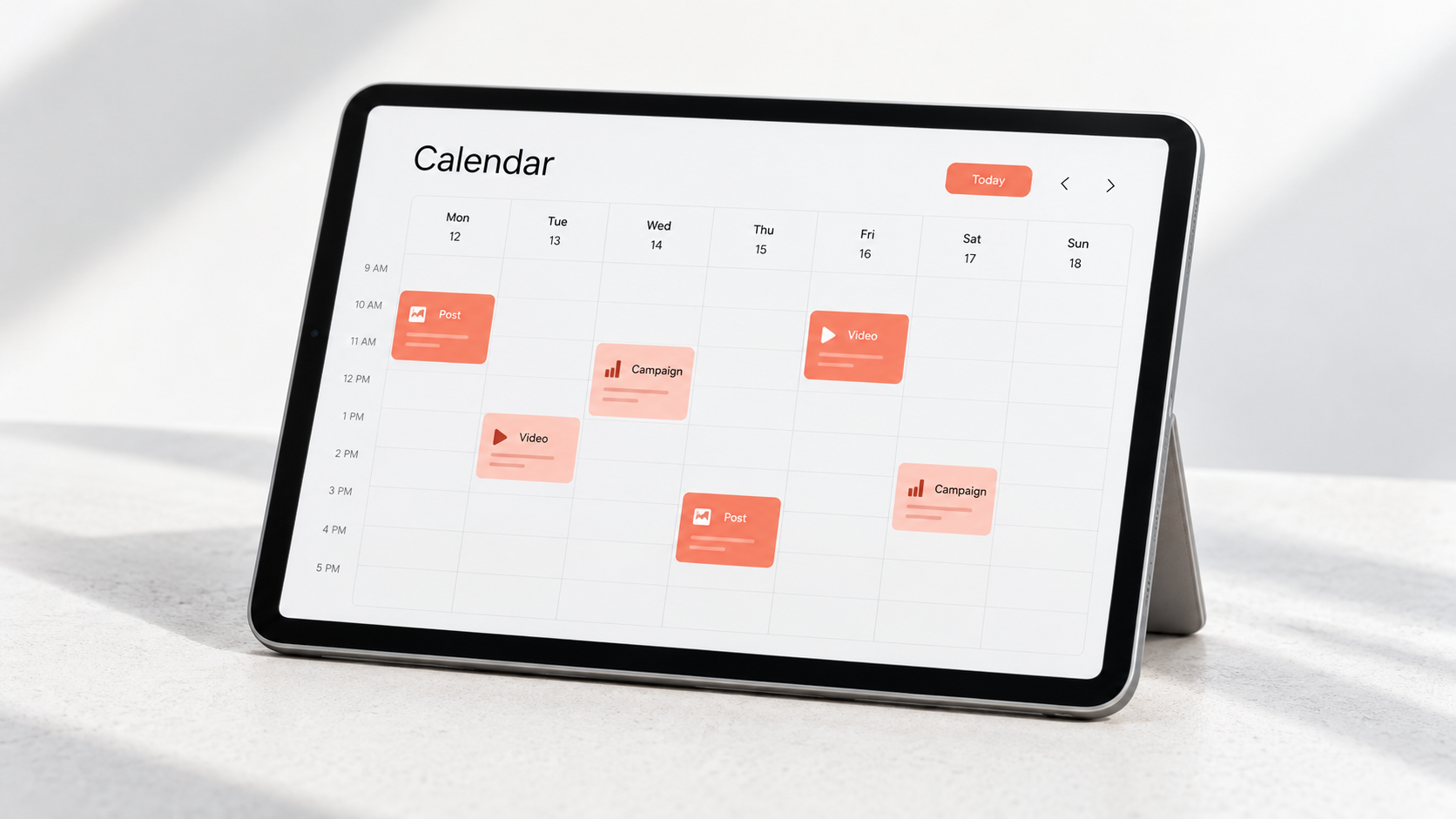
A useful calendar does more than display scheduled posts. It should show what is being published, where it will appear, who is responsible for it, and how each post supports a campaign. At minimum, look for week and month views, filters for channels or brands, draft management, platform-specific previews, and an easy way to move content when priorities change.
Publishing coverage is equally important. Make a list of every network and format your organization uses, including Instagram Reels, Stories, TikTok videos, LinkedIn documents, YouTube Shorts, Pinterest Pins, Threads posts, and Google Business Profile updates. Some social media planning apps support a network but cannot automatically publish every format. Native music, stickers, collaborations, and other platform-only features may still require a mobile notification and manual completion.
Teams should examine permissions and approvals closely. A simple “draft or published” workflow may be enough for one creator, while an agency could need internal review, client approval, separate workspaces, role-based permissions, and an audit trail. Check whether external reviewers need paid seats and whether they can comment without receiving access to unrelated clients.
Finally, evaluate reporting, media storage, bulk uploads, mobile access, and pricing as one system. A low monthly price can become expensive when every user, workspace, or social profile is charged separately. Test the tool with a real campaign rather than an artificial demo: upload assets, customize posts for several networks, request approval, reschedule content, publish it, and find the resulting performance data.

Quick Comparison of the Best Social Media Content Calendar Tools
| Tool | Best for | Standout strength | Main consideration |
|---|---|---|---|
| Buffer | Creators and small businesses | Simple queues and approachable scheduling | Advanced workflows may require a higher plan |
| Later | Visual brands and creator-led teams | Visual planning and media-focused workflow | Confirm support for every required post format |
| Metricool | Freelancers and performance-focused teams | Planning, analytics, and reporting in one workspace | Collaboration needs careful plan comparison |
| Planable | Agencies and approval-heavy teams | Comments, previews, and structured approvals | Broader listening and analytics may need another tool |
| CoSchedule | Content marketing departments | Connects social promotion with wider campaigns | Can be more system than a solo creator needs |
| Hootsuite | Established multi-channel teams | Broad social management capabilities | Assess total cost for users and features |
| Sprout Social | Large brands and service teams | Governance, engagement, and sophisticated reporting | Premium capabilities come with premium pricing |
| Notion or Trello | Editorial planning and flexible workflows | Custom briefs, statuses, and documentation | Direct publishing usually requires an integration |
There is no universal winner among the best social media content calendar tools. A restaurant group coordinating local pages has different requirements from a fashion creator planning an Instagram grid or a regulated company documenting approvals. Use the table to create a shortlist, then compare the workflows that consume the most time in your organization.
Best Tools for Creators, Freelancers, and Small Businesses
Buffer: Best for straightforward scheduling
Buffer is a strong starting point when the priority is getting content out consistently without a long onboarding process. Its calendar, posting queues, and multi-channel composer make it easy to batch a week or month of content. Posts can be adapted by network, which is essential because a concise LinkedIn update should not simply be copied into an Instagram caption or TikTok description.
The platform is particularly suitable for consultants, local businesses, and creator-led brands with a small number of decision-makers. It keeps day-to-day publishing accessible while offering room to add analytics and team features. However, compare plan limits against your number of channels and scheduled posts. A tool that is inexpensive for three profiles may cost considerably more when a business adds several locations or client accounts.
Later: Best for visual-first content
Later is well suited to businesses whose calendar begins with photos and video rather than copy. Retailers, beauty brands, travel companies, restaurants, and creators can organize media and map assets onto a visual schedule. This makes it easier to balance product photography, educational videos, customer content, promotions, and behind-the-scenes posts before the feed becomes repetitive.
Its scheduling workflow supports major visual and professional networks, while planning features help teams see how campaigns fit together. Before subscribing, reproduce the formats you publish most often. Verify automatic publishing, first-comment options, link workflows, video requirements, and any notification-based steps. These details matter more than the length of a feature list.
Metricool: Best for combining scheduling with measurement
Metricool is appealing when a small team wants planning and performance analysis in the same environment. A freelancer managing several client brands can use the calendar to organize posts and then move into analytics and reporting without assembling results manually from every network.
This makes it useful for performance-minded businesses that want to compare posting activity with reach, engagement, clicks, or growth. The practical question is how its workspace, user, brand, and reporting limits map to your operation. Agencies should test permissions and client-facing reports, while solo users should avoid paying for collaboration features they will not use.

Best Tools for Collaboration, Approvals, and Agencies
Planable: Best for content review
Planable treats feedback as part of the publishing process rather than a conversation scattered across email and chat. Teams can review posts in context, comment on specific content, and move work through approval stages. That is valuable for agencies, franchises, and internal teams where a strategist, designer, copywriter, legal reviewer, and client may all touch the same post.
The platform’s main advantage is reduced ambiguity. Reviewers see a realistic preview instead of interpreting a row in a spreadsheet, and creators can distinguish a suggestion from an approval. When testing Planable, recreate your actual hierarchy: internal review first, client review second, and final publishing authorization last. Check guest access, version history, workspace separation, and approval rules before committing.
Hootsuite: Best for established multi-channel operations
Hootsuite is designed for organizations that need more than a lightweight scheduler. Its planning environment sits alongside engagement, monitoring, analytics, and administrative capabilities. That breadth can help a central social team coordinate many accounts while maintaining a consistent operational process.
The trade-off is complexity and cost. A small company that only wants to schedule three posts a week may not use enough of the platform to justify it. Larger teams should evaluate permission controls, inbox routing, reporting exports, account limits, training requirements, and add-on costs. Ask each stakeholder to complete a normal task during the trial; procurement should not be the only team testing the software.
Sprout Social: Best for governance and integrated social management
Sprout Social is a compelling option for mature teams that connect publishing with customer care, analytics, and brand oversight. Its publishing calendar supports multiple views, campaign organization, collaboration, and scheduling across numerous networks. Approval workflows and stakeholder visibility can help enterprises prevent unauthorized or off-brand posts.
Sprout is usually easiest to justify when social media has measurable operational importance: a customer service team responds to messages, leadership expects dependable reports, or several departments publish through the same accounts. Smaller teams should calculate whether those capabilities will be used frequently enough. Premium software produces value only when the organization adopts the workflow around it.

Best Tools for Integrated Marketing and Custom Editorial Workflows
CoSchedule: Best for connecting social and content marketing
CoSchedule is useful when social posts are one component of a larger marketing campaign. A product launch may also include a blog article, landing page, newsletter, webinar, and partner promotion. Bringing those activities into a shared marketing calendar gives stakeholders a clearer view of dependencies and deadlines.
This approach works well for SaaS companies, publishers, universities, and content-heavy marketing departments. Instead of treating every social post as an isolated item, the team can connect promotion to the asset it supports. Before choosing CoSchedule, decide whether you genuinely need a marketing operations calendar or only a social scheduler. The broader structure is valuable, but it requires disciplined ownership and consistent status updates.
Notion and Trello: Best for flexible planning
Notion and Trello are not direct substitutes for full publishing suites, but they remain useful content calendar planners. Both can accommodate briefs, campaign goals, owners, due dates, asset links, production stages, and reusable checklists. A team can create views for ideas, production, approval, scheduled work, and published content without being forced into a vendor’s predefined workflow.
The limitation is execution. These tools may require an automation service, separate scheduler, or manual publishing process. That creates more flexibility but also more opportunities for errors. If you use a custom editorial system, define one authoritative status field and one source of truth for publication time. Avoid maintaining dates independently in a project board, spreadsheet, and scheduler.
How to Choose the Right Tool for Your Industry and Business Size
Solo creators should prioritize speed, media organization, mobile access, and an affordable path to adding channels. Buffer, Later, or Metricool will often cover the core workflow. A creator who relies heavily on visual composition may prefer Later, while someone publishing thought leadership across LinkedIn, Threads, and other text-oriented networks may value Buffer’s streamlined queue.
Small businesses should consider who will approve content when the owner is unavailable. Look for clear previews, simple permissions, reliable notifications, and reporting that can be understood without a data analyst. Retail and hospitality businesses should also check location management, Google Business Profile support, and the ability to react quickly when hours, inventory, or promotions change.
Agencies need stronger separation between clients. Essential features include distinct workspaces, secure external approvals, reusable workflows, bulk scheduling, media libraries, and reports that can be delivered efficiently. Planable may solve the approval challenge, while Metricool, Hootsuite, or Sprout Social may be attractive when reporting and account management carry greater weight.
Enterprise and regulated organizations should emphasize governance. Role-based access, audit history, multi-stage approval, account security, archiving, support, and procurement requirements may outweigh interface simplicity. Test how the platform handles an urgent correction, an employee departure, and a campaign spanning several regions. Those scenarios reveal more than a polished calendar demonstration.
A Practical Workflow for Getting More Value from Your Content Calendar
Begin with campaign goals, not empty posting slots. Define the audience, business objective, offer, message, and success metric for each campaign. Then assign content pillars such as education, proof, community, product, and brand personality. This prevents the calendar from becoming a collection of unrelated ideas.
Build content in batches, but customize the final execution by platform. One customer interview might become a YouTube video, three short clips, a LinkedIn document, an Instagram carousel, and a quote graphic. Store the master asset and adaptation notes together so the team can repurpose efficiently without publishing identical posts everywhere.
Create explicit statuses such as idea, brief approved, in production, ready for review, approved, scheduled, and published. Every item should have one owner and one next action. Add a final preflight check for links, tags, subtitles, accessibility text, thumbnail crops, disclosure requirements, and time zones.
Review the calendar weekly and performance monthly. The weekly review catches gaps, duplicated messages, and production risks. The monthly review identifies which themes, formats, hooks, calls to action, and posting windows deserve further testing. The strongest social media content calendar planner is not merely a scheduling machine; it is a feedback system that improves future decisions.
Common Mistakes to Avoid When Comparing Social Media Planning Apps
Do not select a platform solely because it supports many networks. Coverage is meaningful only if the tool handles your exact formats and workflow. A network logo on a pricing page does not guarantee automatic publishing for every type of post.
Avoid comparing entry prices without calculating the operational total. Include users, social profiles, brands, approval seats, analytics history, report exports, storage, and add-ons. Annual billing discounts can be attractive, but a monthly trial is safer until the team has completed at least one full campaign.
Do not automate every post. Scheduled educational and promotional content creates consistency, but community responses, cultural moments, breaking news, and sensitive events require human judgment. Maintain a pause procedure so queued content can be reviewed quickly when circumstances change.
Finally, resist building a calendar that is too complicated to maintain. Extra labels and custom fields feel organized during setup but create friction later. Track only information that influences production, approval, publication, or analysis. Simplicity is an operating advantage.
Frequently Asked Questions
What is a social media content calendar planner?
A social media content calendar planner is a tool for organizing, reviewing, scheduling, and tracking posts across one or more social networks. It typically displays publication dates, channels, captions, media, campaign labels, owners, and approval status. Advanced planners may also include direct publishing, analytics, social inboxes, asset libraries, and automated recommendations.
Which content calendar planner is best for a small business?
Buffer, Later, and Metricool are sensible options for many small businesses. Buffer is approachable for straightforward multi-channel scheduling, Later suits visual-first brands, and Metricool combines planning with performance reporting. The best choice depends on the number of profiles, required formats, users, and whether client or manager approval is necessary.
Can I use a spreadsheet instead of a social media planning app?
Yes. A spreadsheet can work for an individual or a low-volume team that publishes manually. It becomes less effective when several people need to review content, assets change frequently, or posts must be scheduled across many profiles. Once version confusion and manual publishing consume significant time, a dedicated planner usually provides better control.
How far in advance should social media content be planned?
Plan strategic themes and major campaigns one to three months ahead, produce routine content two to four weeks ahead, and retain flexible space for timely posts. Highly regulated teams may need longer approval windows, while news-driven brands need more adaptability. The objective is not to fill every slot early; it is to create enough structure for quality work without losing relevance.