
Best Facebook and Instagram Scheduling Apps in 2026
Top Facebook and Instagram scheduling apps for 2026 help streamline your social media management with efficient posting and planning tools.


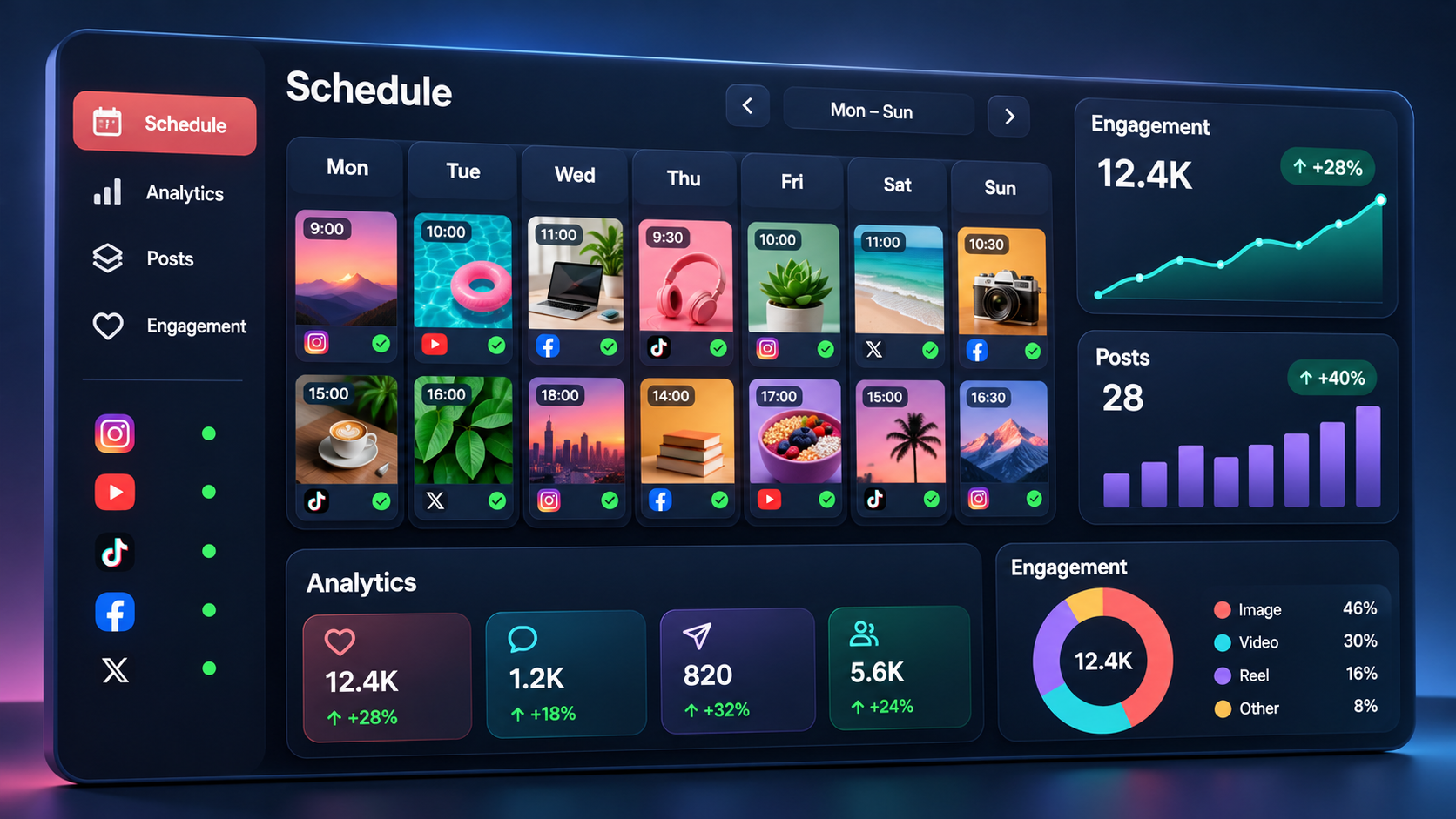
The best Facebook and Instagram scheduler in 2026 is the one that matches the complexity of your publishing workflow. Meta Business Suite is the strongest free option for brands focused exclusively on Meta platforms, while Buffer offers an accessible workflow for creators and small businesses. Later excels at visual Instagram planning, Planable is ideal for approvals, and Hootsuite or Sprout Social provide the analytics, engagement, and governance features larger teams need. The right choice should reliably publish your priority formats, simplify collaboration, and help you improve performance—not merely place posts on a calendar.
What to Look for in a Facebook and Instagram Scheduler | Best Facebook and Instagram Scheduling Apps at a Glance | Top Scheduling Apps Reviewed | How to Choose the Right Tool for Your Business | A Practical Facebook and Instagram Scheduling Workflow | Common Scheduling Mistakes to Avoid | Frequently Asked Questions
What to Look for in a Facebook and Instagram Scheduler
A scheduling tool should remove repetitive work without making your content feel automated. Start by checking whether the app can directly publish the formats you use most: Instagram feed posts, carousels, Reels and Stories, plus Facebook posts, videos and Reels. Some tools support a format but require a mobile notification to complete publication when an API limitation or an unsupported creative feature is involved. That is workable for occasional posts, but inconvenient when you manage several accounts or publish outside business hours.
Next, examine how the calendar handles platform-specific content. Reposting the same image and caption everywhere may save time, but it rarely produces the best results. A capable Instagram and Facebook post scheduler lets you create one campaign and then customize the caption, crop, link, first comment, tags and publishing time for each network. Look for clear previews so that you can catch truncated copy, poor aspect ratios and awkward line breaks before they reach your audience.
Collaboration matters even for a small team. A useful social media planner for business should support drafts, internal comments, approvals, user permissions and an activity history. Agencies also need separate workspaces and straightforward client approvals. If feedback still moves through screenshots, email chains and chat messages, a cheap scheduler can become expensive in staff time.
Finally, evaluate analytics and reliability. Useful reports connect content types and publishing times with reach, engagement, video retention, link activity or conversions. Failure alerts are equally important: if an Instagram post scheduler cannot publish because an account token expired, the team needs to know immediately. Before subscribing, test a complete workflow from draft to approval, publication and reporting rather than judging the product from its feature list alone.

Best Facebook and Instagram Scheduling Apps at a Glance
The following comparison focuses on practical fit rather than declaring one universal winner. Features, account limits and plan structures change frequently, so confirm current details before purchasing an annual subscription.
| Tool | Best for | Key strength | Main limitation |
|---|---|---|---|
| Meta Business Suite | Meta-only businesses | Free native publishing and inbox tools | No non-Meta networks |
| Buffer | Creators and small businesses | Simple queues and approachable workflow | Advanced functions may require higher plans |
| Later | Instagram-first brands | Visual planning and media organization | Best features are concentrated in paid tiers |
| Planable | Agencies and approval-heavy teams | Excellent feedback and approval workflow | Reporting is not its primary advantage |
| Hootsuite | Established multi-channel teams | Publishing, listening and engagement in one system | Can be excessive for a solo creator |
| Sprout Social | Organizations needing deeper intelligence | Analytics, governance and community management | Premium investment |
| Metricool | Performance-minded small teams | Planning combined with accessible reporting | Workflow depth varies by plan |
| Canva Content Planner | Design-led creators | Fast transition from design to publishing | Less comprehensive social management |
For a solo user, ease of use and affordable account limits usually matter more than enterprise reporting. An agency should prioritize client separation, approval stages and permission controls. A larger company may need audit trails, social listening, response routing and consolidated reporting. Compare each tool against your actual weekly process rather than buying the platform with the longest checklist.
Top Scheduling Apps Reviewed
1. Meta Business Suite: Best Free Native Option
Meta Business Suite is the logical starting point for businesses that publish only to Facebook and Instagram. It combines a content planner, native publishing, account insights and a shared inbox without adding another subscription. Because it is operated by Meta, it also tends to receive direct access to Facebook and Instagram capabilities without the delays that can affect third-party integrations.
The planner can schedule eligible posts, Stories and Reels to connected Facebook Pages and professional Instagram accounts. You can preview placements, manage comments and messages, and review platform data from the same environment. This makes it a capable free Facebook post scheduler for a local company, early-stage brand or creator who does not need to coordinate other networks.
Its weakness is workflow depth. Teams may outgrow its collaboration, cross-network reporting and campaign organization. It is also less useful when LinkedIn, TikTok, Pinterest or YouTube become part of the plan. Use it when cost and native Meta access matter most; move to a broader platform when coordination becomes the real bottleneck.
2. Buffer: Best for Simplicity and Consistent Publishing
Buffer remains one of the most approachable social media post scheduling tools. Its queue-based system is easy to understand: establish publishing slots, add content and let the queue maintain a steady cadence. Creators can draft ideas, adapt a post for different channels and manage Instagram and Facebook without navigating an enterprise-style interface.
Buffer is especially suitable for a freelancer, consultant or small brand that wants a dependable scheduling app for Instagram alongside several additional networks. Its visual calendar, channel customization and straightforward analytics cover the essential workflow without demanding extensive setup. Depending on the plan and post type, useful capabilities can include first-comment scheduling, team access and performance insights.
The trade-off is that costs can rise as channels and advanced requirements expand. Complex approval structures, social listening and sophisticated service workflows are not its central proposition. Buffer is a strong choice when the team’s biggest challenge is publishing consistently rather than administering a large social operation.
3. Later: Best IG Post Scheduler for Visual Planning
Later is built around the visual nature of Instagram. Its calendar, media library and feed-preview tools help marketers see how individual assets work together before scheduling them. That makes it a compelling choice for fashion, beauty, food, travel, hospitality and ecommerce brands whose profile presentation affects perception.
The platform supports planning across Instagram and Facebook as well as other major channels. Useful features can include saved captions, hashtag assistance, recommended publishing times and support for feed posts, carousels, Stories and Reels. Its drag-and-drop approach makes it easy to convert a folder of approved media into an organized publishing plan.
Later is arguably the best IG post scheduler for teams that begin with creative assets and then construct their calendar. However, examine plan restrictions carefully if you need several users, substantial analytics, product tagging or sophisticated approvals. It offers more than visual arrangement, but its clearest advantage remains Instagram-first planning.
4. Planable: Best for Reviews and Client Approvals
Planable solves a common agency problem: content may be easy to schedule, yet painfully slow to approve. Posts appear in realistic previews where colleagues and clients can leave contextual feedback, request revisions and approve publication. This reduces ambiguous comments such as “change the second image” and creates a clearer record of decisions.
Flexible views allow teams to work through calendars, lists or feed-style layouts. Multi-level approvals and workspace permissions help protect accounts while keeping clients involved at the appropriate stage. For an agency managing repeated review cycles, the time saved can be more valuable than a large collection of secondary features.
Choose Planable when content operations are the priority. If your primary requirement is advanced listening, customer-care routing or highly detailed competitive reporting, compare it with broader enterprise platforms before committing.
5. Hootsuite: Best for Multi-Channel Social Management
Hootsuite is designed for teams that need scheduling to connect with monitoring, engagement and performance analysis. Its calendar supports coordinated publishing across multiple networks, while team features help organizations assign work and manage responses. Bulk scheduling can be particularly useful for campaign teams handling a high volume of approved content.
Its Instagram and Facebook capabilities sit inside a larger management system, making Hootsuite suitable when Meta is important but not the only destination. Recommended publishing times, a unified inbox, listening capabilities and reporting can help connect planning with day-to-day community management.
This breadth creates a steeper learning curve and may be unnecessary for a creator who schedules a handful of weekly posts. Hootsuite makes the most sense when multiple employees already spend significant time publishing, monitoring and reporting across several social channels.
6. Sprout Social: Best for Analytics and Enterprise Workflows
Sprout Social is a premium option for organizations that treat social media as a measurable marketing and customer-experience channel. It brings publishing, engagement, reporting and governance into one platform. Teams can plan campaigns, route responses, apply permissions and analyze results across Facebook, Instagram and other supported networks.
Its reporting is particularly useful for stakeholders who need more than surface-level engagement totals. Tagging content by campaign, product, market or objective can reveal which themes produce meaningful outcomes. Approval controls and message assignment also support larger teams where accountability matters.
Sprout is unlikely to be the economical choice for a solo creator. Its value emerges when stronger analytics, structured collaboration and a unified engagement process replace several disconnected tools or large amounts of manual reporting.
7. Metricool: Best Value for Planning and Reporting
Metricool combines scheduling with analytics in a package that is attractive to freelancers, agencies and growing businesses. Its planner gives users a cross-network view, while performance reports help identify which posts, formats and time slots are producing results. It can be a useful middle ground between a basic queue and a costly enterprise suite.
Marketers managing multiple brands should compare account allowances, reporting options and collaboration controls at each tier. Metricool is worth testing if you want a social media planner for Instagram and Facebook with practical measurement tools but do not need the full operational weight of Sprout Social or Hootsuite.
8. Canva Content Planner: Best for Design-Led Workflows
Canva Content Planner is convenient when most posts already begin in Canva. A creator can design an asset, write a caption and send it to a connected social channel without repeatedly downloading and uploading files. Brand kits and reusable templates also help small teams maintain a consistent look.
It is best understood as a design platform with publishing convenience, not a complete social command center. Its analytics, approval logic and community-management capabilities are less extensive than those of dedicated schedulers. Choose it when creative production is the main constraint, or pair it with another tool when reporting and engagement grow more complex.

How to Choose the Right Tool for Your Business
Begin with a two-week audit of your current process. Record every account, content format, approval step and recurring report. Note where work stalls: waiting for creative, resizing media, copying captions, collecting client approval, responding to comments or building reports. The best scheduler addresses the most expensive source of friction.
Then create a shortlist based on operating model. A Meta-only local business should test Meta Business Suite before paying for anything. A creator building a consistent multi-channel presence should compare Buffer, Later and Metricool. An agency should test Planable’s approval flow alongside the publishing and reporting tools it already uses. A larger organization should assess Hootsuite and Sprout Social for governance, engagement and analytics.
Use a trial to schedule real content rather than sample posts. Test an Instagram carousel, Reel and Story as well as a Facebook link post, image post and video. Confirm how the tool handles cover images, aspect ratios, alt text, tags, mentions, locations and first comments. Check whether any post requires mobile completion and whether the responsible person receives a dependable notification.
Calculate total cost using the number of users, brands, channels and reports you will actually need six months from now. Entry prices can be misleading when approvals, analytics or additional accounts require upgrades. Also consider migration costs: media libraries, saved replies, reporting templates and team training make switching harder over time.
A Practical Facebook and Instagram Scheduling Workflow
A scheduler creates leverage only when it supports a repeatable process. Start with monthly campaign themes and business goals, then translate them into weekly content pillars. For example, a software company might rotate educational carousels, customer proof, product demonstrations, founder commentary and community questions. Each post should have a defined role, such as awareness, engagement, lead generation or retention.
Batch production by task. Write several briefs together, film multiple short videos in one session and edit related assets consecutively. Upload approved files to a clearly organized media library with consistent names. This prevents the scheduler from becoming a dumping ground filled with mystery files such as “final-v7-new.mp4.”
Build platform-specific versions inside the calendar. An Instagram caption may lead with a sharp hook and encourage saves, while the Facebook version can provide more context and include a link. Adjust creative crops, calls to action and publication times rather than blindly cross-posting. A strong social media planner for business should make these variations easy to manage from one campaign.
Establish a lightweight approval deadline at least several days before publication. Review brand accuracy, claims, spelling, accessibility, tags, destination links and visual safe zones. Leave room for timely content instead of filling every calendar slot weeks ahead. Scheduled content should provide a reliable foundation, not prevent the brand from reacting to customers, trends or news.
Finally, review performance on a consistent cycle. Compare posts by objective and format instead of judging every item by likes. Saves may matter for educational carousels, watch time for Reels, clicks for offers and qualified comments for community posts. Use those findings to adjust the next calendar, creating a loop in which scheduling supports learning rather than simply increasing volume.
Common Scheduling Mistakes to Avoid
The first mistake is choosing a tool before defining the workflow. Teams often buy advanced social media post scheduling tools and then use only the calendar. Start with the operational problem, assign ownership and select software that supports the resulting process.
The second is publishing identical content to Facebook and Instagram. Although cross-posting is efficient, audiences consume the platforms differently. Customize the opening line, media treatment, link strategy and call to action. Even small adaptations make scheduled content feel intentional.
Another mistake is assuming “scheduled” means “guaranteed.” Permissions expire, APIs change and media can fail validation. Enable failure alerts, keep account connections current and have a team member check the calendar after important posts are due to publish. High-value launches deserve manual verification.
Do not optimize exclusively around generic “best times.” Suggested times provide a starting point, but your own audience data is more useful. Test several repeatable time windows and compare results across similar formats. Account for time zones, customer routines and the availability of someone who can respond after publication.
Lastly, avoid scheduling every interaction. Automated publishing is appropriate; automated relationships are risky. Reserve time for thoughtful replies, real-time Stories and community participation. The strongest Instagram post scheduler should create more time for human engagement, not replace it.
Frequently Asked Questions
What is the best Facebook and Instagram scheduler in 2026?
Meta Business Suite is the best free choice for businesses using only Facebook and Instagram. Buffer is a strong option for simple multi-channel scheduling, Later is excellent for visual Instagram planning, and Planable is particularly effective for approvals. Hootsuite and Sprout Social are better suited to organizations requiring deeper analytics, engagement management and governance.
Can I schedule Instagram posts and Facebook posts for free?
Yes. Meta Business Suite provides free native scheduling for connected Facebook Pages and professional Instagram accounts, and some third-party services offer limited free plans. Free options may restrict channels, users, scheduled-post volume, analytics or collaboration, so verify that the plan supports your required formats before building a workflow around it.
Can scheduling apps publish Instagram Stories and Reels automatically?
Many tools can automatically publish eligible Stories and Reels for professional Instagram accounts, but availability depends on account type, media specifications, plan level and current platform integrations. Interactive stickers, certain music or other native creative elements may require mobile completion. Always test the exact format and features your team uses.
Does using a third-party scheduler reduce reach on Instagram or Facebook?
There is no sound strategic reason to avoid an authorized scheduler solely because of reach concerns. Performance is driven more meaningfully by content relevance, retention, engagement, timing and audience fit. Use an approved integration, monitor publishing reliability and compare scheduled and native posts using equivalent formats before drawing conclusions from your own data.