
Planoly Social Media Scheduler: Features and User Guide
Planoly offers a powerful social media scheduler with user-friendly features to streamline your content planning and boost engagement effectively.

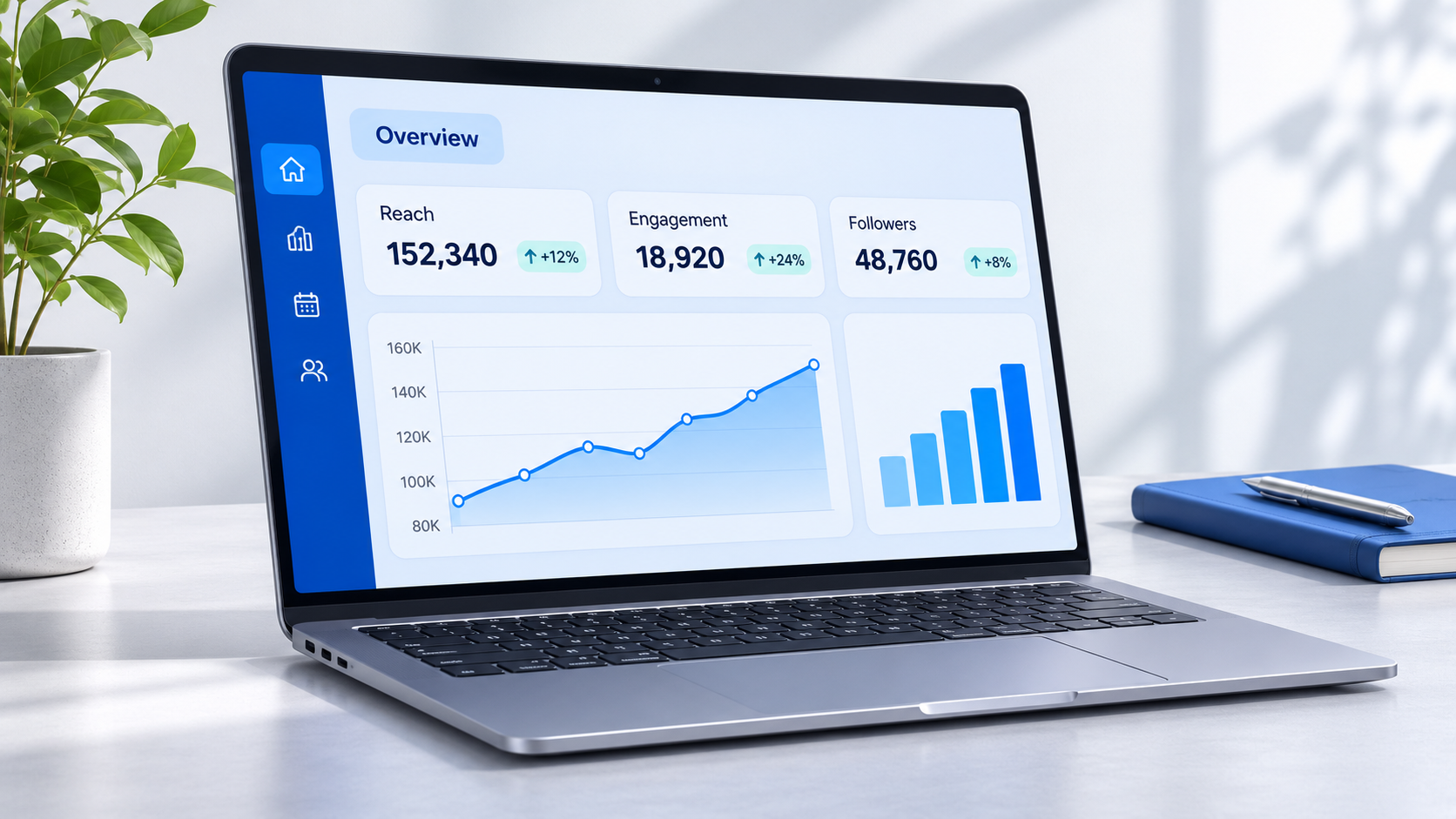
Planoly is a visual social media planning and publishing platform designed to help creators, marketers, and small businesses organize content, schedule posts, and maintain a consistent presence across multiple channels. It is especially well known as an Instagram planning tool, but its broader scheduling, content calendar, analytics, and workflow features make it useful for managing a complete social media strategy. This guide explains how the Planoly social media workflow works, which features matter most, and how to use the platform effectively.
What Is Planoly and Who Is It For? | Core Planoly Social Media Features | How to Set Up Planoly Step by Step | Using the Instagram Scheduler in Planoly | Planning Content for Other Social Platforms | How to Build an Effective Planoly Workflow | Analytics and Performance Optimization | Benefits, Limitations, and Practical Considerations | Best Practices for Getting More Value from Planoly | Frequently Asked Questions
What Is Planoly and Who Is It For?
Planoly combines a visual content planner with publishing and performance tools. Instead of preparing every post immediately before it goes live, users can upload media in advance, arrange content on a calendar, write captions, and schedule publication from one workspace. This makes it easier to plan campaigns as a connected sequence rather than as a collection of unrelated posts.
The platform initially became popular among Instagram-focused creators because of its visual feed-planning experience. Users could preview how images would look beside one another before publishing them. That remains a valuable capability for brands that care about color, composition, product sequencing, or the overall appearance of their profile grid.
Planoly is particularly suitable for:
- Creators building a consistent personal brand across social platforms
- Small businesses that do not have a dedicated social media department
- Social media managers handling recurring campaigns and content calendars
- E-commerce brands promoting products through visual content
- Marketing teams that need approval, planning, and performance workflows
It may be less suitable for large enterprises that require advanced governance, complex customer-service routing, or extensive integrations across dozens of accounts. The best way to evaluate it is as a visually oriented planning and publishing platform rather than a full enterprise social media management suite.
Core Planoly Social Media Features
The central feature is the content calendar. It gives marketers a clear view of scheduled and unscheduled posts, helping them identify empty publishing days, campaign overlaps, and an unbalanced content mix. Calendar planning is valuable because consistency depends less on posting frequently than on establishing a realistic cadence that a team can sustain.
Planoly also supports media organization. Users can prepare images and videos before scheduling them, reducing the need to search through folders whenever a post is due. A practical approach is to organize media around campaigns, product launches, themes, or content pillars. This creates a reusable content library rather than a stream of disconnected uploads.
For Instagram, visual planning is one of the strongest reasons to consider the platform. The grid preview allows users to examine how upcoming posts will appear together. A fashion brand might alternate editorial photography with product details, while a consultant might balance portraits, educational graphics, and client results. The preview makes those patterns visible before they become permanent parts of the profile.
The Planoly post scheduler also brings captions, hashtags, media, dates, and publishing settings into one workflow. Depending on the social network, post format, account permissions, and current platform integrations, content may be published automatically or require a notification-based final step. Users should verify the publishing method for every format rather than assuming all post types behave identically.
Additional capabilities may include analytics, social content ideas, reusable planning tools, link-in-bio functionality, and team collaboration. Exact features can vary by subscription and evolve over time, so compare the current plan limits against the number of accounts, users, and monthly uploads your workflow requires.
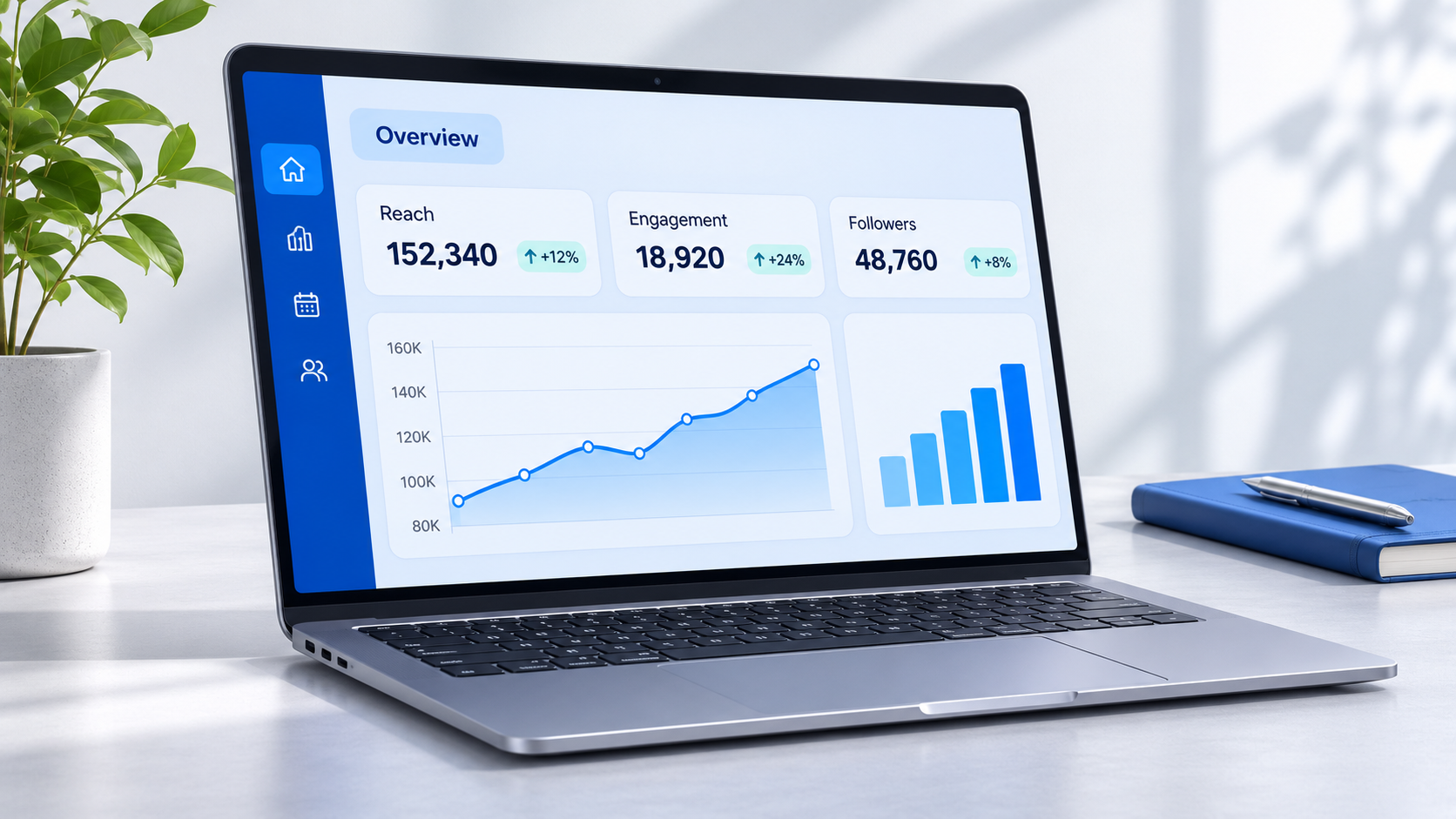
How to Set Up Planoly Step by Step
Begin by creating a Planoly account and connecting the social profiles you intend to manage. Use the correct business or creator credentials, and review every permission requested during the connection process. Publishing tools depend on permissions supplied by the social networks, so incomplete authorization can prevent automatic publishing or access to analytics.
Next, confirm the account settings inside each connected network. For an Instagram scheduler, Planoly works best when the Instagram profile and any required associated business assets are configured correctly. If a connection fails, check profile type, administrator access, linked accounts, and security prompts before repeatedly disconnecting the integration.
Once the accounts are connected, establish a basic publishing structure:
- Define three to five recurring content pillars.
- Choose a realistic weekly posting cadence for each channel.
- Identify campaign dates, launches, events, and seasonal moments.
- Upload approved media to the content library.
- Assign each asset to a pillar, campaign, and intended platform.
Content pillars prevent the calendar from becoming repetitive. A fitness coach, for example, could use education, demonstrations, client stories, personal insights, and offers. A retailer might use product benefits, customer content, behind-the-scenes material, buying guidance, and promotional announcements.
Before scheduling an entire month, publish one test post to each connected channel. Confirm that the image crop, video dimensions, caption formatting, tagging, and publication time work as expected. This small test can expose configuration issues before they affect an important campaign.
Finally, configure notifications on the device used by the person responsible for publishing. Even when most content can be sent automatically, certain features or formats may require manual action. A notification process should identify who is responsible, how quickly they must respond, and where the final media or instructions can be found.

Using the Instagram Scheduler in Planoly
The Instagram scheduler Planoly experience is most effective when planning begins with strategic roles rather than individual pictures. Decide what each post needs to accomplish: attract new viewers, teach existing followers, generate conversation, build trust, or drive an action. A visually attractive grid cannot compensate for a feed with no clear value proposition.
Upload your prepared media and place draft posts on the calendar. Use the visual planner to rearrange upcoming grid content until the sequence feels balanced. Look for repeated colors, identical camera angles, overly dense graphics, or several promotional posts appearing consecutively. The objective is not to create a perfectly coordinated mosaic; it is to make the profile clear, credible, and inviting.
Write each caption around one primary message. Strong social captions usually include a specific opening line, useful context, a clear takeaway, and one relevant call to action. Avoid adding several competing requests such as “comment, save, share, visit the link, and send a message” to the same post. Choose the action that best supports the campaign goal.
Adapt content to the intended format. Feed images need an immediate visual focal point. Carousels should make a clear promise on the first slide and deliver information in a logical sequence. Short-form videos need a compelling opening moment, readable on-screen text, and enough visual movement to retain attention. Stories benefit from direct, timely prompts and interactive elements where appropriate.
Before activating automatic publication, review the final preview and check:
- Image and video dimensions
- Caption spelling and line breaks
- Tags, mentions, locations, and links
- Cover images and thumbnail crops
- Scheduled date, time, and time zone
- Any steps that require a manual notification
Do not treat scheduling as the end of the workflow. Set aside time after publication to respond to comments, answer messages, and interact with relevant accounts. Scheduling creates operational efficiency, but active community management creates relationships.

Planning Content for Other Social Platforms
Planoly can help users coordinate content beyond Instagram, but cross-platform planning should not become identical cross-platform publishing. Every channel has different audience expectations, content formats, and discovery mechanisms. The same campaign idea can be reused, while the execution should be adapted.
Start with a master campaign concept. For example, a software company launching a new feature could create a short demonstration video, an educational carousel, a customer quote, and a behind-the-scenes clip. These assets can then be assigned to appropriate channels and rewritten for each audience.
On visually driven discovery platforms, prioritize useful, searchable, evergreen creative. On fast-moving conversational networks, tighten the message and give users a clear reason to respond. On video-first platforms, edit for retention rather than simply uploading a static asset with music. Where external links are important, test them and use campaign tracking parameters.
A good calendar also prevents accidental duplication. If followers encounter the same image, opening sentence, and call to action on every network at the same time, the brand can feel automated in the wrong way. Stagger publication, vary the hook, and change the creative treatment while maintaining the core message.
How to Build an Effective Planoly Workflow
The strongest social media scheduling tools support a repeatable operating system. Begin with a monthly planning session in which you identify business priorities, campaign themes, key dates, and production requirements. Then translate those priorities into a weekly calendar that your team can realistically produce.
A practical workflow contains six stages: idea, brief, production, review, scheduling, and analysis. Each post should have a clear status, owner, channel, objective, and deadline. Even a solo creator benefits from these stages because they separate creative decisions from last-minute publishing pressure.
Batch similar tasks whenever possible. Photograph several products during one shoot, outline multiple videos in one writing session, and draft a week of captions together. Batching reduces setup time and helps maintain consistency in lighting, tone, and messaging. Upload completed assets to Planoly only after using a dependable file-naming convention, such as campaign, format, topic, and publication date.
For teams, establish a review deadline at least one business day before publication. Reviewers should check factual accuracy, brand voice, visual quality, accessibility, and campaign alignment. They should not reopen the entire creative concept unless a genuine strategic or legal issue exists. Clear review criteria keep approval from becoming an endless cycle of subjective edits.
Leave intentional gaps in the calendar for timely content. Scheduling every available slot weeks in advance can make a brand seem disconnected from current conversations. A useful balance is to schedule predictable educational, promotional, and evergreen posts while reserving capacity for relevant developments and community-led ideas.
Analytics and Performance Optimization
Analytics should answer decisions, not merely produce reports. Before reviewing results, define what success means for each post. Awareness content may be judged by reach or video views, educational content by saves and shares, community content by meaningful comments, and conversion content by qualified clicks, inquiries, or sales.
Use Planoly’s available reporting features to compare content over a meaningful period. One unusually successful post does not automatically establish a reliable pattern. Review at least several weeks of data and group posts by pillar, format, topic, hook, and call to action. This reveals which combinations repeatedly perform well.
Calculate rates when raw totals are misleading. A post with fewer total interactions may still have a stronger engagement rate relative to its reach. Likewise, a video with many views may contribute little business value if viewers leave immediately or never take the next step.
Conduct a simple monthly review:
- Identify the three posts that best supported business goals.
- Record their common topics, formats, hooks, and publishing times.
- Find posts that underperformed and diagnose likely causes.
- Choose two successful ideas to expand or repurpose.
- Select one controlled experiment for the next month.
Controlled experiments are more useful than changing everything simultaneously. Test one variable, such as the first carousel slide, video opening, caption length, or call to action. Keep the rest of the approach reasonably consistent so the result can guide future decisions.
Benefits, Limitations, and Practical Considerations
Planoly’s main benefit is visibility. A visual calendar makes upcoming work easier to understand, while the grid planner helps Instagram-oriented brands protect visual consistency. Scheduling also reduces daily publishing pressure and gives teams more time for strategy, production, and audience engagement.
The platform can be especially efficient for small teams because it combines several common tasks in one place. However, value depends on workflow fit. A business that needs only a few scheduled posts may not use advanced planning features, while an agency managing complex permissions and extensive reporting may need a more specialized platform.
As with all third-party social media scheduling tools, functionality depends partly on the APIs and publishing rules of the connected networks. A format that can be published automatically today may have different requirements from another content type. Users should maintain access to the native social accounts and periodically verify connections.
Plan limits are another consideration. Before subscribing, compare the number of supported social sets, users, uploads, and analytics features with your actual monthly output. Include projected growth rather than choosing solely for the current workload. Also review current pricing and feature documentation, since packages can change.
Planoly will not create a strategy by itself. It can organize an effective content program, but it can also organize weak or repetitive content. Results still depend on audience research, useful creative ideas, strong production, persuasive writing, and responsive community management.
Best Practices for Getting More Value from Planoly
Use the calendar as a strategic map, not just a publishing queue. Apply consistent labels or naming conventions to campaigns and content pillars. At a glance, you should be able to determine whether the month contains a healthy balance of education, trust building, community, and promotion.
Create reusable caption frameworks without copying the same language. A framework might include a hook, problem, insight, example, and call to action. It accelerates writing while leaving enough flexibility for each post to sound natural.
Plan repurposing during production. One long tutorial can become several short videos, a carousel, a checklist, and a series of stories. Record clean source footage, preserve original files, and write down the strongest quotes or teaching points. This makes content reuse intentional rather than improvised.
Finally, audit the schedule every week. Check for outdated offers, broken links, duplicated messages, insensitive timing, and posts that no longer fit current priorities. Automation should increase control, not remove editorial judgment.
Frequently Asked Questions
Is Planoly only for Instagram?
No. Although Planoly is widely associated with Instagram planning and visual grid design, it can support broader social media publishing workflows. Available networks, formats, and features may vary, so users should confirm current channel support before selecting a subscription.
Can Planoly publish posts automatically?
Many supported post types can be scheduled for automatic publication when the social account, permissions, and content format meet the relevant requirements. Some formats or features may require a mobile notification and a manual publishing step. Always test each channel and format before an important campaign.
Is Planoly suitable for small businesses?
Yes. Its visual calendar, media organization, and scheduling features can help a small business operate consistently without hiring a large social team. The business should compare current plan limits and pricing with its number of accounts, users, and expected publishing volume.
How far ahead should content be scheduled?
Most brands benefit from preparing evergreen and campaign content one to four weeks ahead while keeping room for timely posts. Schedule confirmed material early, but review the calendar weekly so that outdated or contextually inappropriate content does not publish automatically.