
Comprehensive Social Media Calendar Creation and Usage Guide
Create and manage an effective social media calendar to streamline your content planning and boost engagement across all platforms efficiently.


A social media content calendar is a practical system for deciding what to publish, where to publish it, and when each post should go live. Building a social media calendar helps marketers replace last-minute posting with a repeatable workflow that connects every piece of content to an audience need, campaign goal, platform, owner, and deadline. This guide explains how to create that system from scratch, turn a blank social media calendar into a focused 30-day plan, and use it to coordinate production, publishing, engagement, and performance analysis.
Why a Social Media Calendar Matters | What to Include in a Social Media Content Calendar | How to Build a Social Media Calendar Step by Step | How to Turn a Blank Calendar into a 30-Day Content Plan | Choosing and Customizing Social Media Calendar Templates | How to Use the Calendar in a Real Content Workflow | Common Calendar Mistakes and How to Avoid Them | Frequently Asked Questions
Why a Social Media Calendar Matters
A calendar is more than a list of post ideas. It is the operational center of a social media strategy. Without one, teams often publish too many promotional posts, overlook important dates, repeat topics, or discover too late that a video still needs editing. A well-designed media content calendar makes those gaps visible before they become problems.
The calendar also connects strategy with daily execution. High-level goals such as increasing reach or generating leads can feel abstract until they are translated into specific posts. For example, a goal to grow brand awareness might become a weekly short-form educational video, two creator collaborations per month, and a recurring customer-story series. Each commitment receives a date, format, platform, owner, and success metric.
For teams, visibility is one of the greatest benefits. Copywriters can see upcoming briefs, designers can plan production, reviewers know when approvals are due, and community managers understand which conversations a campaign may generate. Solo creators benefit in much the same way: they can batch similar tasks, protect creative time, and avoid making every decision on the day of publication.
A calendar is especially valuable when several platforms are involved. The same campaign may require a vertical video for TikTok, a carousel for Instagram, a professional insight for LinkedIn, and a discussion prompt for another community. Planning these assets together creates a coherent campaign while allowing each post to feel native to its channel.
- Consistency: Maintain a dependable publishing rhythm without relying on inspiration.
- Balance: Distribute educational, entertaining, community, and promotional content deliberately.
- Efficiency: Batch research, writing, recording, design, and scheduling.
- Accountability: Assign ownership and make deadlines clear.
- Measurement: Compare planned objectives with actual results.

What to Include in a Social Media Content Calendar
An effective social media content calendar planner should contain enough information to prevent confusion, but not so much that maintaining it becomes a separate full-time job. Start with the fields needed to move a post from idea to publication. Add more only when they solve a recurring workflow problem.
Every entry should include a publication date, publication time, platform, content pillar, working title, format, caption or copy, and call to action. Include a link to the working asset so nobody has to search through messages or folders. A status field should show whether the post is an idea, in production, awaiting review, approved, scheduled, published, or being repurposed.
Teams should also record the post owner and approver. If paid promotion, partnerships, or regulated claims are involved, add fields for budget, partner approval, disclosure language, and compliance review. Tracking these requirements inside the calendar reduces the risk of publishing incomplete or noncompliant content.
Useful measurement fields include the post objective, primary metric, campaign name, tracking URL, and a space for results. Avoid attaching every possible metric to every post. Choose the measure that reflects the intended behavior. Reach may be appropriate for awareness content, saves for practical educational posts, comments for community prompts, clicks for traffic campaigns, and conversions for commercial offers.
| Field | Purpose | Example |
|---|---|---|
| Publish date and time | Defines the posting schedule | June 12, 10:00 a.m. |
| Platform | Identifies the destination channel | |
| Content pillar | Maintains strategic topic balance | Practical tutorials |
| Format | Clarifies production requirements | Vertical video |
| Hook and message | Captures the central idea | Three mistakes reducing your reach |
| Call to action | Defines the desired audience response | Save this checklist |
| Owner and status | Supports workflow management | Maya; awaiting review |
| Primary metric | Connects the post to its objective | Save rate |
Keep a separate notes area for hashtags, tagged accounts, publishing instructions, accessibility details, and repurposing opportunities. Alt text and captions should be treated as production requirements rather than optional additions. This improves accessibility and ensures that posts are ready when they enter the scheduling queue.
How to Build a Social Media Calendar Step by Step
Building a social media calendar begins with strategy, not dates. A full grid can still be ineffective if the posts do not support a clear audience and business objective. Use the following process to turn strategic priorities into a schedule your team can realistically deliver.
1. Audit your existing social media activity
Review at least the previous 60 to 90 days of content. Identify the topics, formats, hooks, and publishing times associated with strong results. Look beyond raw totals: a post with fewer views but a high click or save rate may be more valuable than a broadly viewed post that produced no meaningful action.
Record which platforms deserve continued investment and where effort is producing little return. Note production bottlenecks, missed deadlines, unused assets, and recurring approval delays. The purpose of the audit is not simply to rank past posts; it is to improve the next planning cycle.
2. Set goals and define primary metrics
Choose one or two priorities for the month. Possible goals include increasing qualified reach, growing an email list, supporting a launch, generating product trials, or strengthening customer retention. Define a primary metric for each goal and establish a baseline so progress can be evaluated properly.
Be precise. “Increase engagement” is difficult to plan around. “Increase average saves on educational Instagram posts by 15%” provides direction for topics, formats, calls to action, and reporting.
3. Establish content pillars
Content pillars are the recurring subjects your brand is qualified to discuss and your audience wants to receive. Most brands need three to five. An SMM software brand, for instance, might use social strategy, content creation, analytics, workflow automation, and customer success.
Assign each pillar a purpose. Educational content can build authority, customer stories can create trust, opinion posts can encourage discussion, and product demonstrations can support conversion. This prevents a common calendar problem: publishing varied topics that do not collectively tell a useful brand story.
4. Select platforms, formats, and frequency
Choose a sustainable cadence based on resources and audience behavior. Three strong posts per week are usually more valuable than daily posts that the team cannot maintain. Account for the true production cost of each format. A short video may require scripting, recording, editing, captions, a thumbnail, and approval, while a text post may be completed much faster.
Plan platform-specific adaptations instead of automatically copying the same asset everywhere. The central idea can remain consistent, but the hook, length, dimensions, caption, and call to action should reflect how people use each network.
5. Plot campaigns, events, and fixed dates
Add launches, promotions, webinars, holidays, industry events, and internal milestones before filling regular content slots. Work backward from each important date. A launch may need teaser content, education, proof, an announcement, demonstrations, objection handling, and a follow-up post.
Include production and approval deadlines, not only publication dates. If a video is scheduled for Friday, the script may need approval on Monday and filming may need to happen on Tuesday. These internal dates make the calendar operational.
6. Fill remaining slots and assign work
Use your pillars and audience questions to complete the schedule. Look for a healthy mix of formats and funnel stages. Assign every post to a person, even on a small team, and make one person responsible for moving it to the next status.
Finally, review the calendar as a complete audience experience. Check for repetitive hooks, excessive selling, long gaps between posts, and several labor-intensive assets due at once. Adjust the schedule before production begins.

How to Turn a Blank Calendar into a 30-Day Content Plan
A blank social media calendar can feel intimidating because it presents too many possible choices. The easiest solution is to create repeatable weekly patterns. Instead of inventing 30 unrelated posts, assign a role to each day or publishing slot and vary the subject within that structure.
A 30 day content calendar does not have to contain 30 feed posts. “Content” can include Stories, short videos, live sessions, community replies, reposts, newsletters, or days reserved for analysis and production. The right volume is the amount your team can publish at a consistently high standard.
| Days | Focus | Suggested content |
|---|---|---|
| 1–5 | Introduce the monthly theme | Audience problem, quick tip, opinion, poll, and behind-the-scenes post |
| 6–10 | Teach | Tutorial, checklist, myth correction, carousel, and question prompt |
| 11–15 | Build trust | Case study, testimonial, process video, team insight, and live session |
| 16–20 | Deepen engagement | Challenge, user-generated content, debate, quiz, and response video |
| 21–25 | Support conversion | Product demonstration, comparison, objection answer, offer, and FAQ post |
| 26–30 | Recap and learn | Results, highlights, community thank-you, repurposed post, and monthly review |
Use this framework as a menu rather than a rigid rule. If your brand publishes four times per week, select the most relevant ideas and use nonpublishing days for creation, engagement, or analysis. A monthly social media calendar should create focus, not pressure the team into unnecessary output.
To make a reusable blank template, create columns for date, channel, pillar, format, objective, concept, hook, call to action, asset link, owner, approval date, status, and results. Duplicate the sheet or board at the beginning of each month. Keep an untouched master version so the team always has a clean starting point.
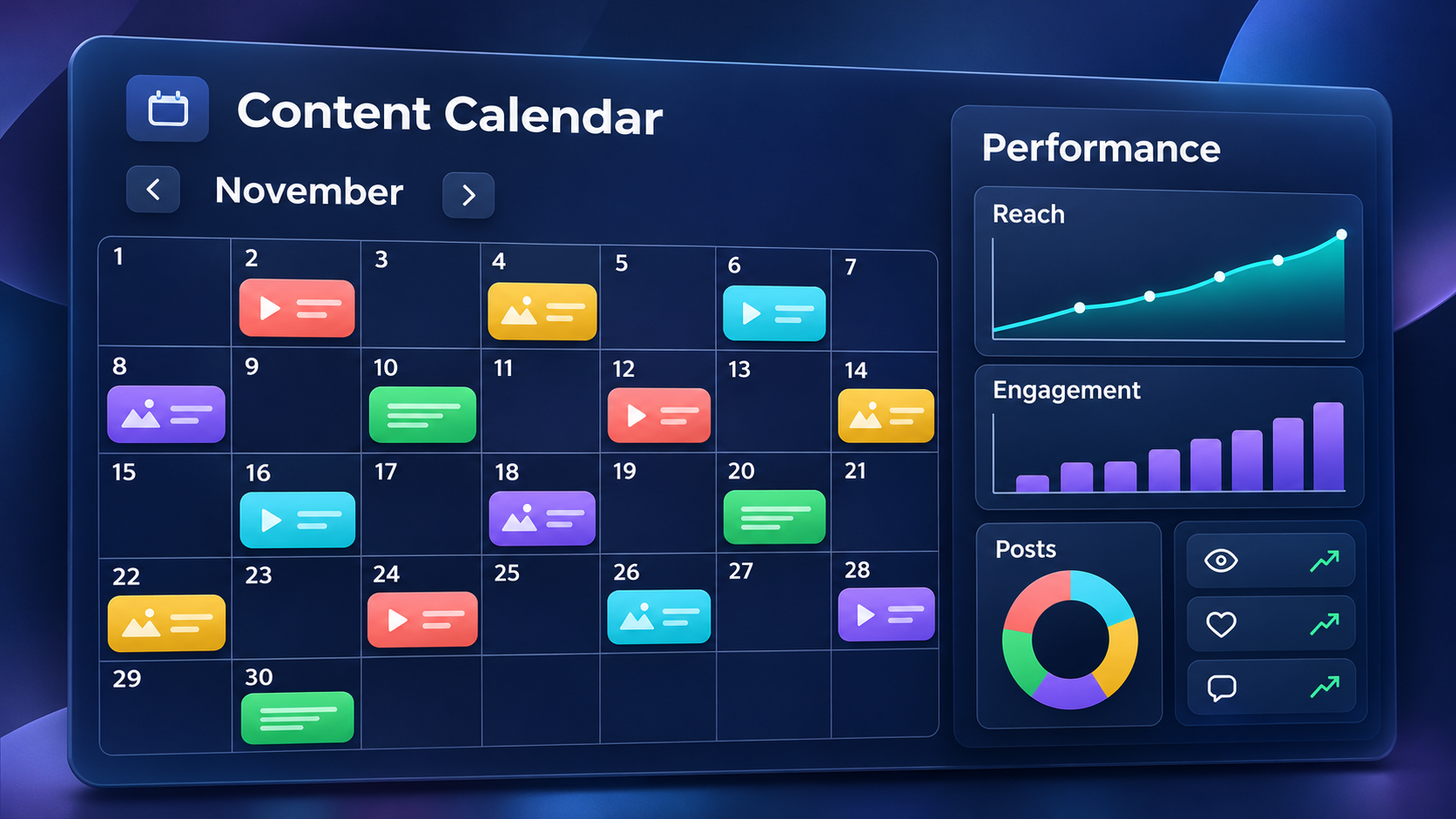
Color coding can make the schedule easier to scan. Use colors consistently—for example, blue for educational content, green for community posts, orange for campaigns, and purple for promotional content. Avoid using color as the only status indicator; written labels remain important for accessibility and clarity.
Choosing and Customizing Social Media Calendar Templates
Social media calendar templates are useful starting points, but the best template is the one your team will actually maintain. A spreadsheet works well for simple planning, filtering, and reporting. A project-management board is better when content passes through several production stages. A dedicated scheduling platform is useful when the calendar must connect directly to publishing.
Before adopting a template, test it against a real post. Can a team member find the brief, asset, approval status, scheduled time, and performance target without asking another person? If not, the template is missing essential information or spreading it across too many locations.
An editable social media calendar should reflect your workflow terminology. Replace generic status labels with the stages your team uses. Add dropdowns for platforms, pillars, formats, and owners to reduce inconsistent data. Lock formula cells if the calendar calculates production volume or campaign totals, but keep planning fields easy to modify.
Separate planning views can make one calendar useful to different stakeholders. Creators may need a production view grouped by format and deadline. Managers may prefer a monthly overview organized by campaign. Community teams may need a chronological list of posts with engagement instructions. These views should draw from the same source of truth rather than becoming separate calendars that drift out of sync.
If you offer a downloadable template to colleagues or clients, include a short instruction tab and one completed example row. Clarify the meaning of each status and identify required fields. A template becomes valuable when users understand how to operate it, not merely when it looks polished.
How to Use the Calendar in a Real Content Workflow
The calendar should guide a recurring workflow from planning to reporting. At the start of each month, hold a planning session to review goals, campaigns, audience insights, and available production capacity. Approve themes and major concepts before spending time on detailed copy or design.
During weekly production, filter the calendar by status and deadline. Writers and creators should work from approved briefs, then link finished drafts or assets directly to the relevant entries. Reviewers should leave consolidated feedback in the designated location rather than scattering comments across email and chat.
Schedule approved content in batches where possible. Before scheduling, verify the caption, creative, link, tags, accessibility text, location, disclosure, and publication time. Preview posts for formatting issues, particularly line breaks, cropped images, subtitle placement, and mobile readability.
Leave some capacity for timely opportunities. A calendar should provide structure without preventing relevant responses to news, trends, customer conversations, or unexpected events. A useful rule is to plan roughly 80% of available capacity and reserve 20% for reactive content, experiments, and urgent changes.
After publication, the workflow continues. Community managers should know which posts require active replies, escalation, or lead follow-up. Add engagement windows to the calendar when fast responses matter, such as the first hour after a live event or campaign announcement.
Review performance every week and conduct a deeper analysis at the end of the month. Compare posts by objective, pillar, format, and platform. Identify patterns that can inform future planning, but avoid making large decisions from a single unusually strong or weak post. Use several comparable examples whenever possible.
Common Calendar Mistakes and How to Avoid Them
The most common mistake is filling every date before confirming strategy. This produces activity without direction. Begin with goals, campaigns, pillars, and audience needs, then decide how many posts are required.
Another mistake is treating the calendar as fixed. Publishing plans sometimes need to change because of breaking news, operational issues, audience feedback, or shifting campaign priorities. Establish who can pause scheduled posts and how urgent changes will be communicated.
Teams also underestimate production time. A calendar may look balanced while assigning five complex videos to the same week. Add effort estimates or production categories such as light, medium, and heavy. Spread demanding assets across the month and batch work that uses the same location, equipment, or talent.
Do not measure calendar success only by whether posts were published on time. Timeliness is an operational metric, not the final marketing outcome. Evaluate whether the content reached the intended audience, prompted the desired action, and generated useful learning.
Finally, avoid turning the calendar into an archive nobody reviews. Schedule a weekly 15-minute check and a monthly performance session. The system stays valuable only when the team uses results to improve future ideas, formats, timing, and resource allocation.
Frequently Asked Questions
What is the difference between a content calendar and a social media calendar?
A content calendar may cover all marketing content, including blog articles, newsletters, podcasts, webinars, and social posts. A social media calendar focuses specifically on content published through social networks. Many teams connect the two so a major article or campaign can be adapted into several platform-specific posts.
How far in advance should social media content be planned?
Most teams benefit from planning themes and campaigns one to three months ahead, then finalizing individual posts two to four weeks before publication. Keep part of the schedule flexible for timely content. Industries with lengthy legal, partner, or compliance reviews may need longer lead times.
How often should a social media calendar be updated?
Update statuses whenever work moves to a new stage, review upcoming posts at least weekly, and evaluate the overall plan monthly. Performance data can be added after posts have had enough time to collect meaningful results. The calendar should remain current enough that anyone can rely on it without requesting a separate update.
What is the best tool for creating a social media content calendar?
The best tool depends on workflow complexity. A spreadsheet is often sufficient for individuals and small teams. Project-management tools help coordinate assignments and approvals, while scheduling platforms connect planning directly with publishing. Choose a system that is editable, easy to maintain, and accessible to everyone responsible for content.